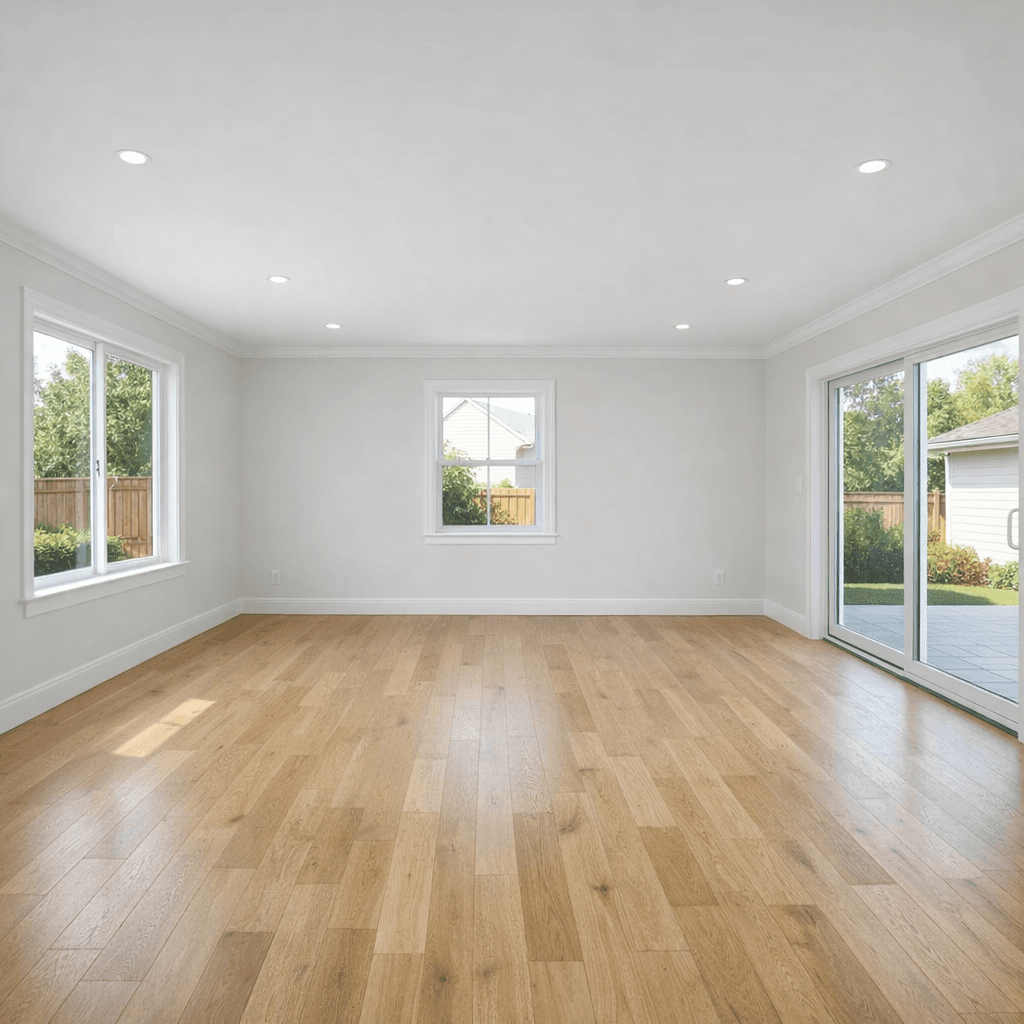
 Before
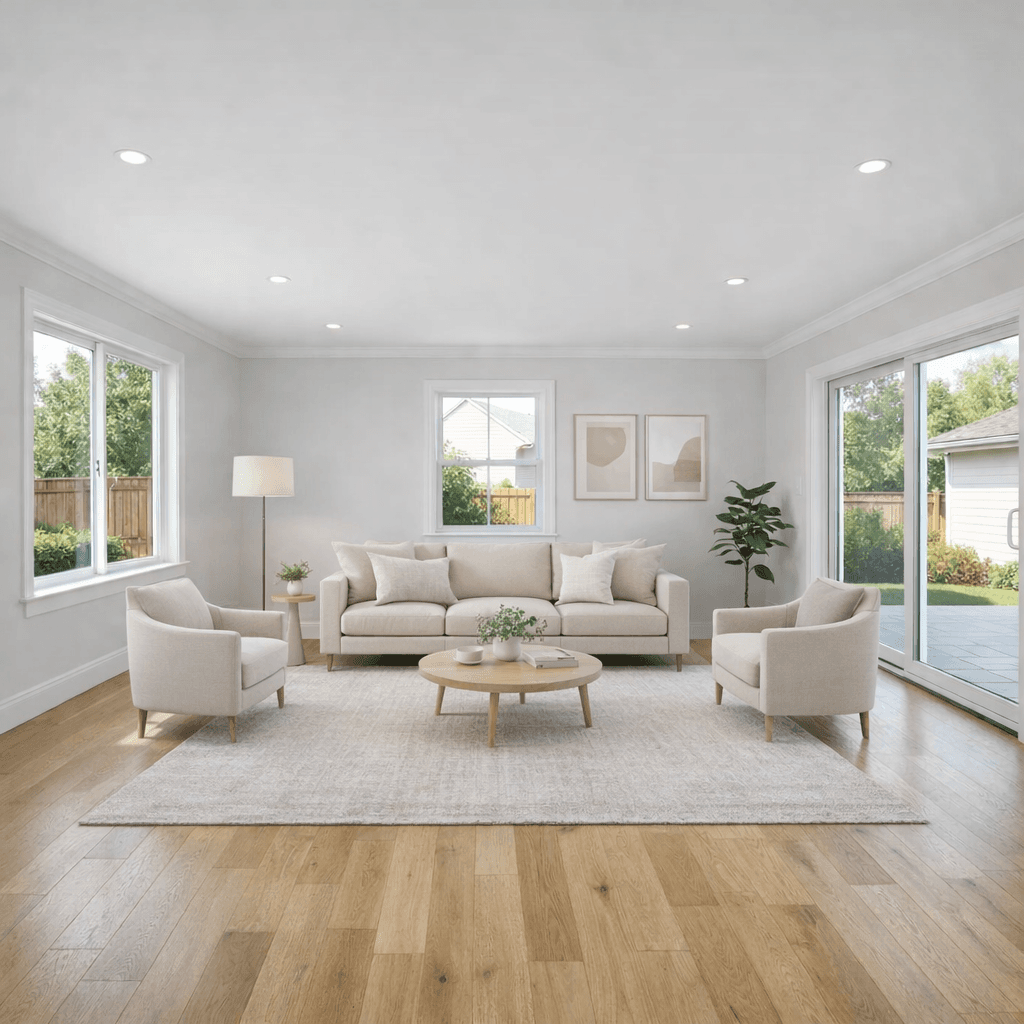 After
AfterEmpty Room Staging
Living room virtual staging
Shows a blank room as a furnished living area while keeping the windows, doors, floor, and camera angle intact.
Virtual Staging
Stage living rooms, bedrooms, kitchens, bathrooms, and entryways while preserving the real layout, fixed features, and buyer-visible details of the property.
Start with 10 free AI listing visuals.
Rooms Mode
Rooms mode covers the common jobs agents search for: virtual furniture staging, room cleanup, real estate photo enhancement, image upscale, and more specific edit direction when a room needs it.
Add realistic furniture and decor to empty rooms, dated rooms, or rooms that need a few missing pieces.
Prepare occupied rooms for market by removing distractions, personal items, dirt, and dim lighting.
Improve lighting, color, clarity, and output sharpness without redesigning the room.
Give a room more direction when the preset alone is not specific enough.
Staging Examples
The examples move from the main room types agents typically need first, then into furniture replacement and partly furnished room staging.
BeforeAfterEmpty Room Staging
Shows a blank room as a furnished living area while keeping the windows, doors, floor, and camera angle intact.
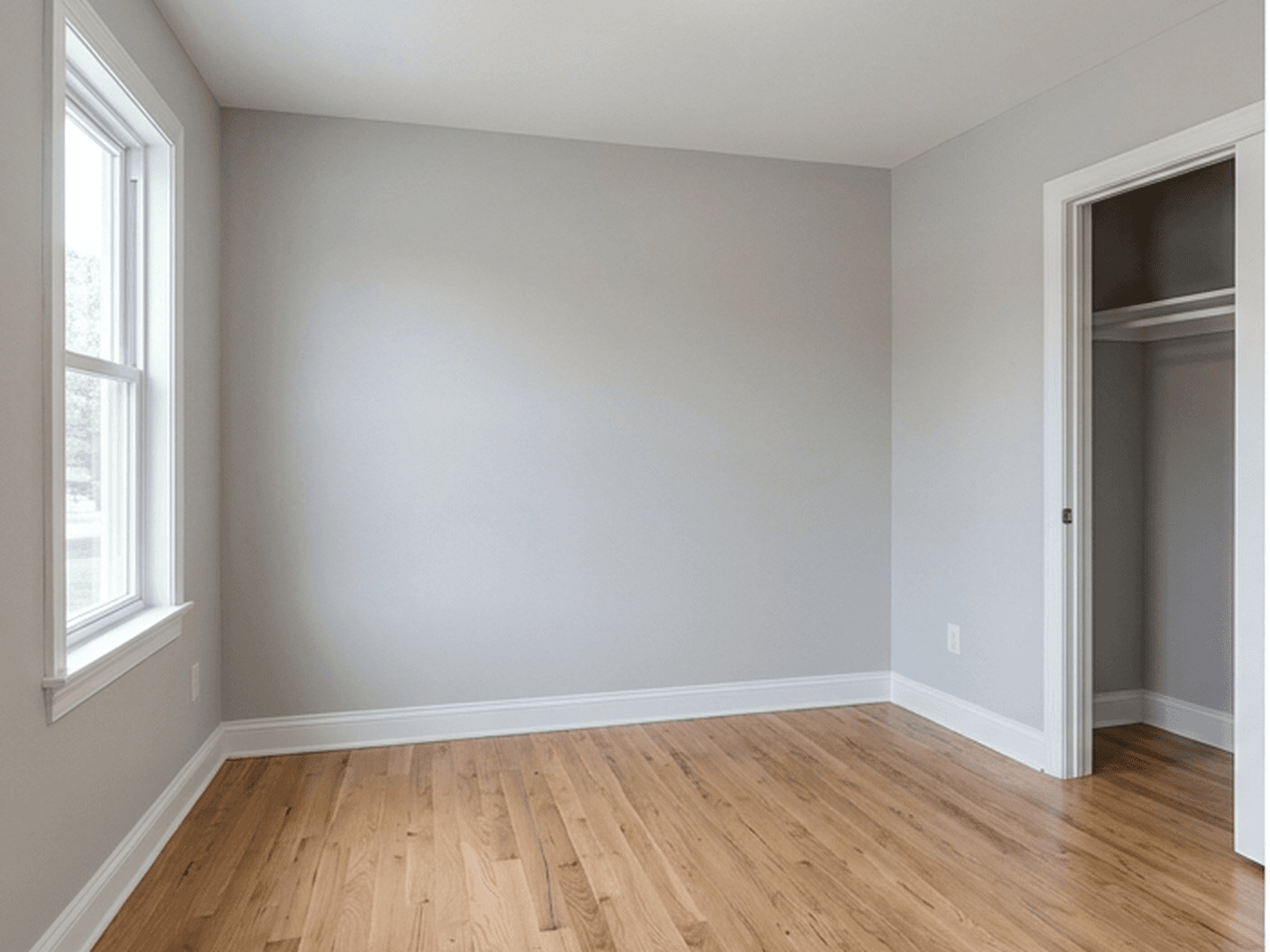 Before
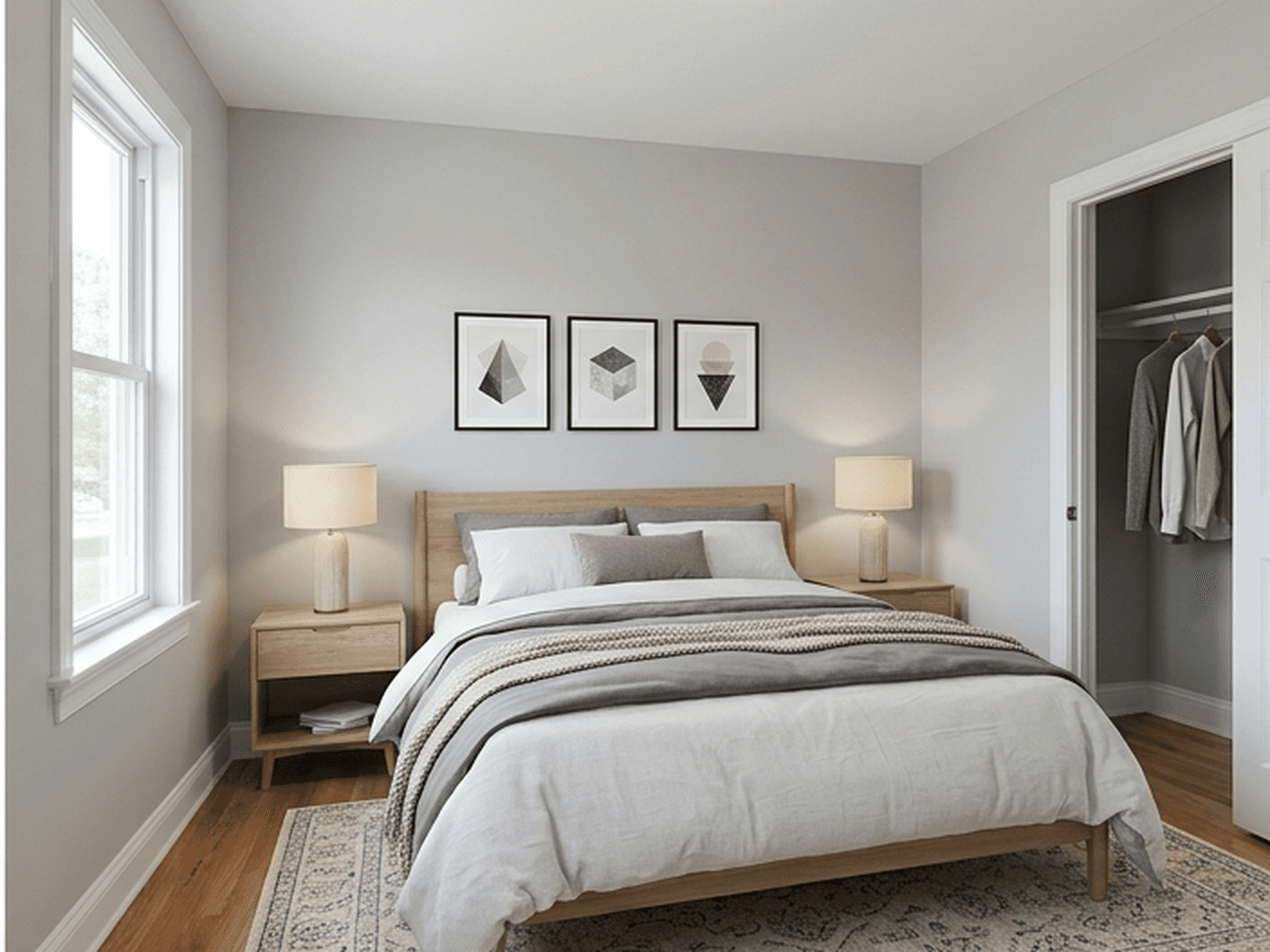 After
AfterEmpty Room Staging
Adds a bed, nightstands, lamps, rug, and simple decor without turning the photo into a different bedroom.
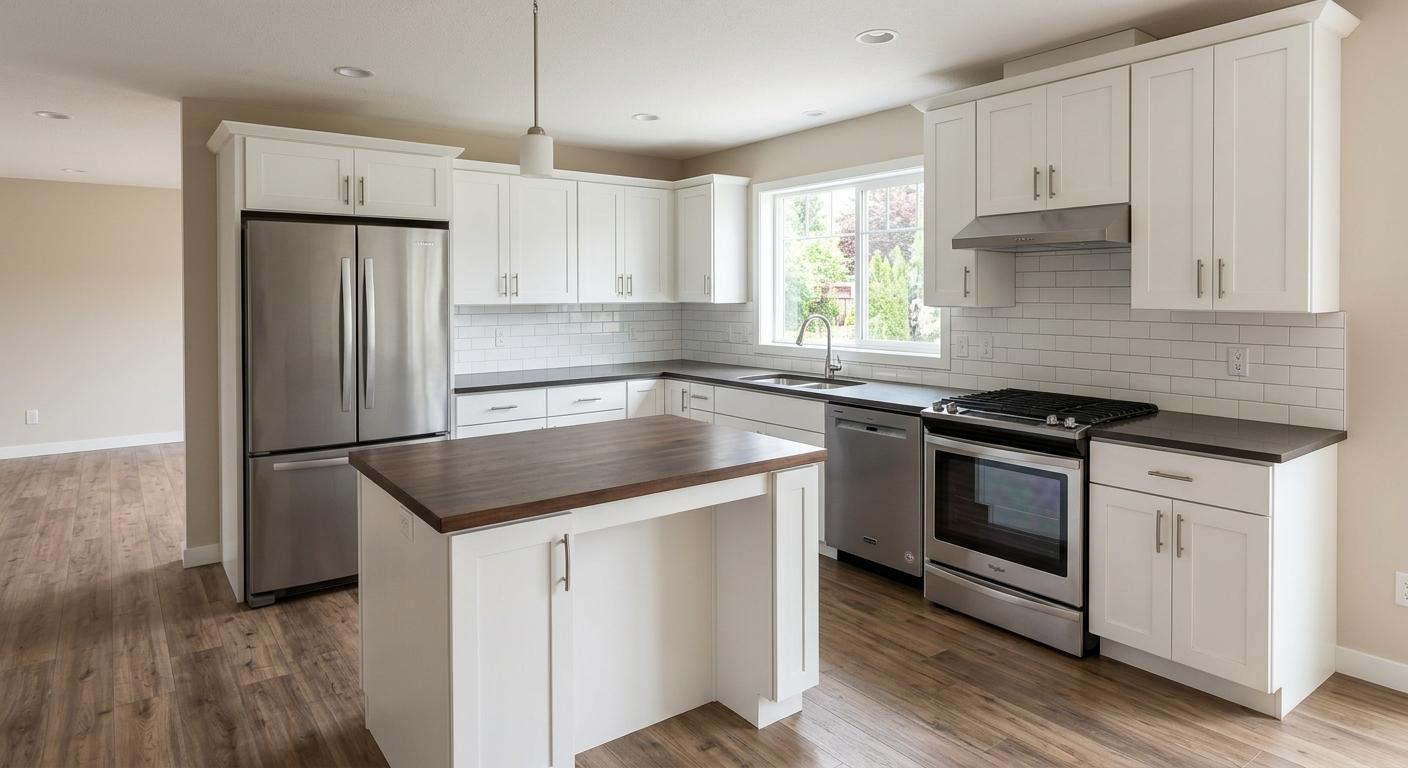 Before
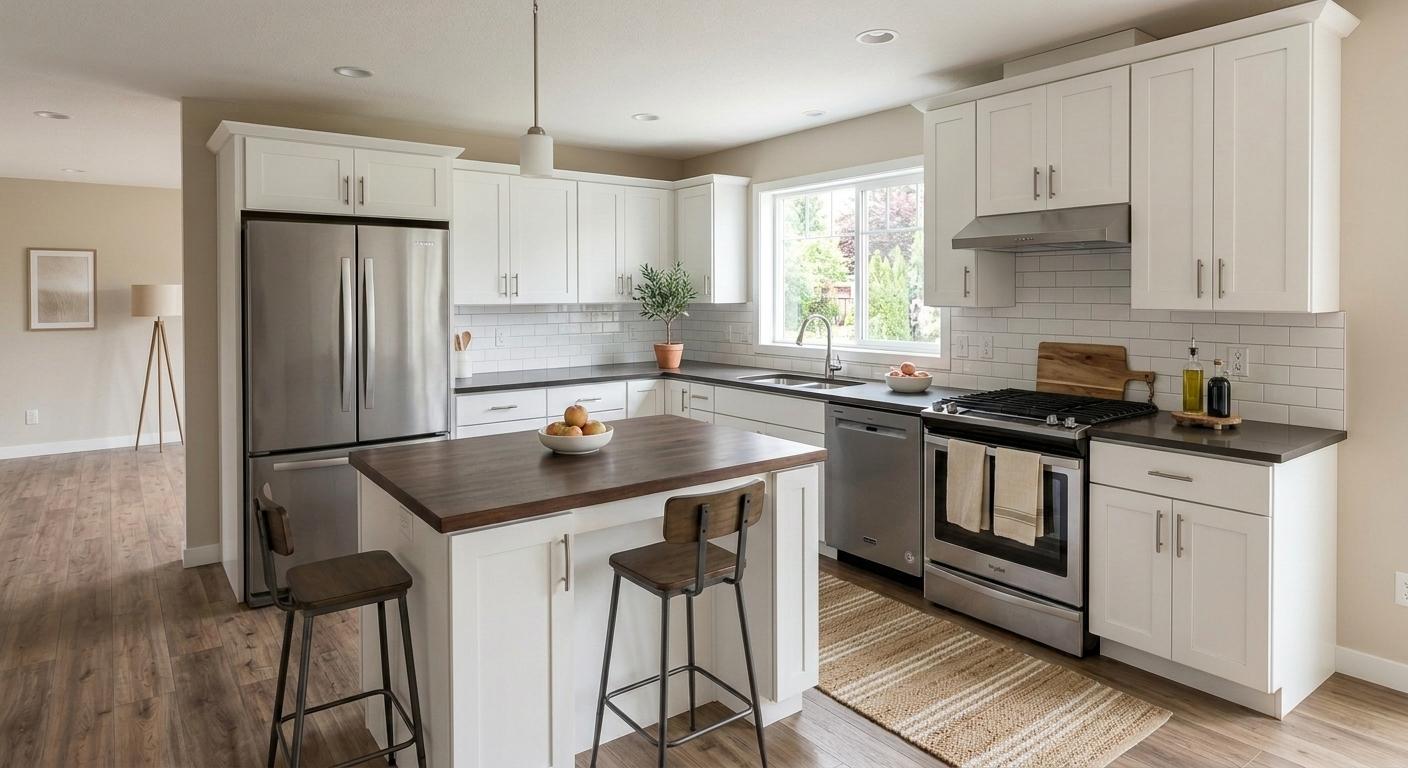 After
AfterKitchen Staging
Adds stools and simple countertop styling without changing cabinets, appliances, counters, backsplash, or fixtures.
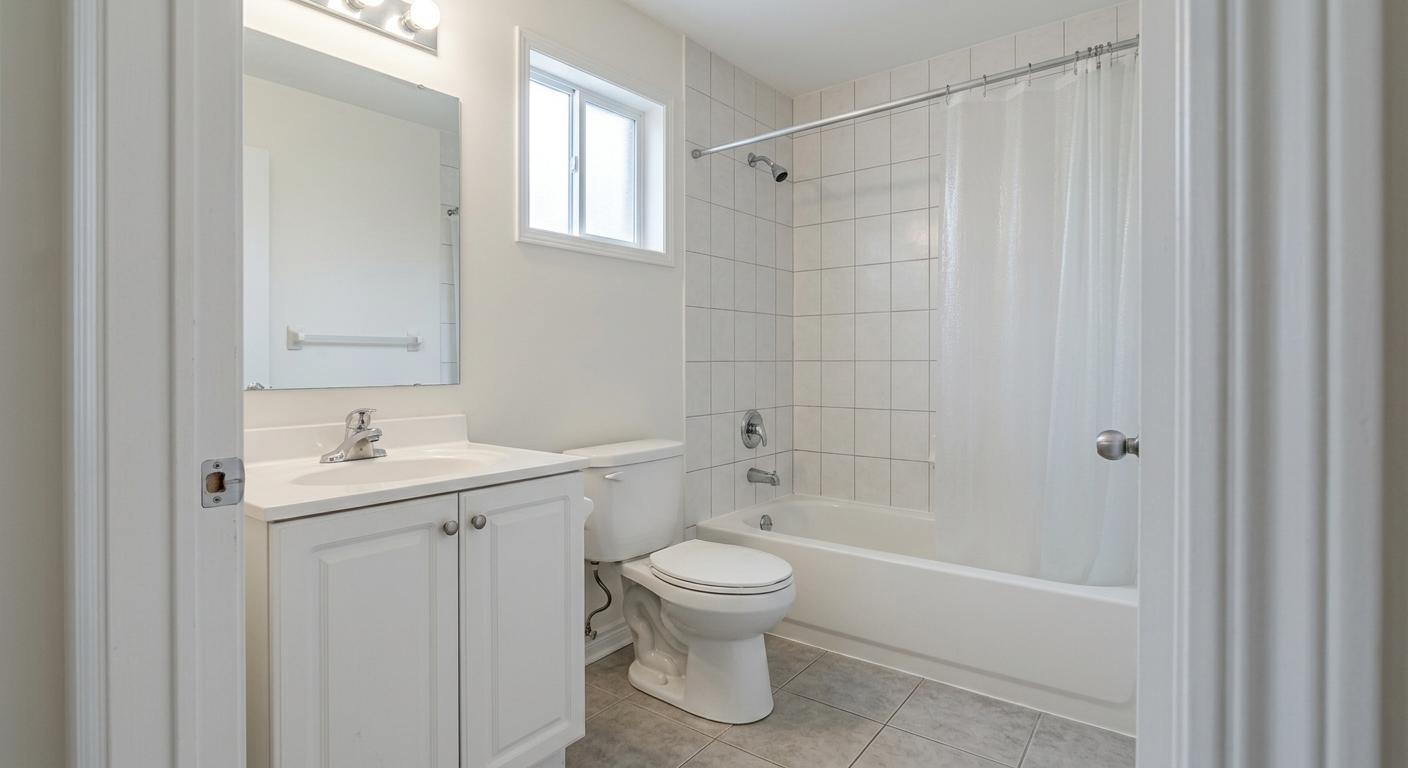 Before
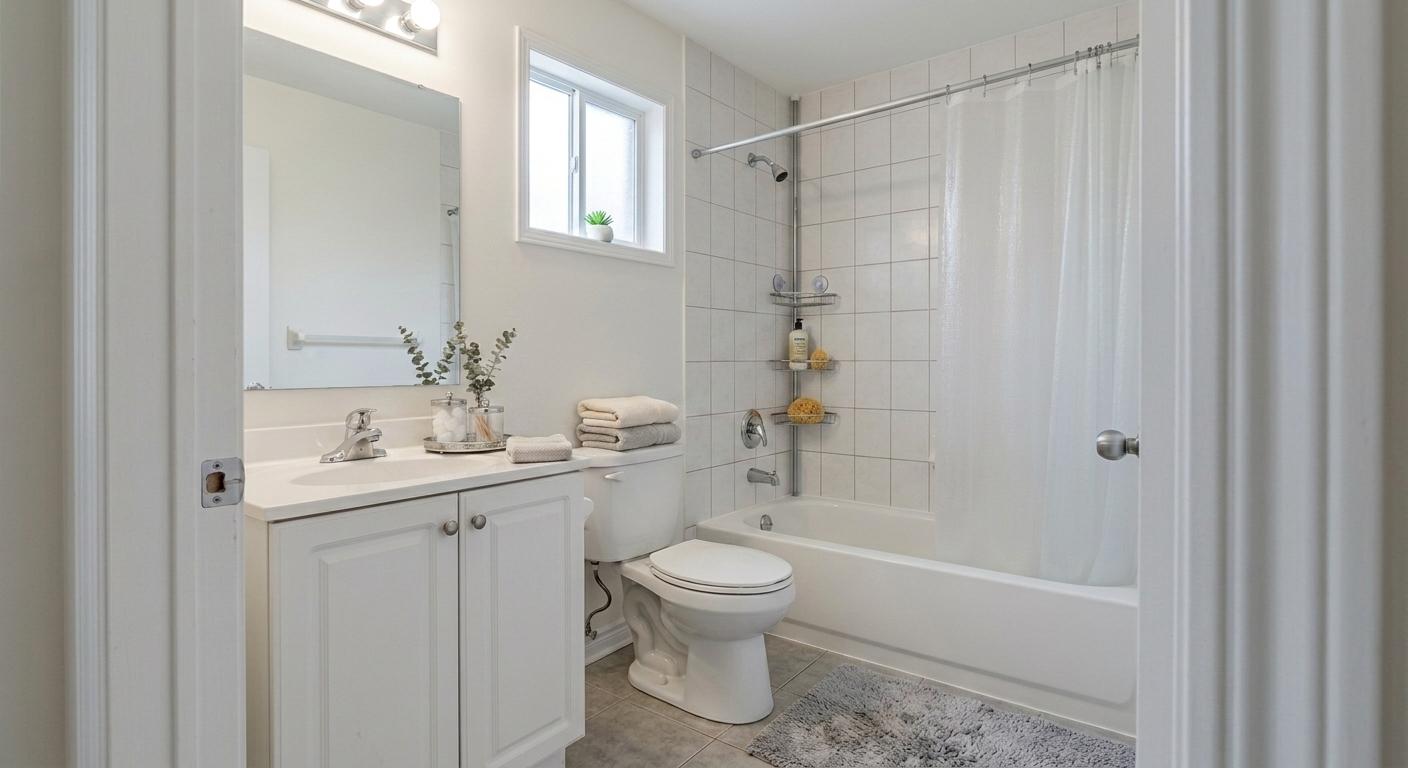 After
AfterBathroom Staging
Adds towels, a bath mat, greenery, and simple accessories without changing the tub, toilet, vanity, tile, or window.
 Before
 After
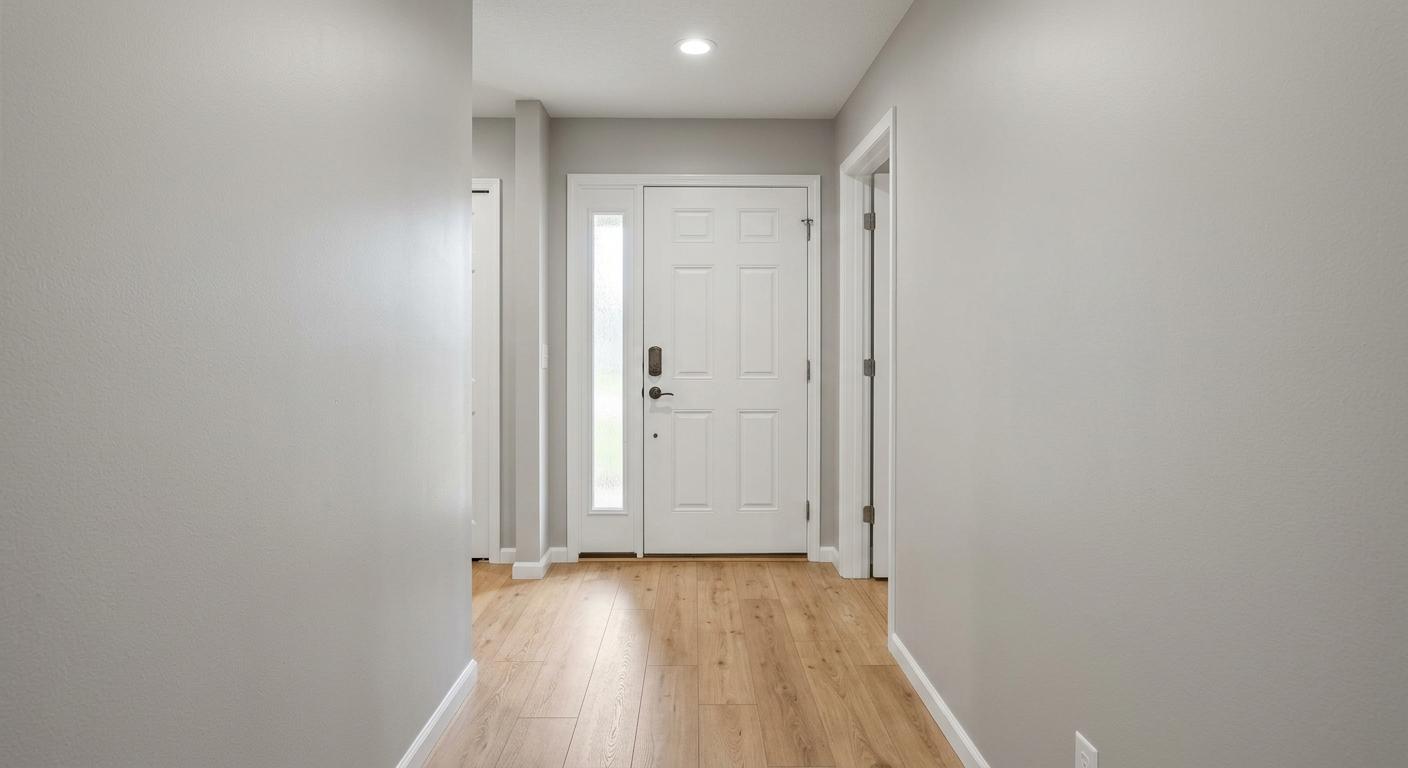
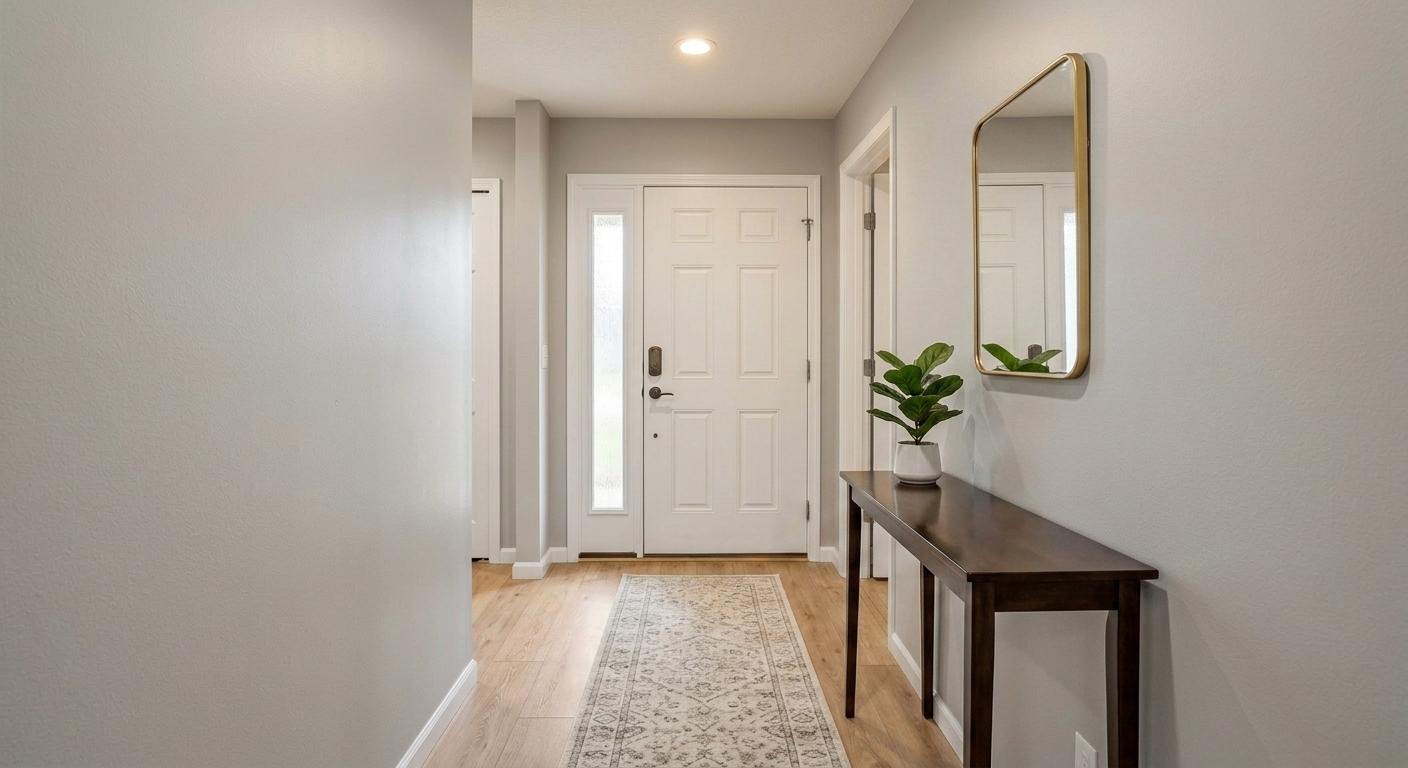
AfterEntrance Staging
Adds an entry table, mirror, runner, and plant while keeping the door, walls, trim, floor, and camera angle intact.
 Before
 After
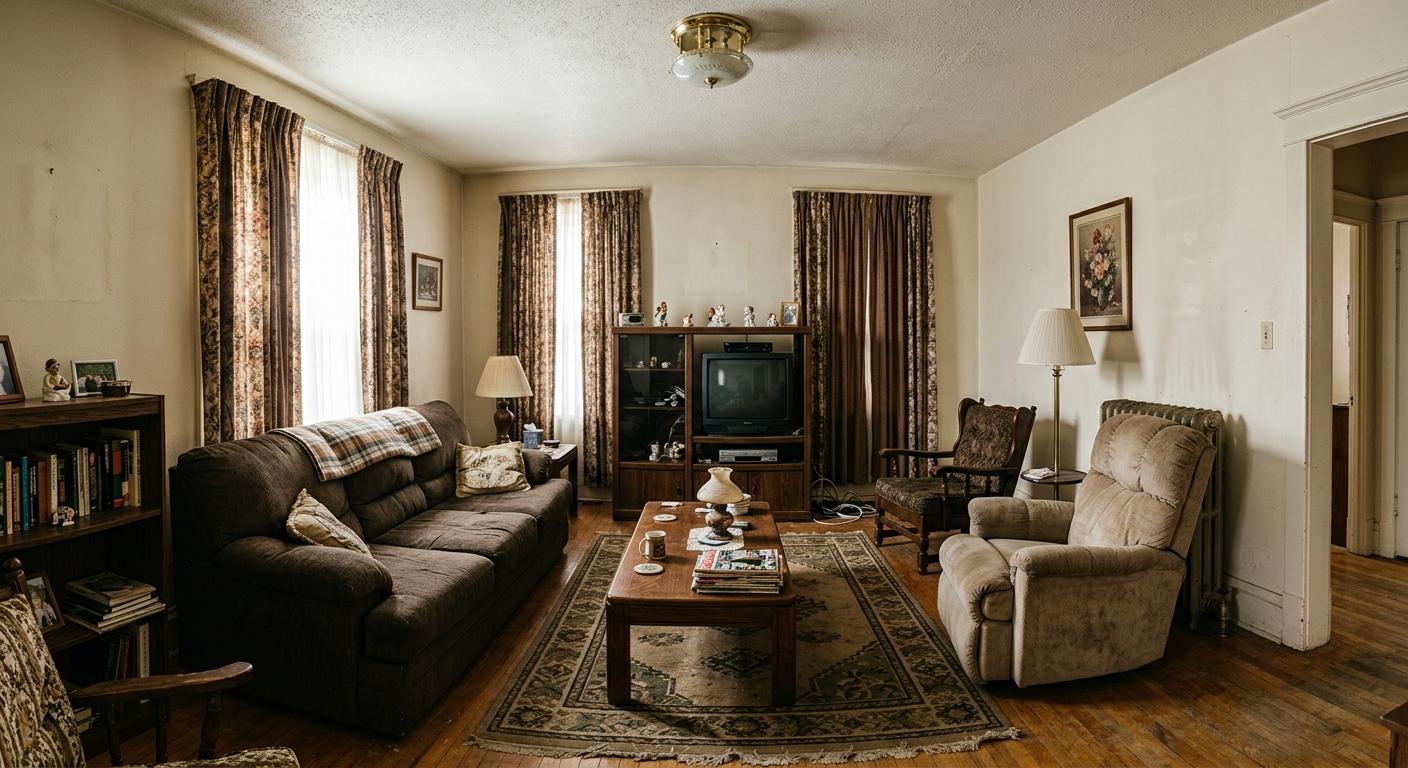
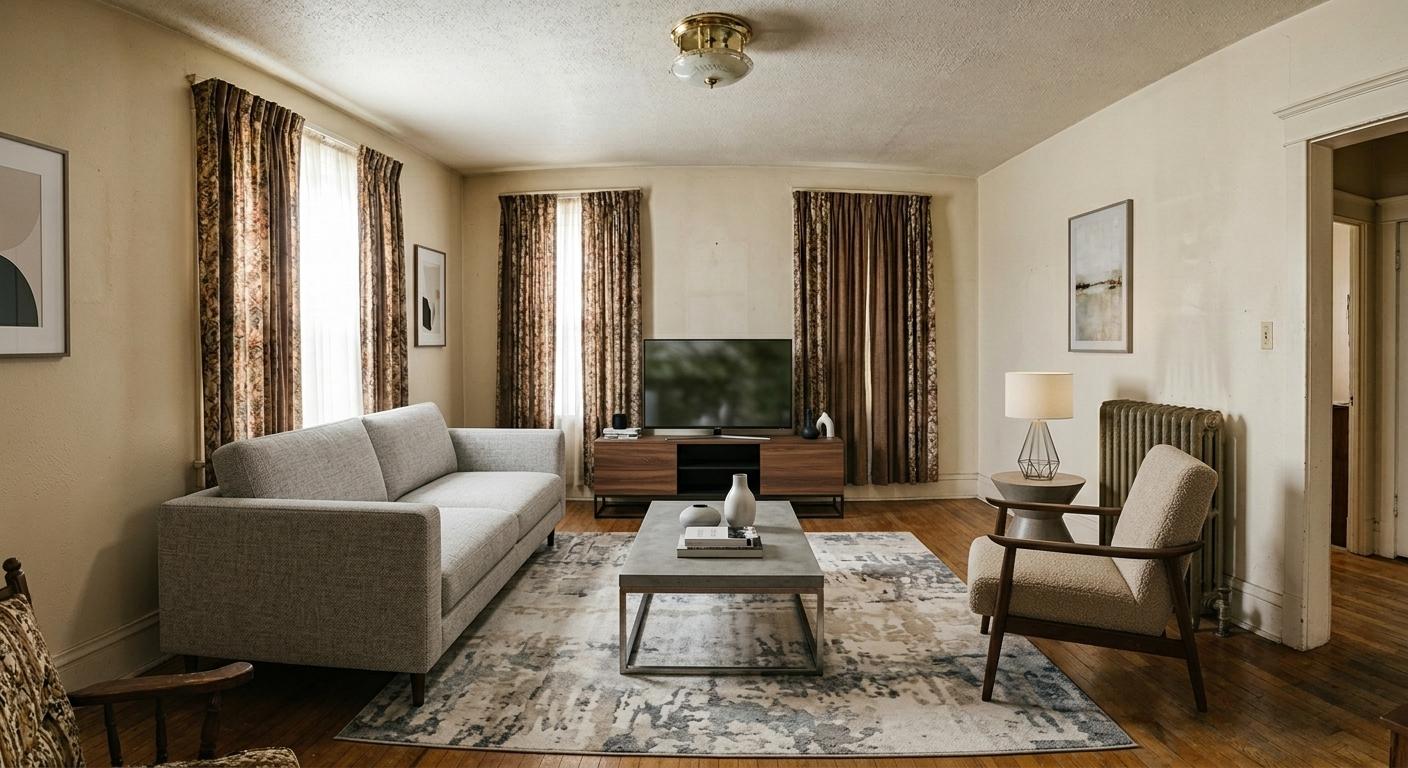
AfterReplace All Furniture
Replaces movable outdated furniture with a cleaner staged set while preserving fixed property details.
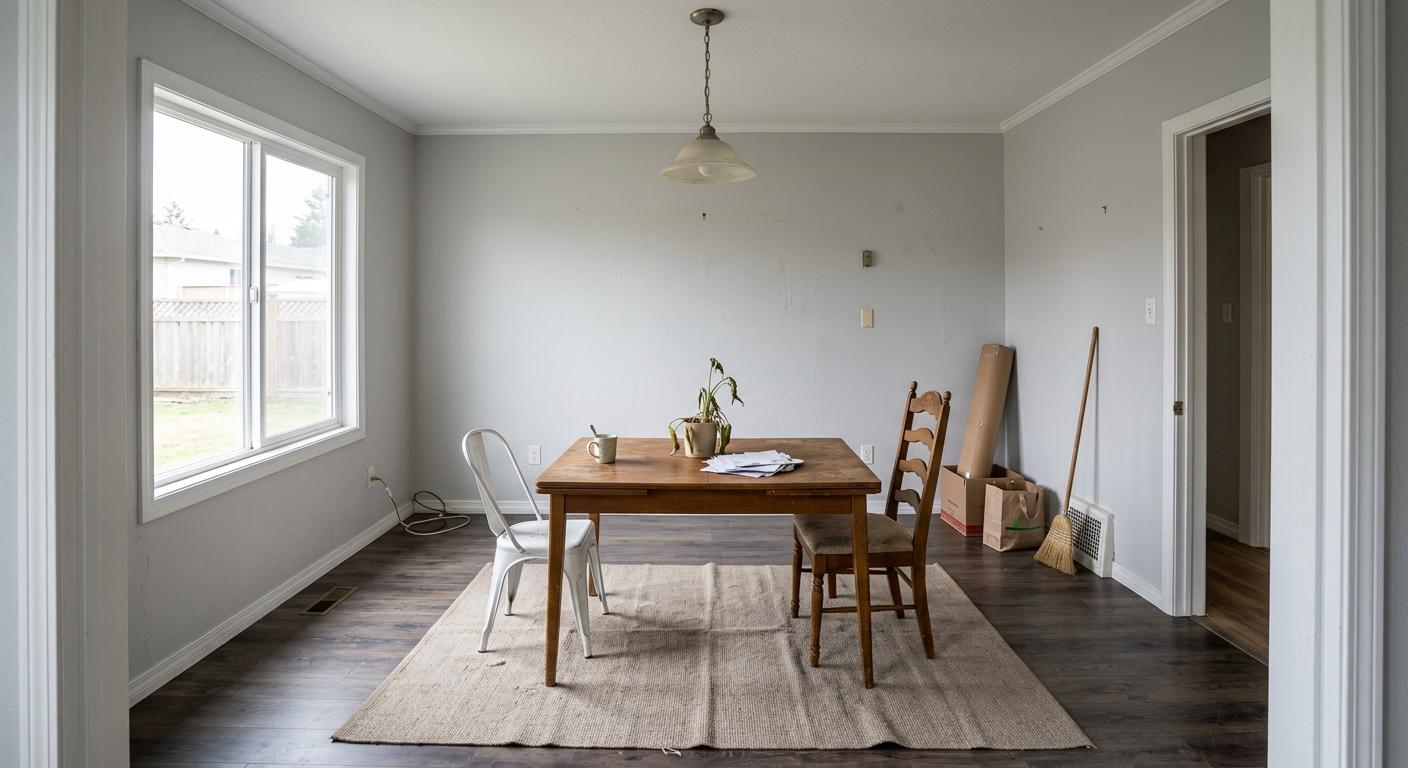 Before
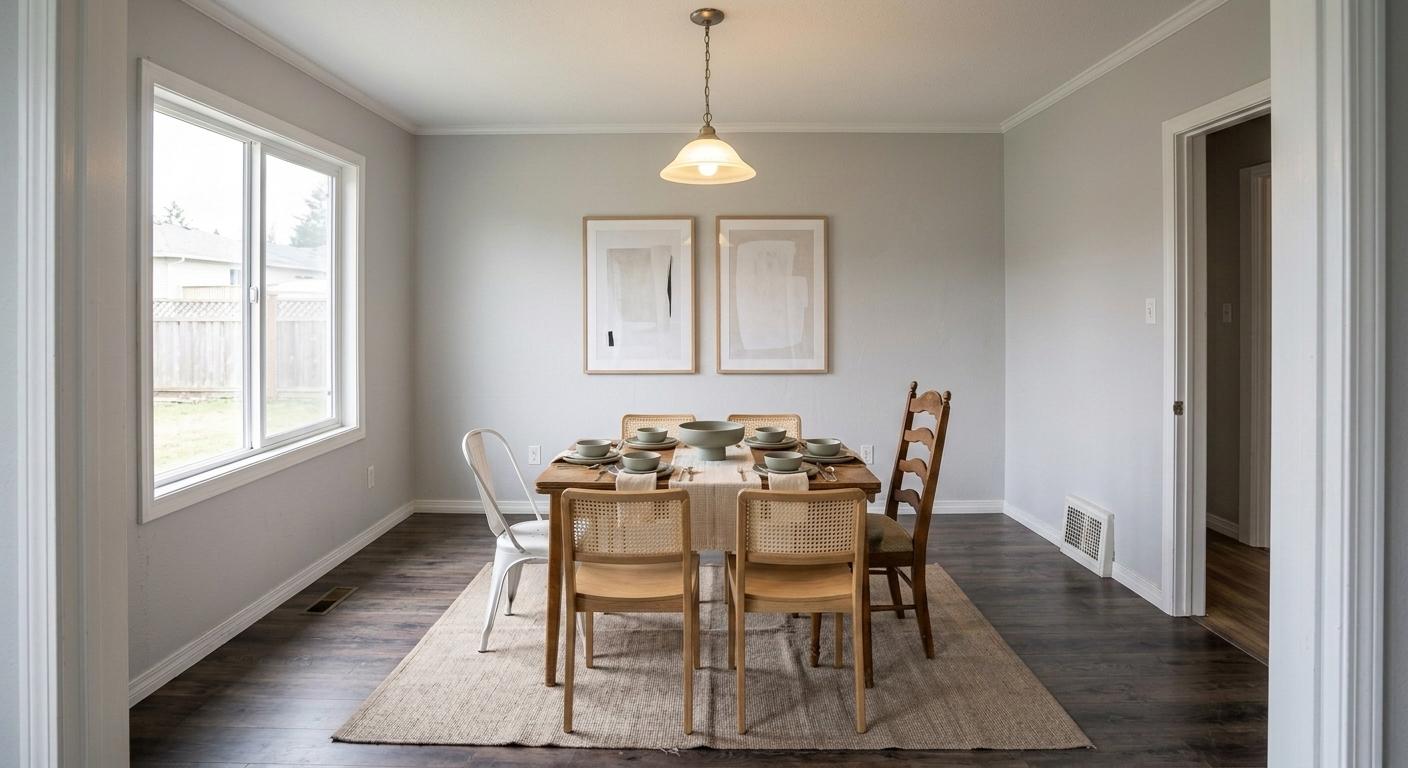 After
AfterAdd To Partly Furnished Room
Keeps useful existing pieces and adds the missing chairs, table styling, wall art, and balanced decor.
Cleanup And Polish
Not every room needs furniture. Some photos need clutter removed, personal items cleared, lighting corrected, or a sharper final image.
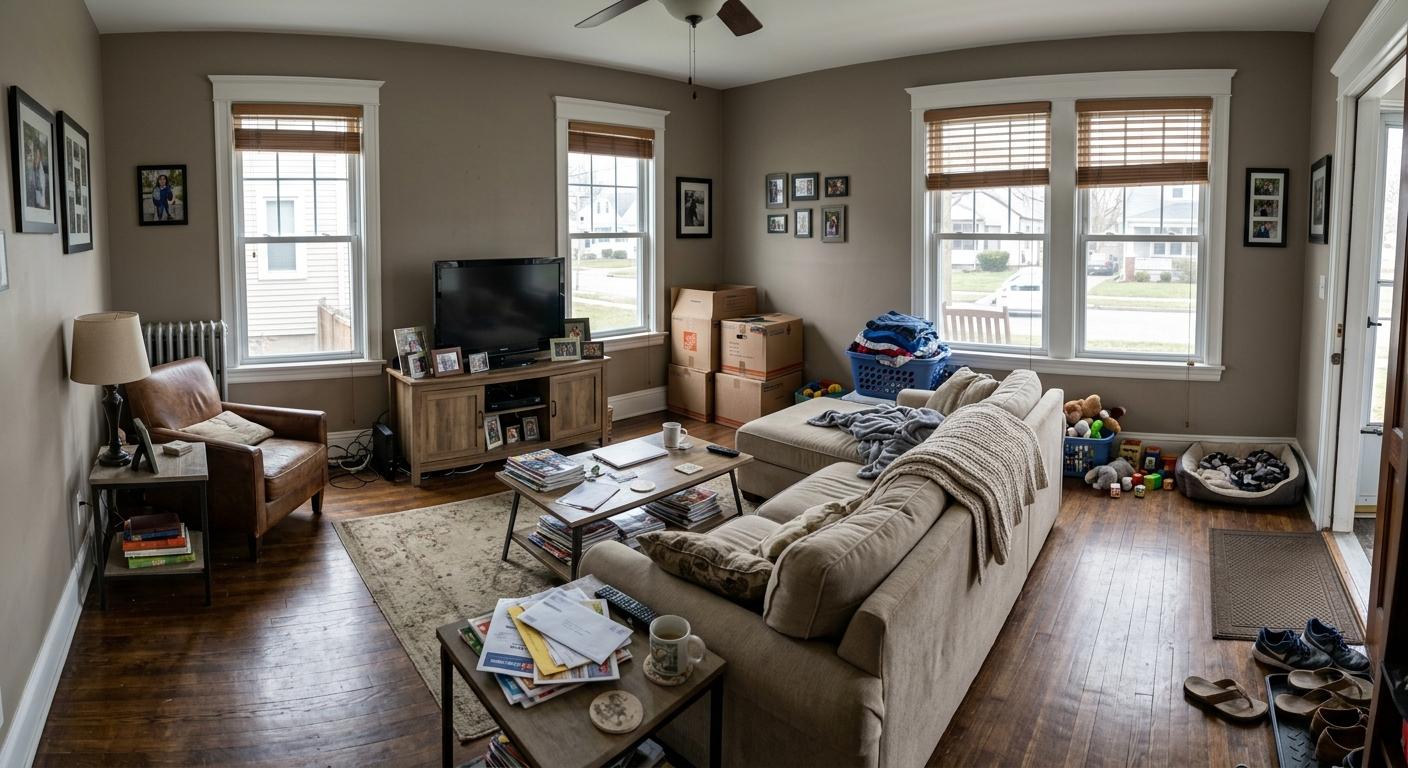 Before
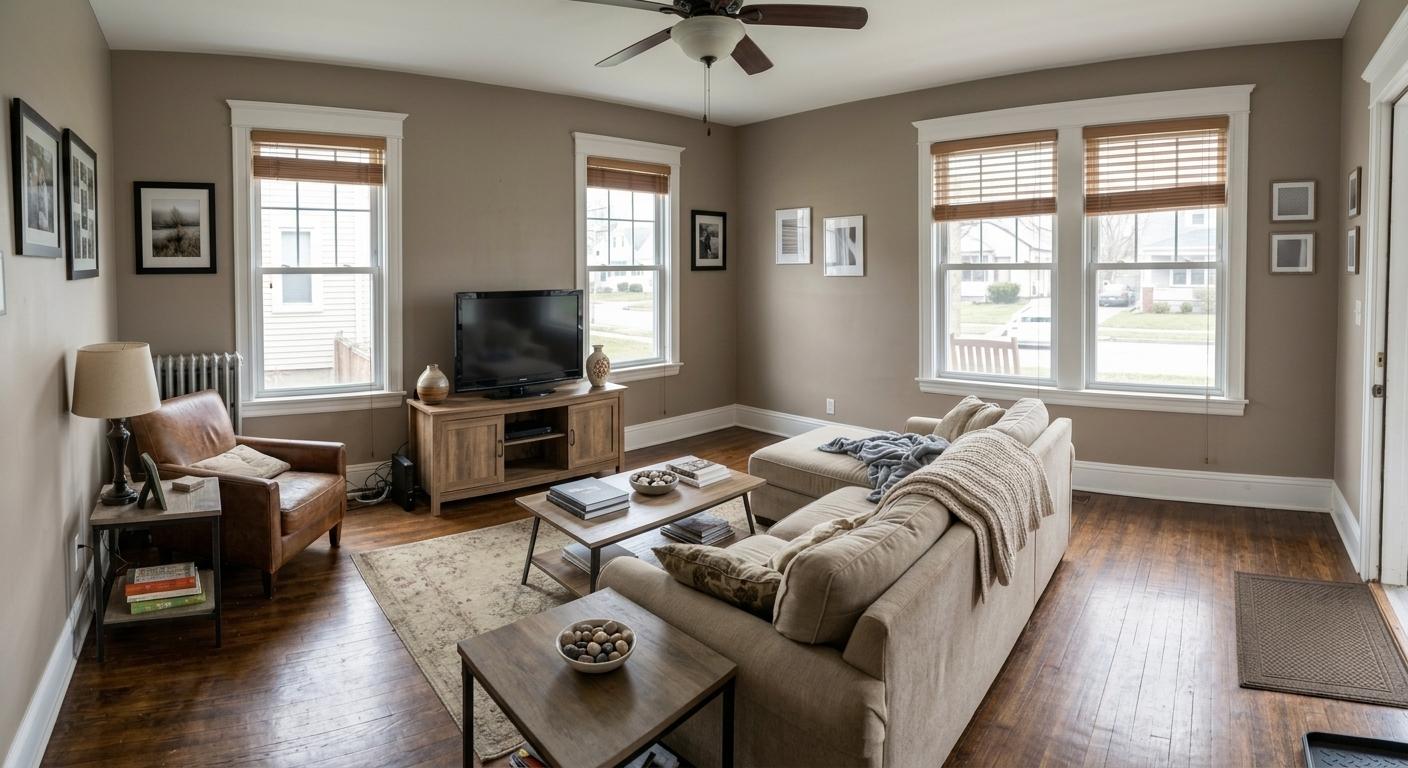 After
AfterClean Clutter + Personal Items + Deep Clean + Lighting
Removes everyday clutter, personal photos, paperwork, toys, and boxes, then brightens the room for listing use.
 Before
 After
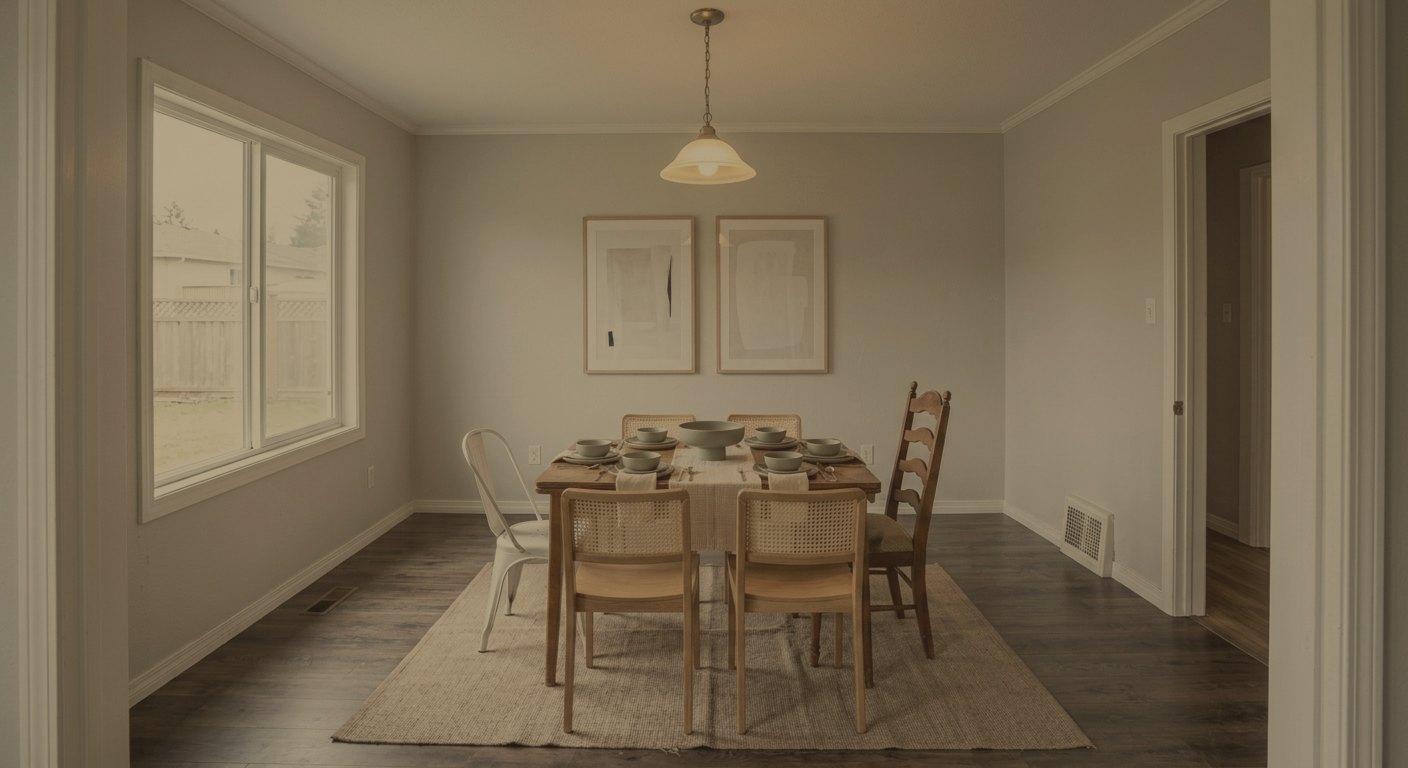
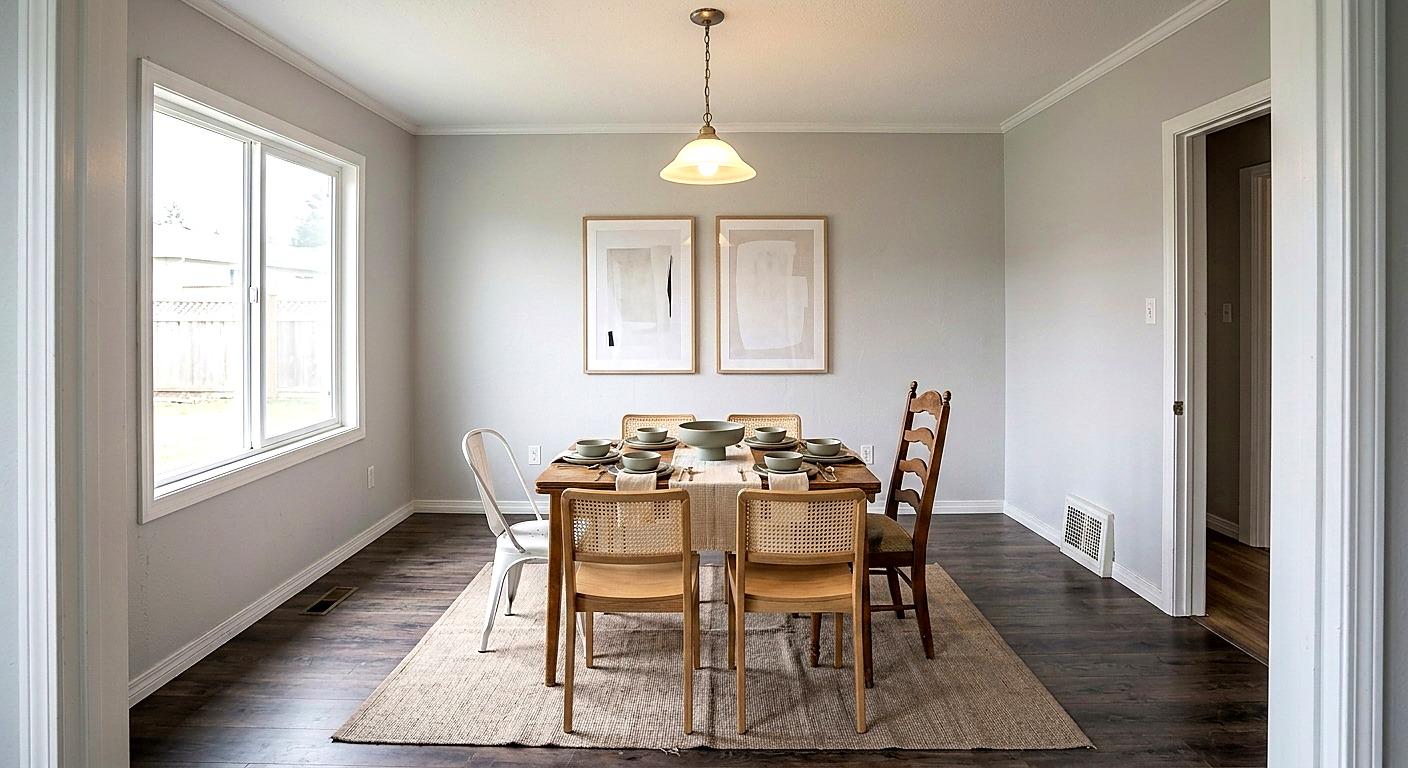
AfterStylize
Corrects dull exposure and warm color cast while preserving the same room, furniture, and framing.
 Before
 After
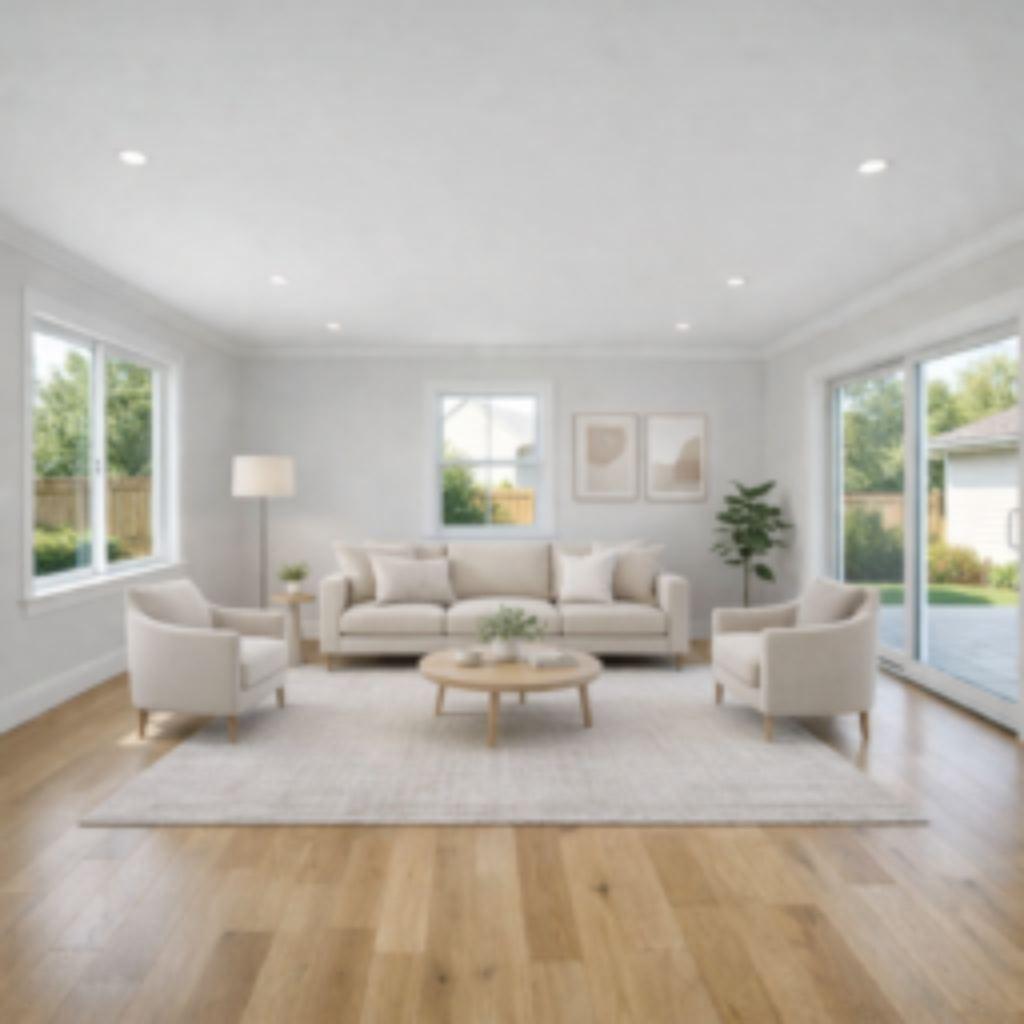
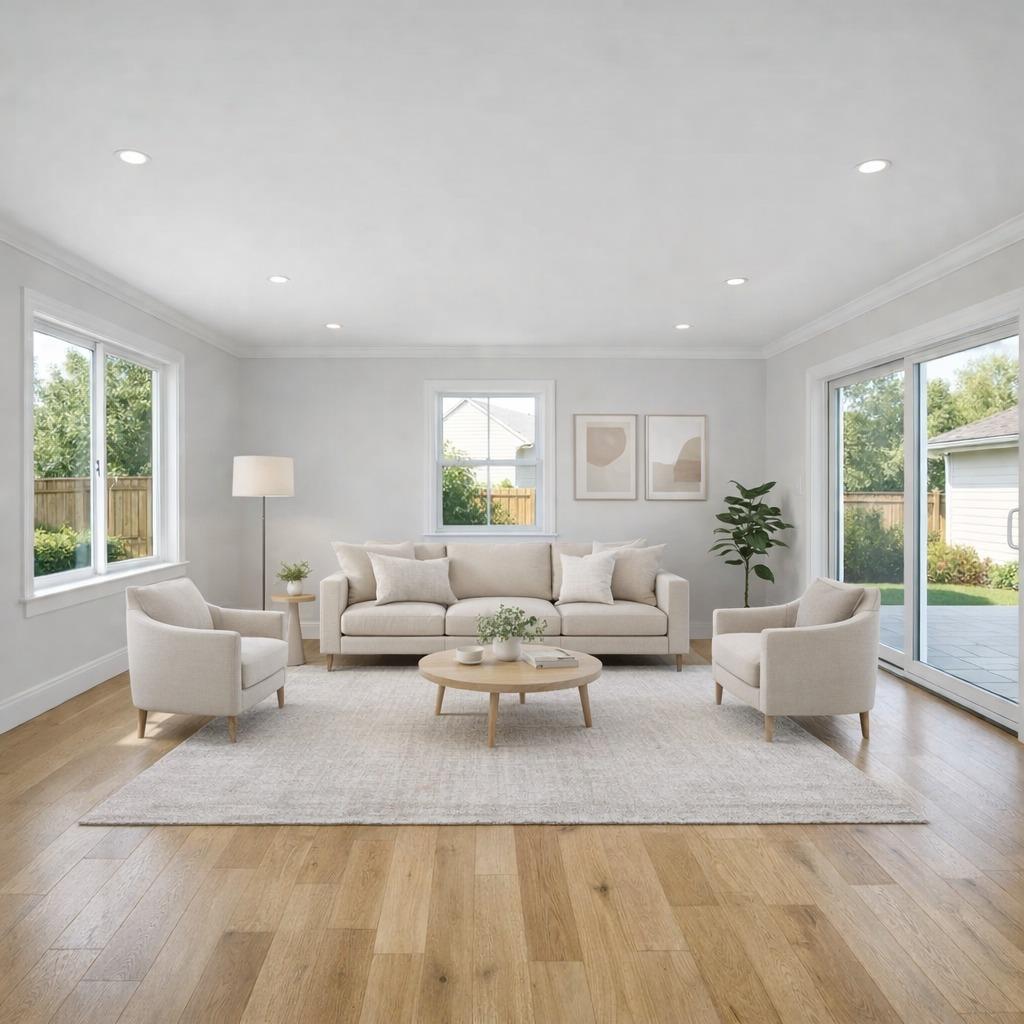
AfterUpscale
Improves clarity when a listing photo is too soft or low-resolution for marketing use.
Room Types
Room presets keep each edit appropriate to the space. A living room gets seating and walkable space, a kitchen gets subtle countertop styling, and a bathroom gets towels and simple accessories rather than a remodel.
Real Estate Trust
Many virtual staging examples look impressive at first glance because they over-polish the photo or imply upgrades the buyer will not actually see. Listing Wand is built around a more useful standard: make the room easier to understand while keeping the property recognizable.
Listing Wand focuses room changes on furniture, decor, clutter, lighting, and photo clarity, not architectural changes.
The goal is to help buyers understand scale and use without making the room look larger, newer, or more remodeled than it is.
When needed, apply an Artist Rendering watermark or custom watermark text directly to the generated image.
FAQs
Virtual staging adds realistic furniture and decor to a real estate room photo so buyers can understand how the space could look when furnished. Listing Wand supports empty-room staging, furniture replacement, and adding finishing touches to partly furnished rooms.
Rooms mode includes bedroom, living room, dining room, kitchen, bathroom, and entrance presets. Each preset keeps furniture and decor appropriate for that type of space.
Yes. Listing Wand supports cleanup edits for clutter, personal items, deep cleaning, and lighting. Cleanup stays separate from staging so you can decide whether the photo needs only cleanup or a full staged result.
Listing Wand is built to preserve the original room layout, dimensions, windows, doors, closets, camera angle, and visible exterior view. Staging should only change movable furniture and decor.
Listing Wand is focused on realistic potential. The tool is designed to keep the property recognizable, preserve buyer-visible details, and avoid staging that implies renovations or room changes that are not actually there.
Yes. Use the replace-all-furniture staging option to remove movable furniture and replace it with a coordinated modern staged look while preserving fixed elements like windows, doors, closets, built-ins, cabinetry, tile, and appliances.
Yes. Advanced room edits let you describe photo-specific changes such as entryway staging, accent decor, lighting polish, or another realistic room edit that does not fit a preset.
Yes. Listing Wand supports optional watermarks, including the standard Artist Rendering label and custom watermark text. You should still follow your MLS, broker, and advertising rules for virtual staging disclosure.
Disclosure rules vary by MLS, broker, and market. Follow your local requirements and clearly label virtually staged, edited, or artist-rendered images when disclosure is required.
Related Resources
Use these pages when you need adjacent tools for listing photos, disclosure, pricing, plans, or broader real estate visual marketing.
See the broader AI staging workflow for empty rooms, furniture replacement, cleanup, photo polish, and disclosure.
See focused empty-room staging examples for living rooms, bedrooms, kitchens, offices, entryways, disclosure, and accuracy checks.
Estimate staging cost for one listing and compare physical staging, manual virtual staging, and AI staging assumptions.
Generate labels, MLS captions, QR wording, and original-photo workflow guidance for staged or digitally altered listing images.
See the full set of land concepts, room staging, cleanup, seasons, and watermarking tools.
Improve exterior and land listing photos with fast sky replacement and photo polish.
Build a stronger listing media stack with photos, maps, concept visuals, and disclosure.
Review common buyer questions, artist-rendering disclosure, and marketing clarity.
Compare credit packs for virtual staging, cleanup edits, land concepts, and downloads.
Start Fast
Stage rooms, clean up photos, improve lighting, and apply an Artist Rendering watermark when your market requires it.