Features
Turn property photos into listing-ready visuals.
Create land concepts, virtual room staging, cleanup edits, exterior refreshes, and seasonal variants in one real estate photo tool.
A Quick Example
Click to zoom
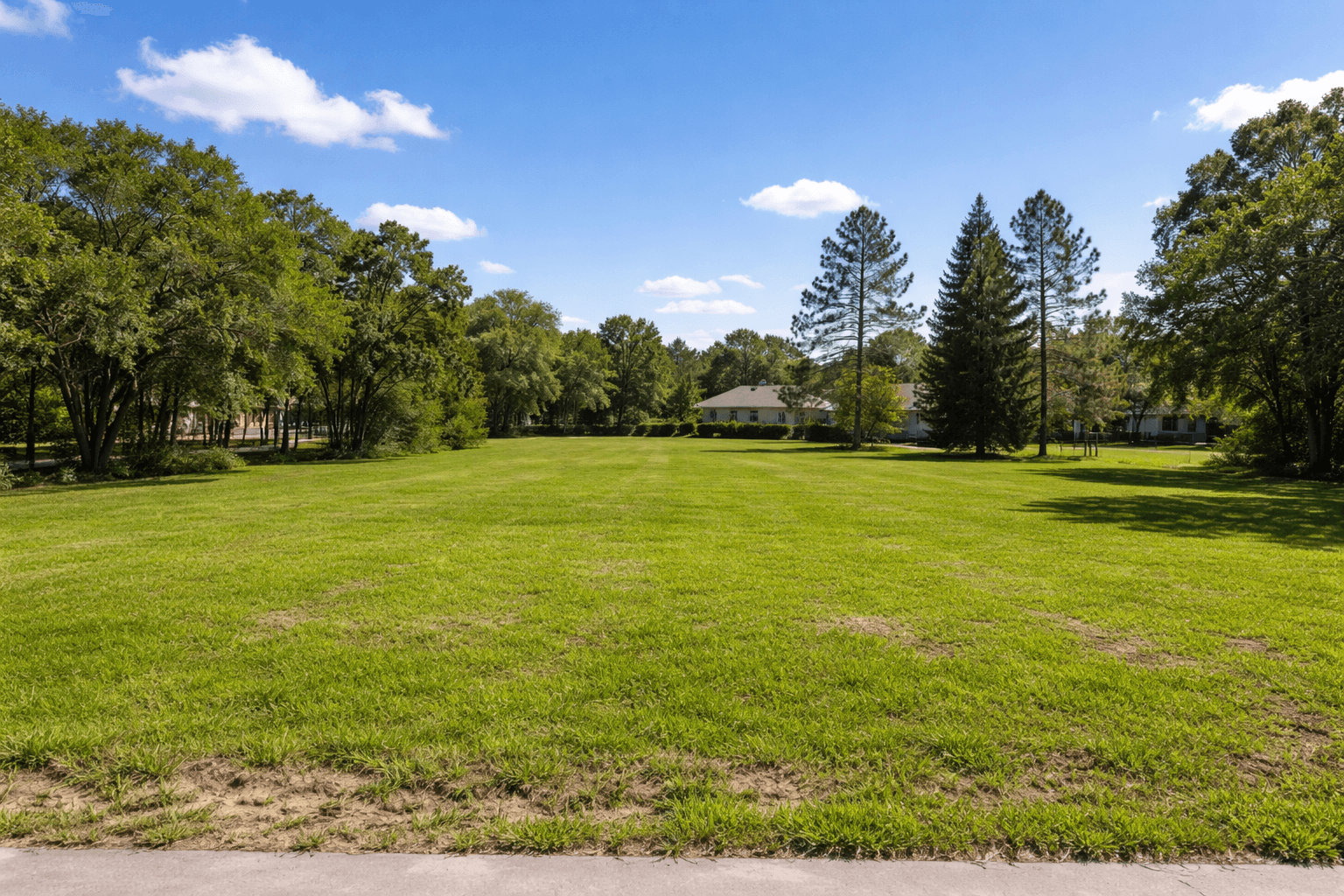
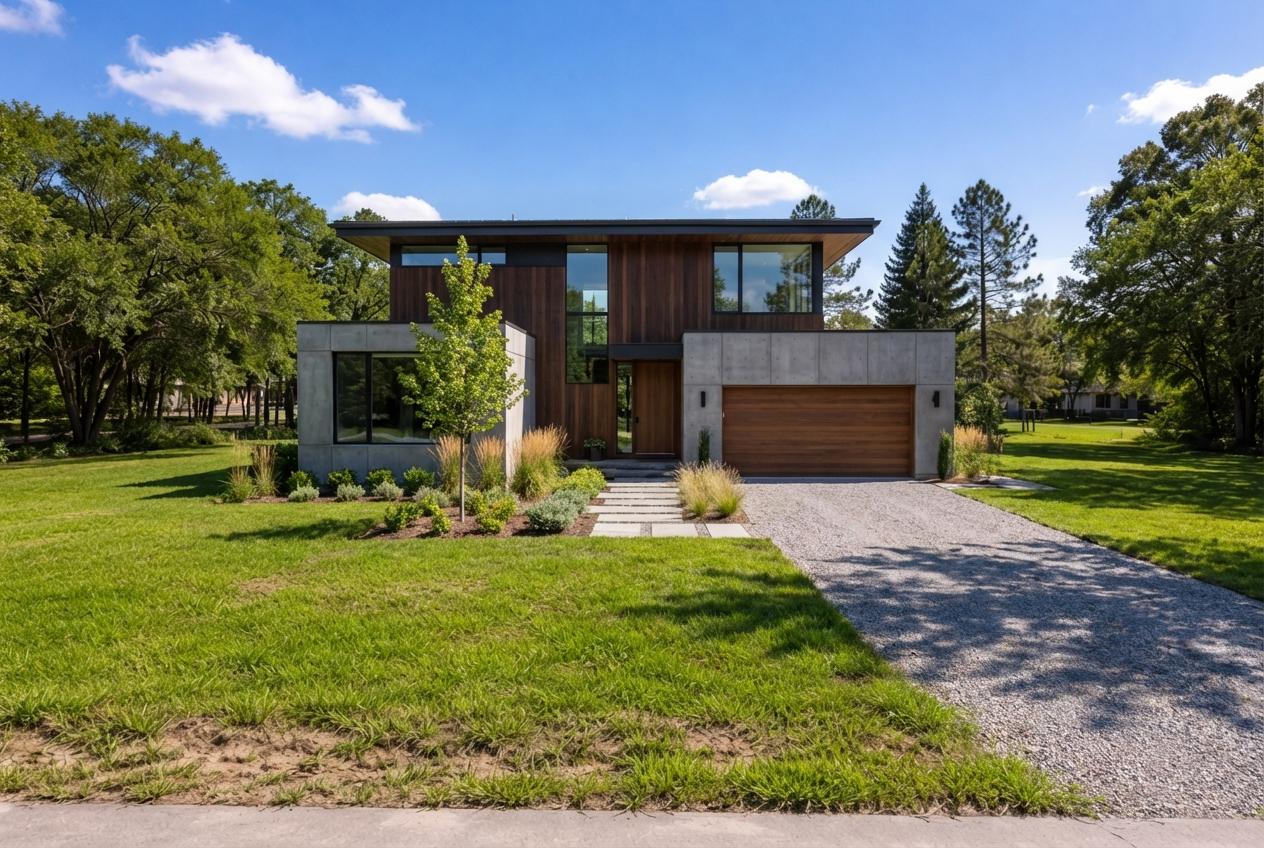
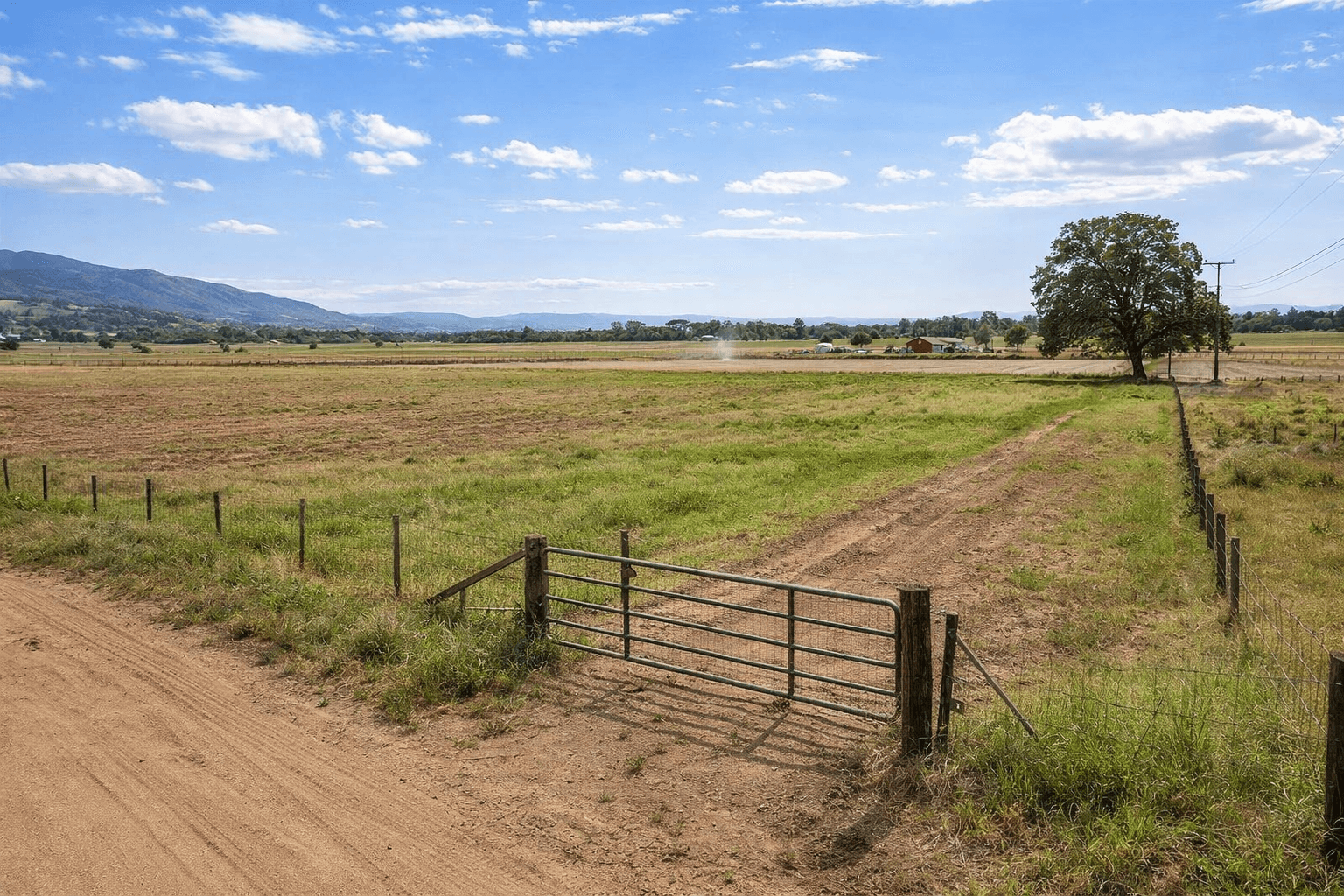
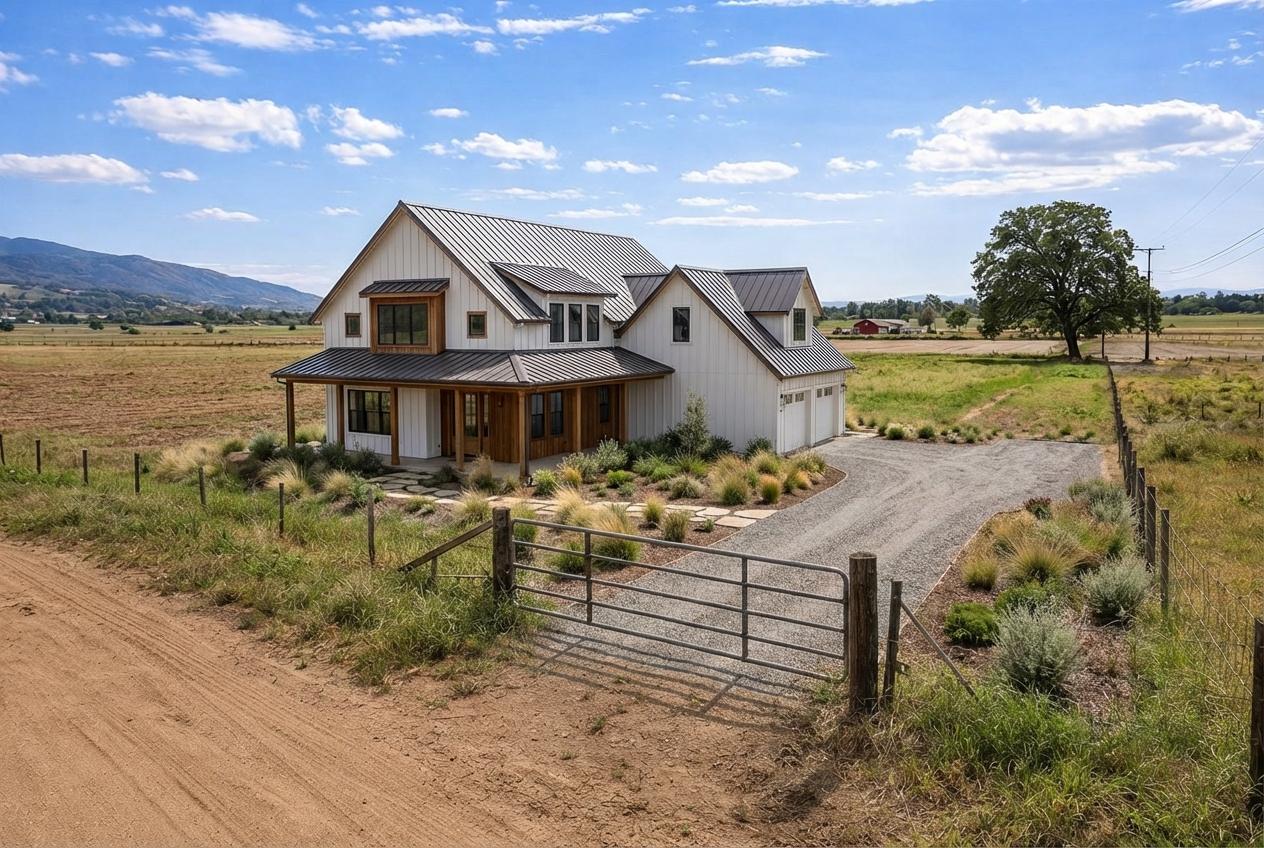
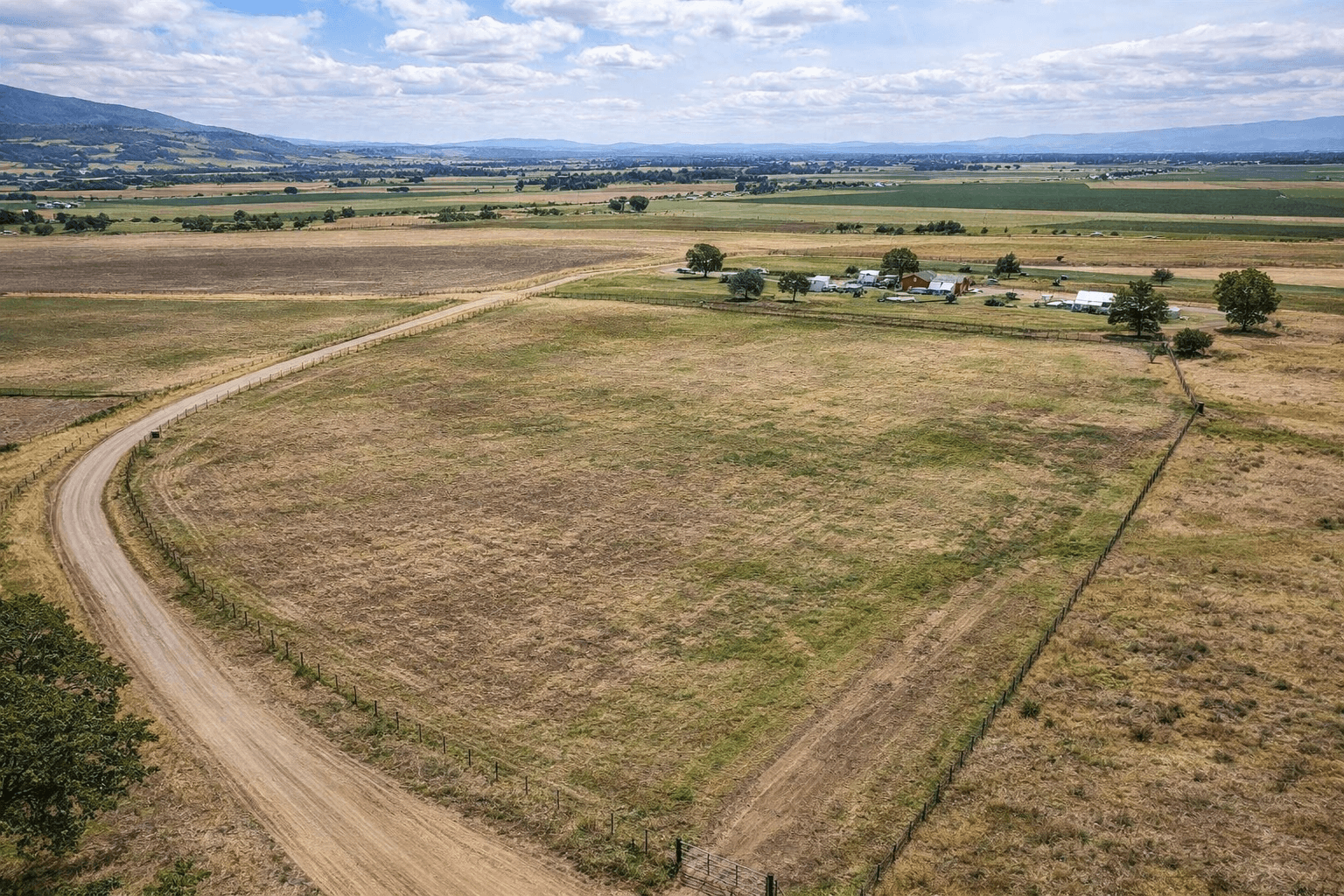
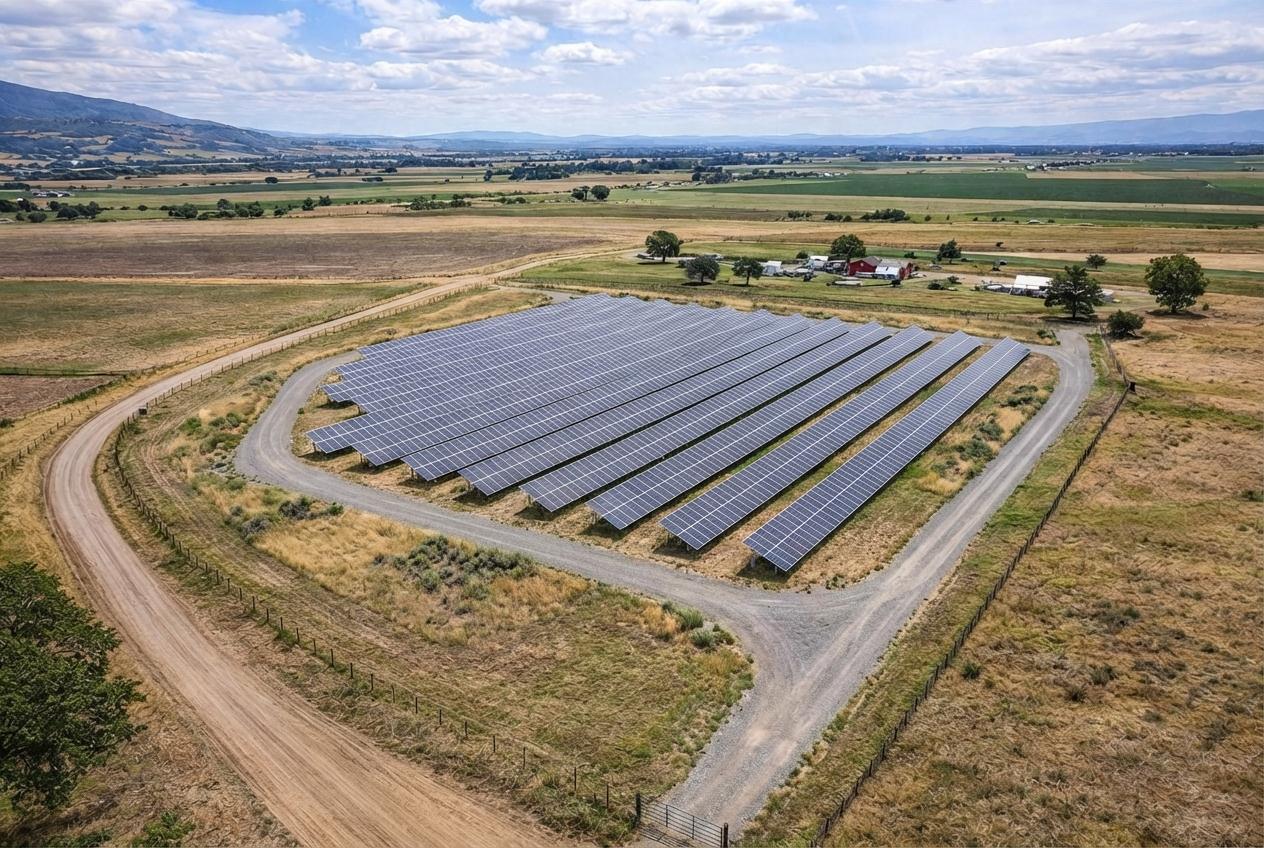
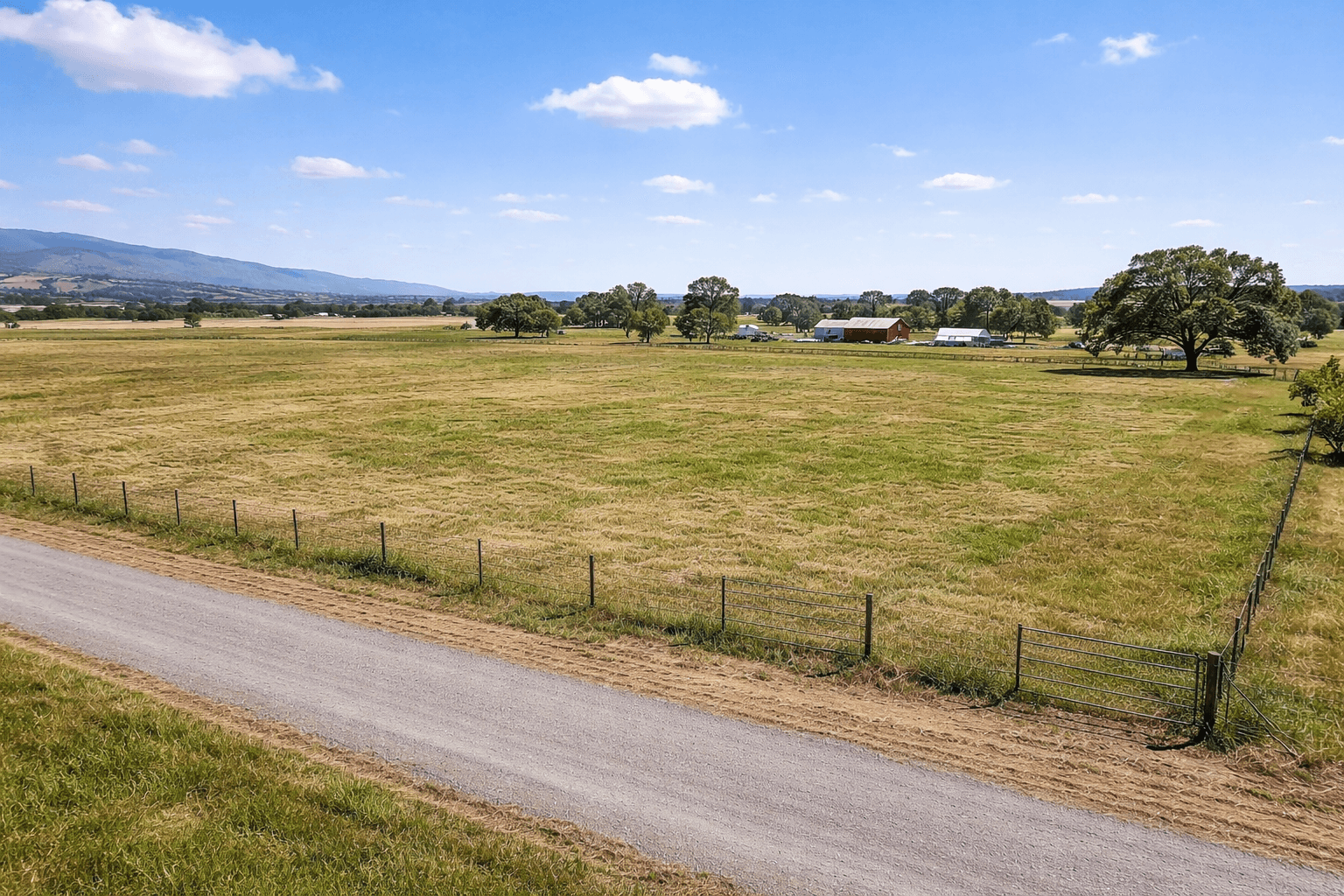
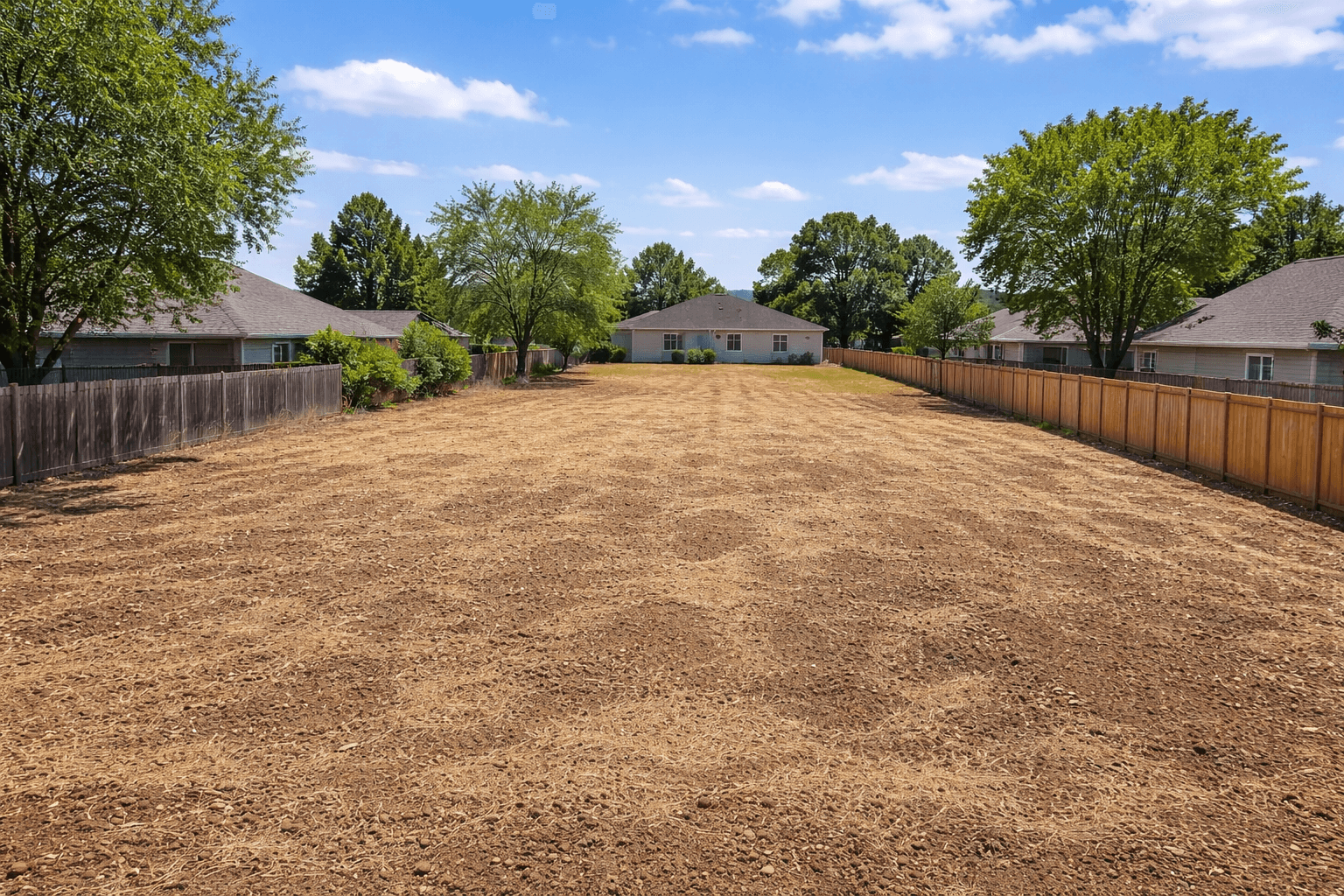
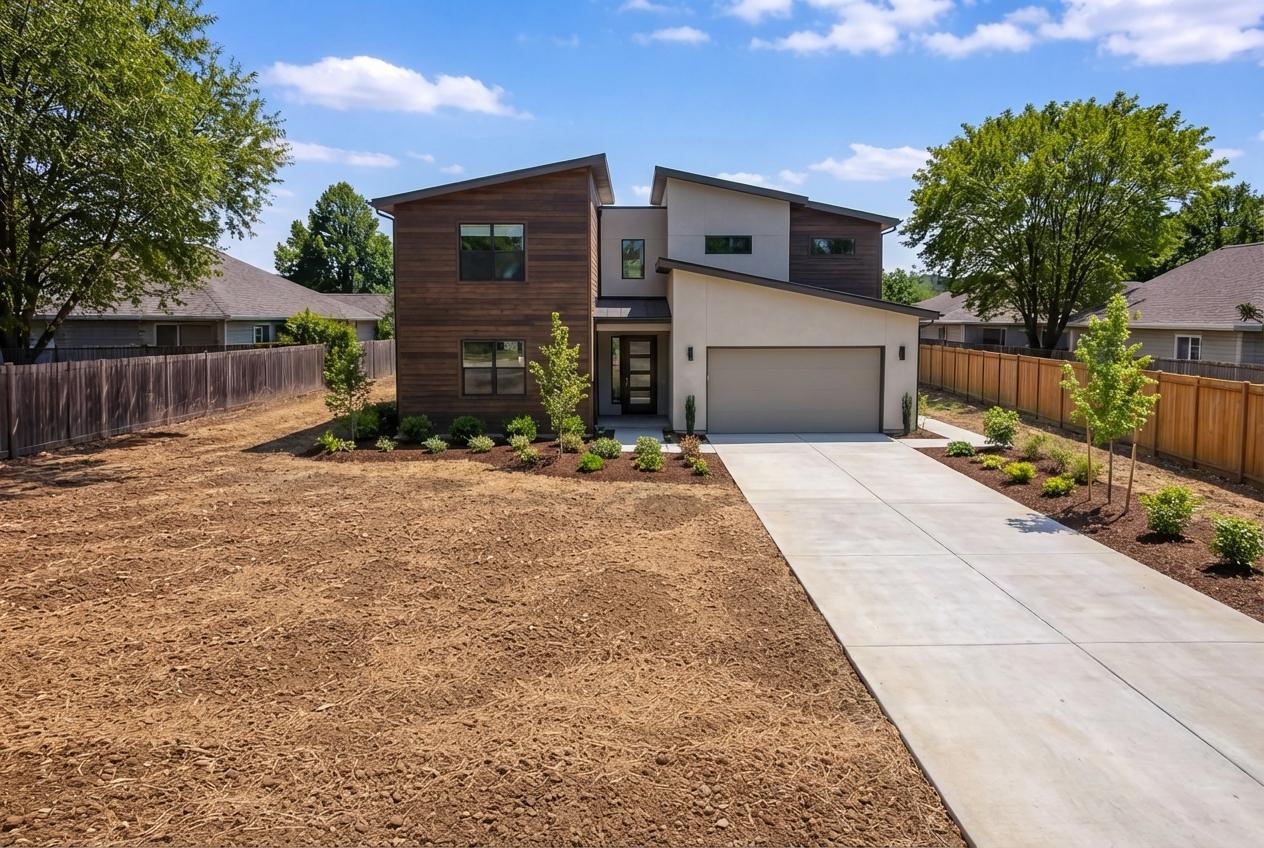
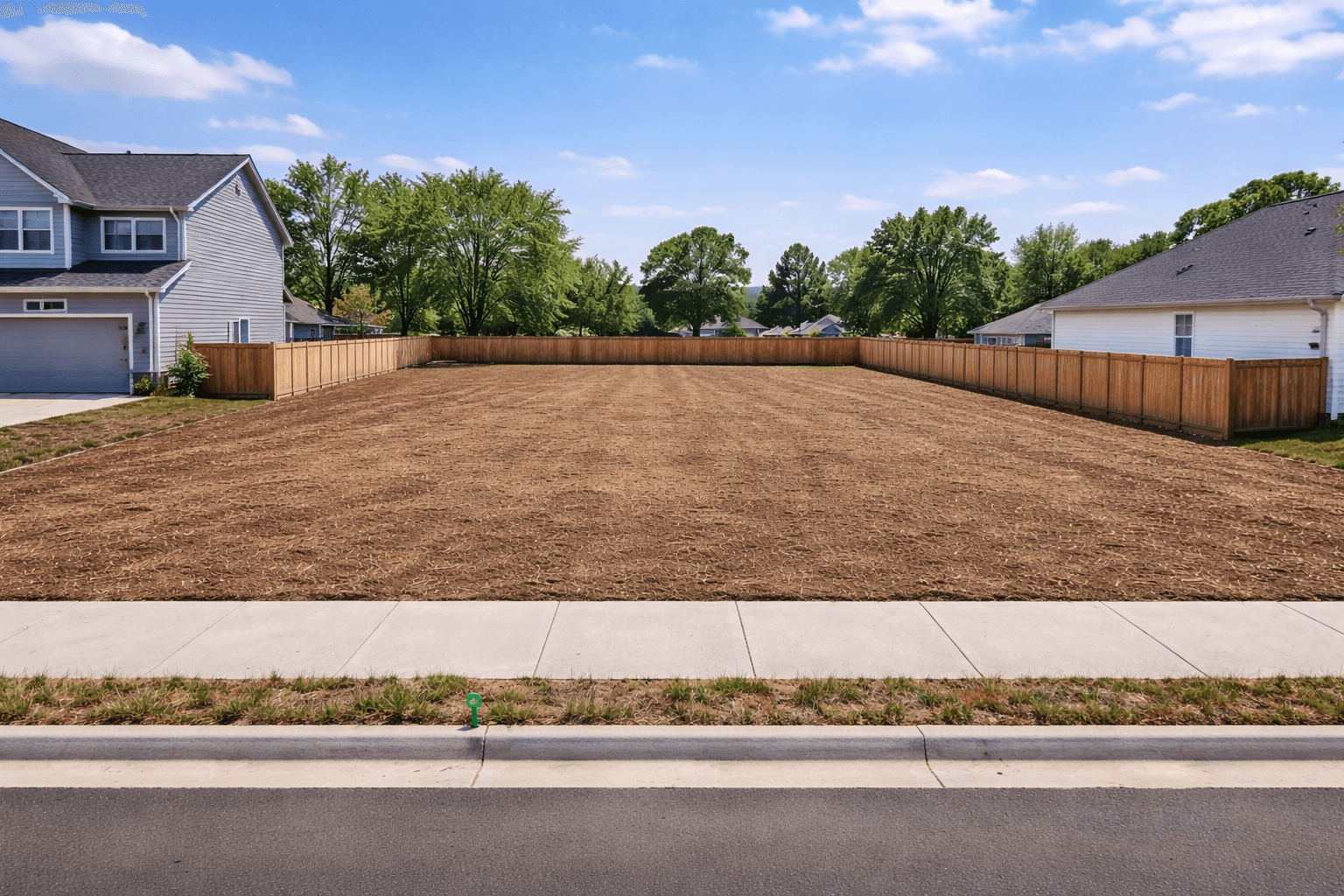
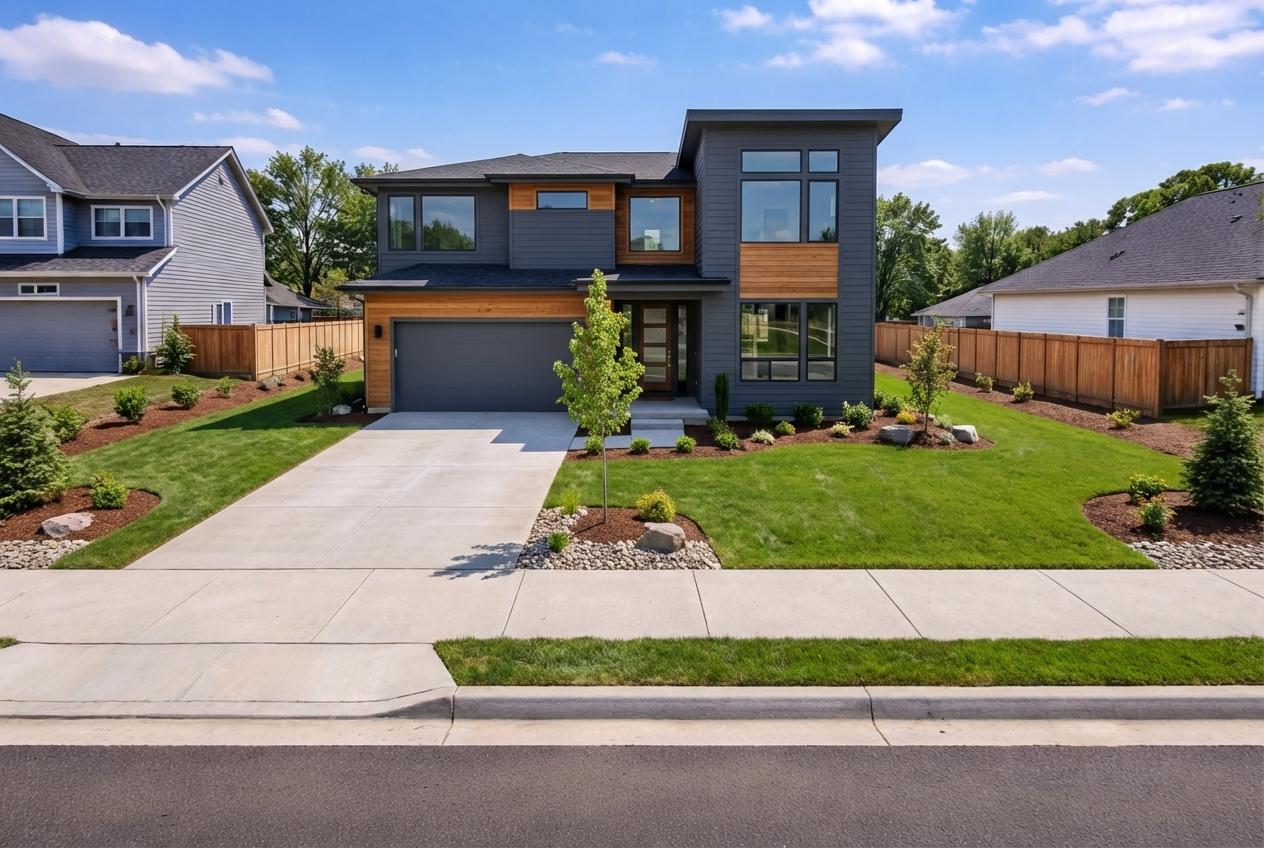
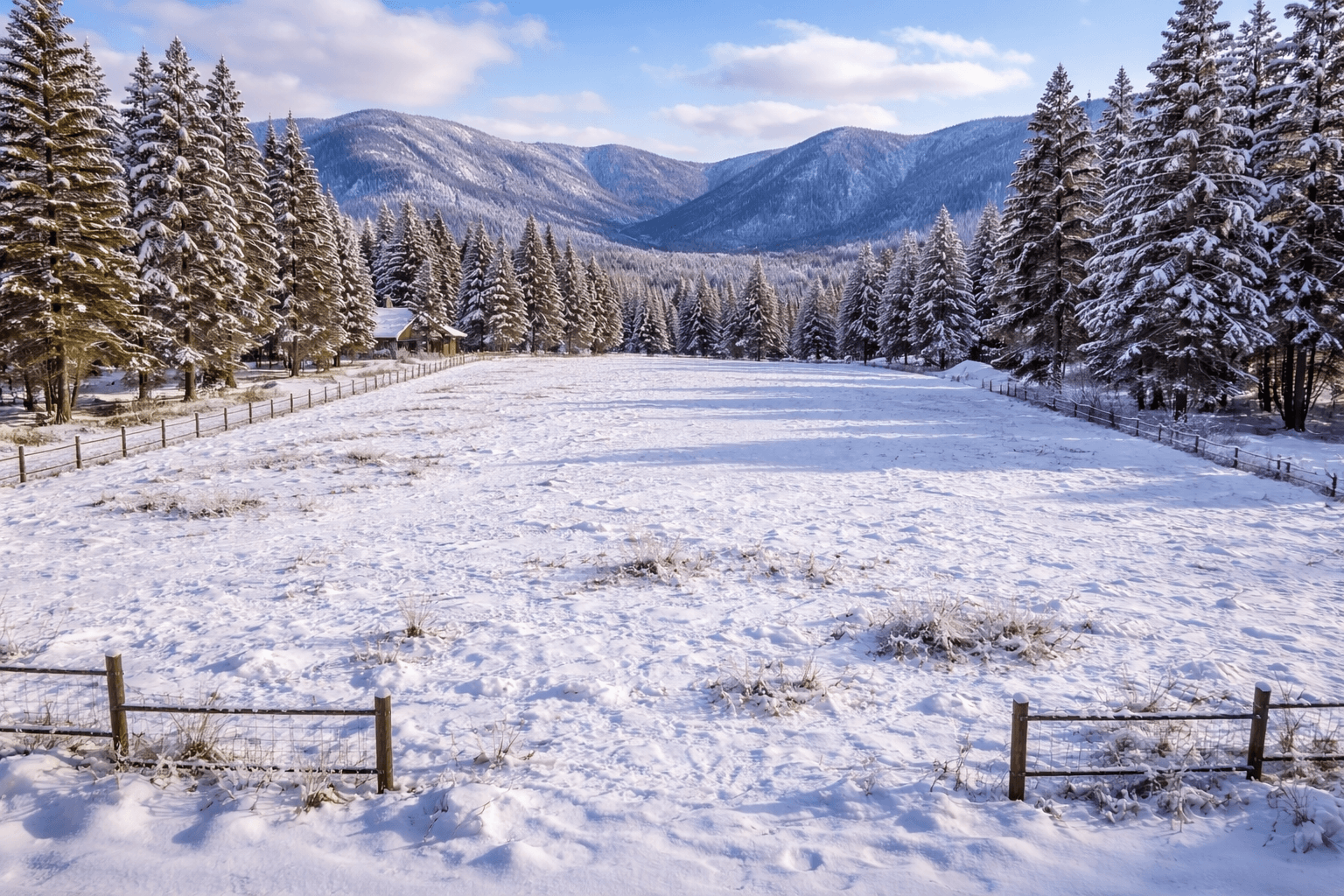
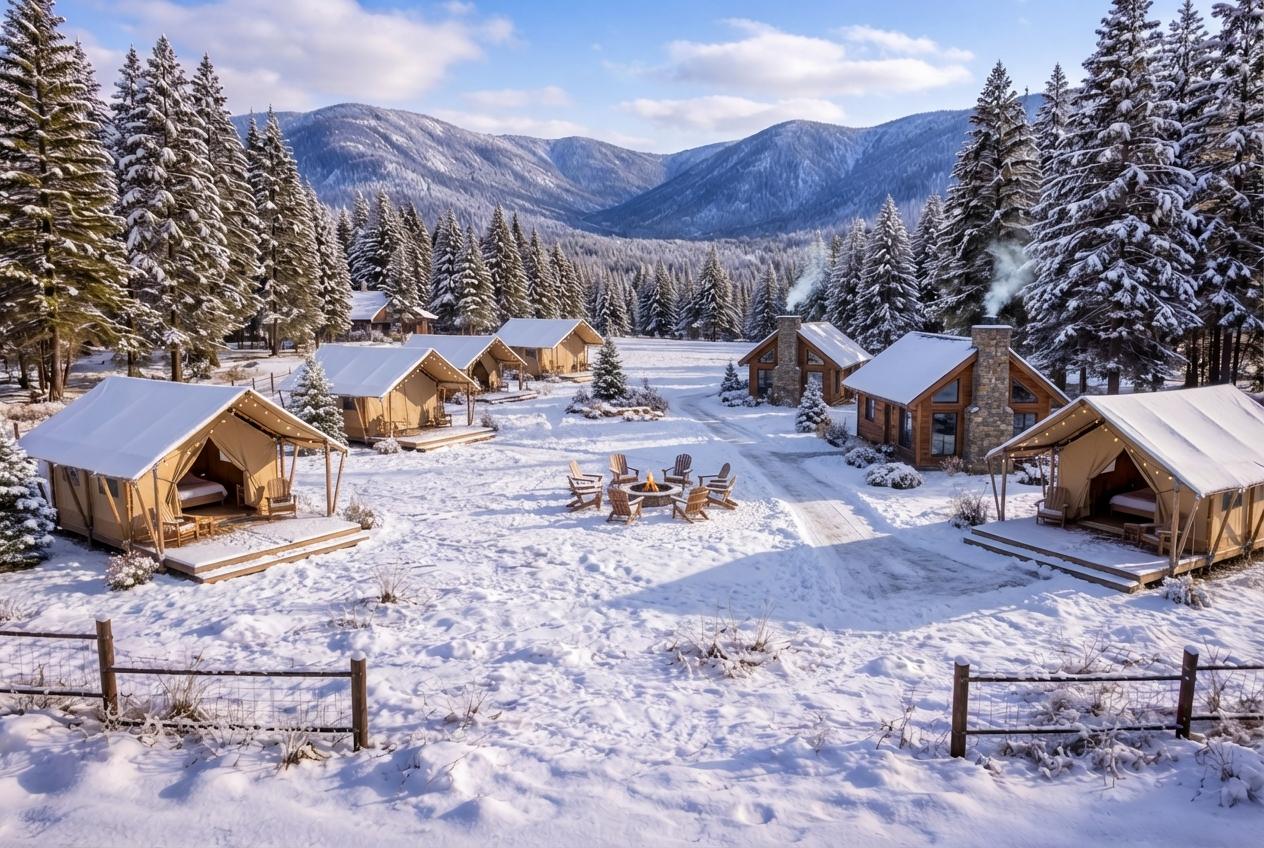
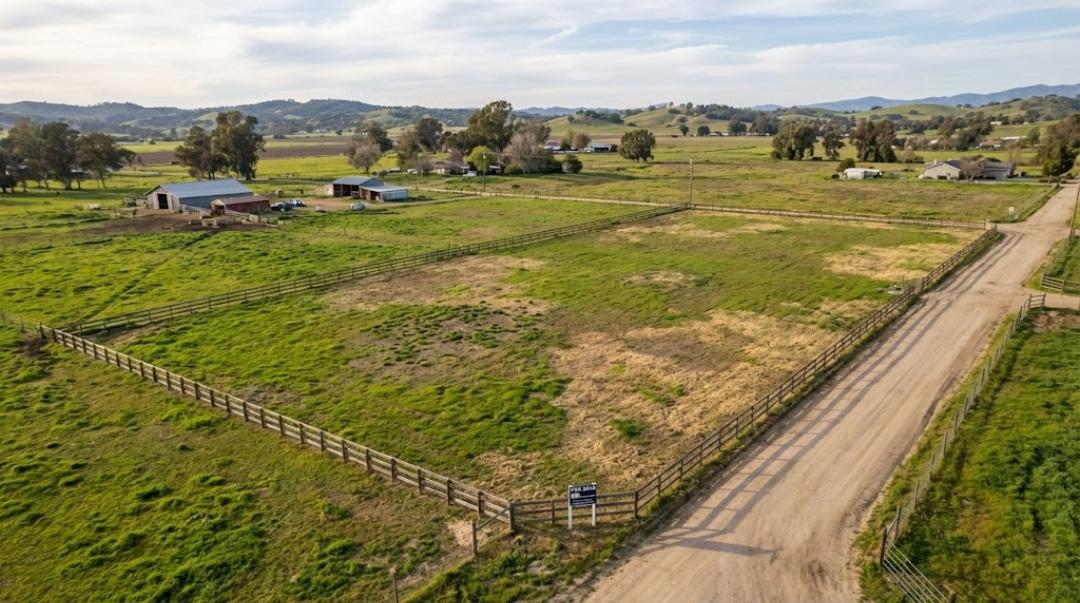
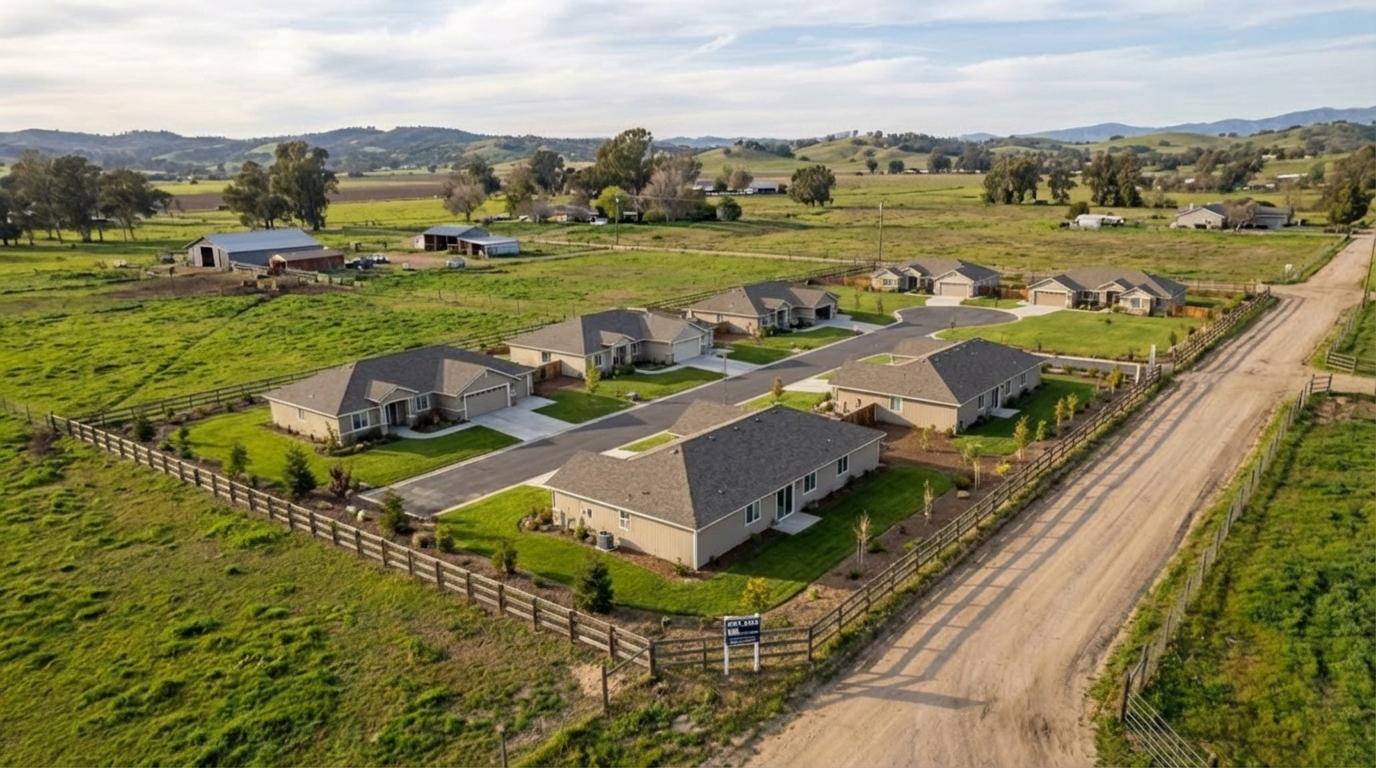
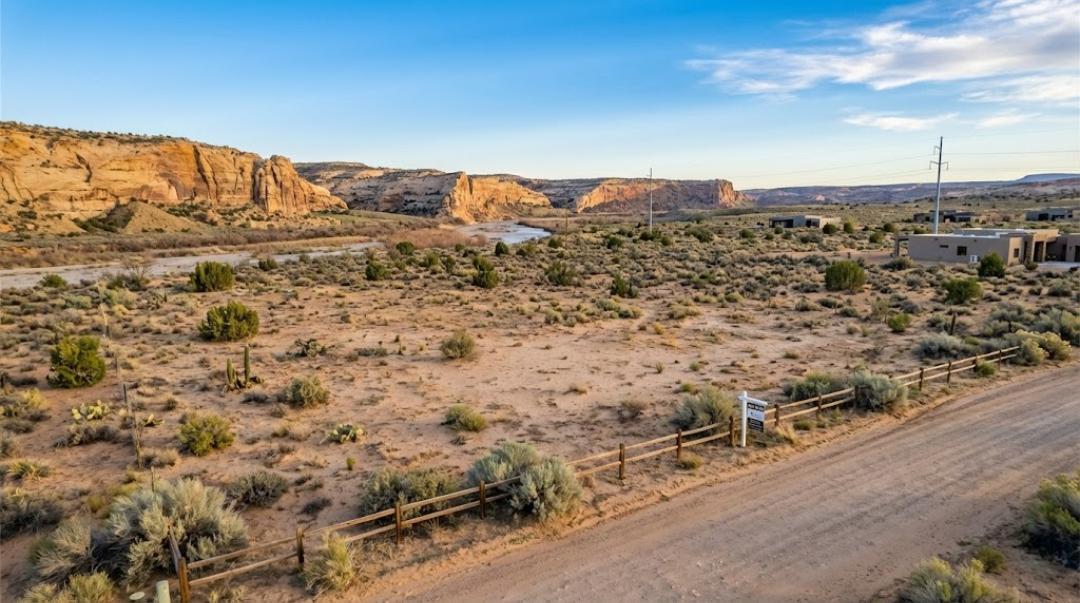
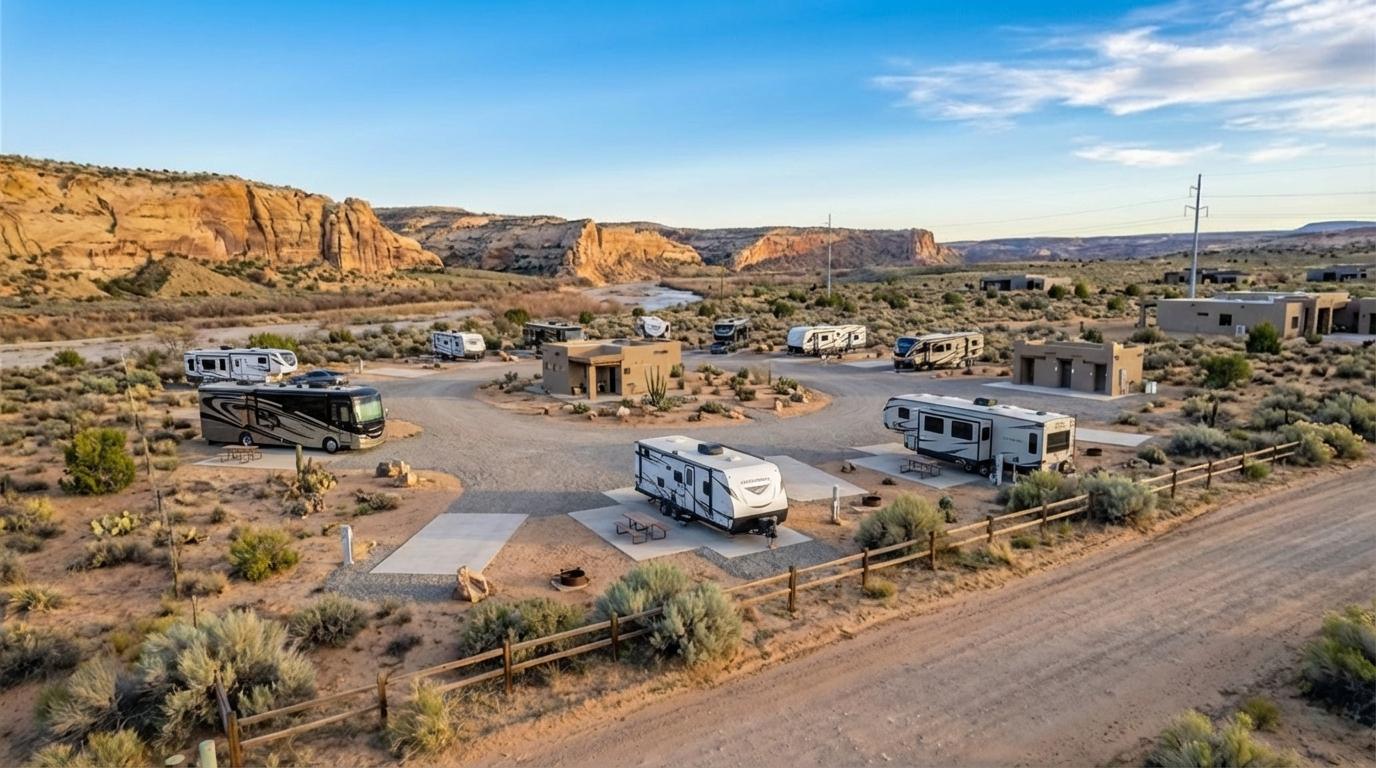
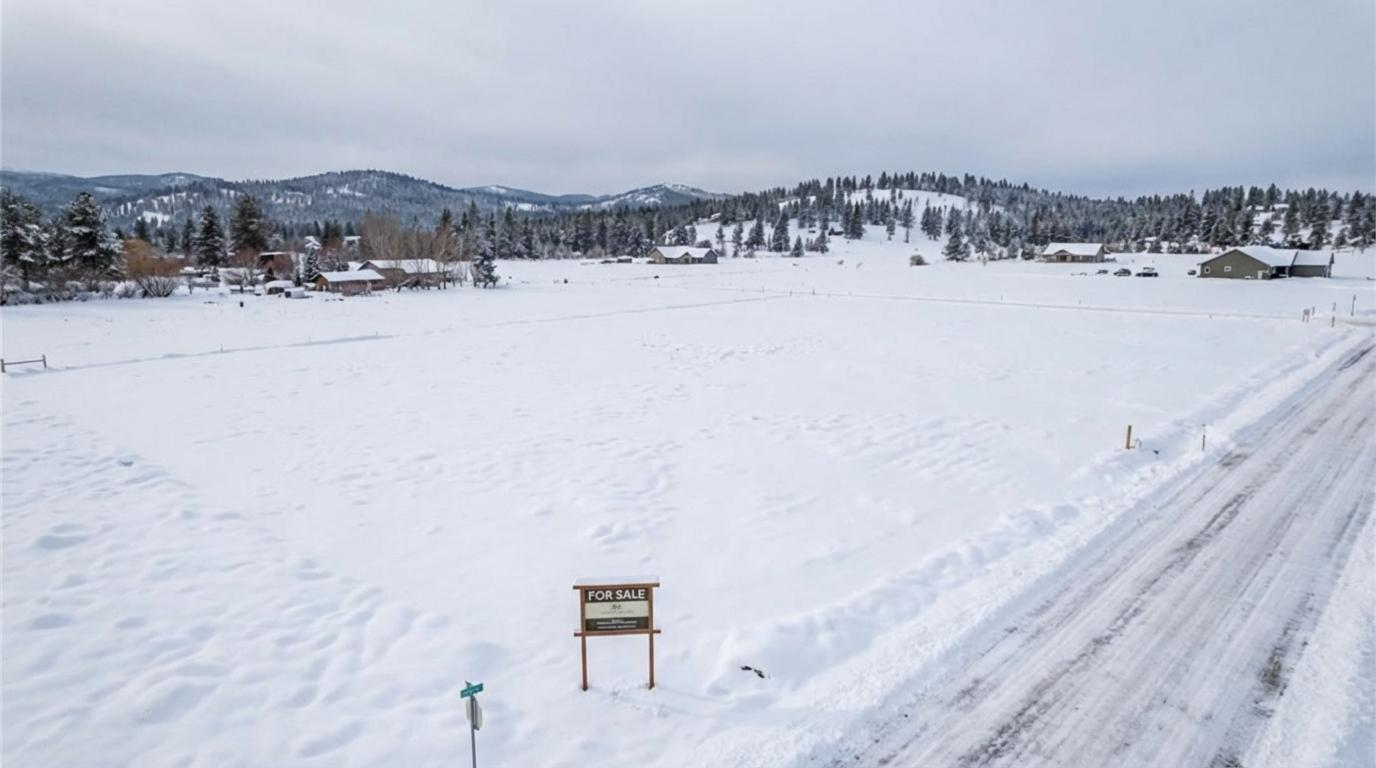
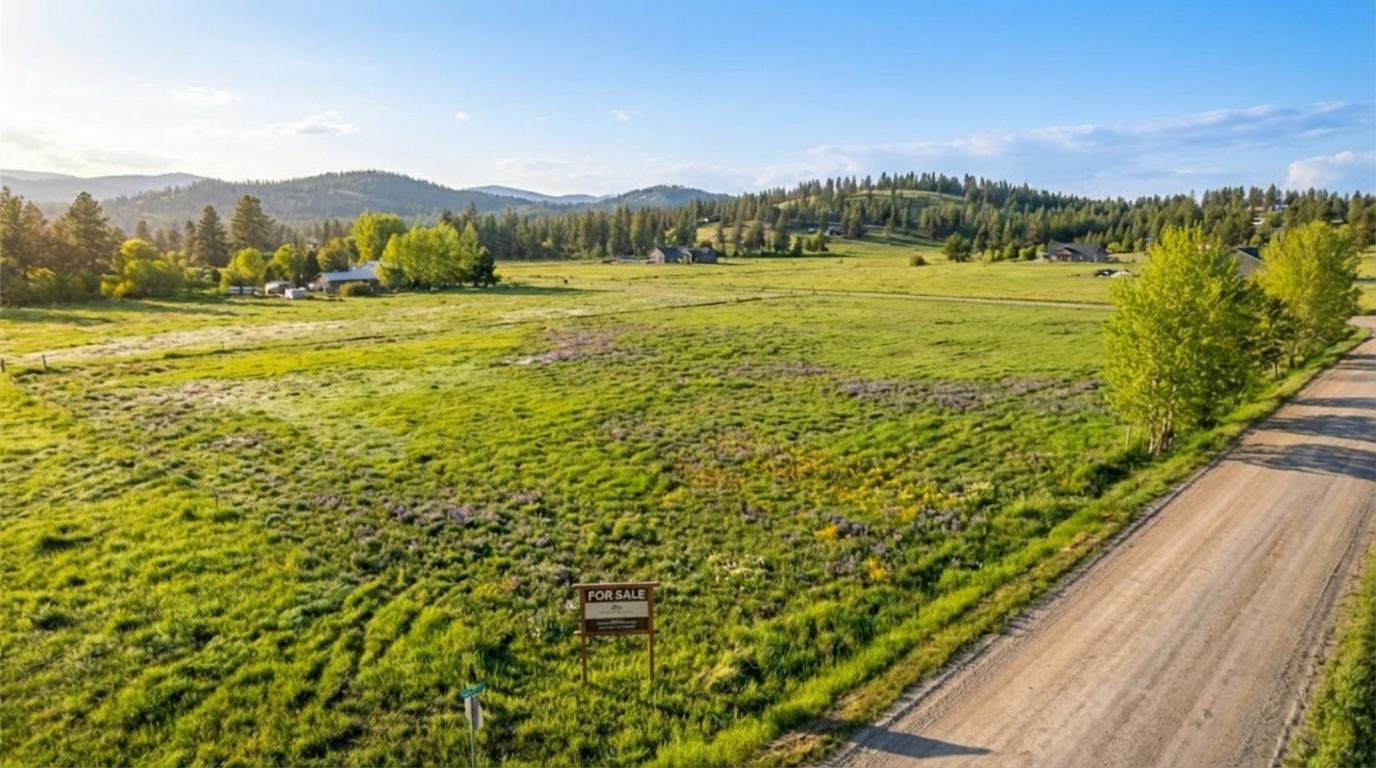
Start with an empty land photo, generate a few options, then choose the one you want to use in your listing.
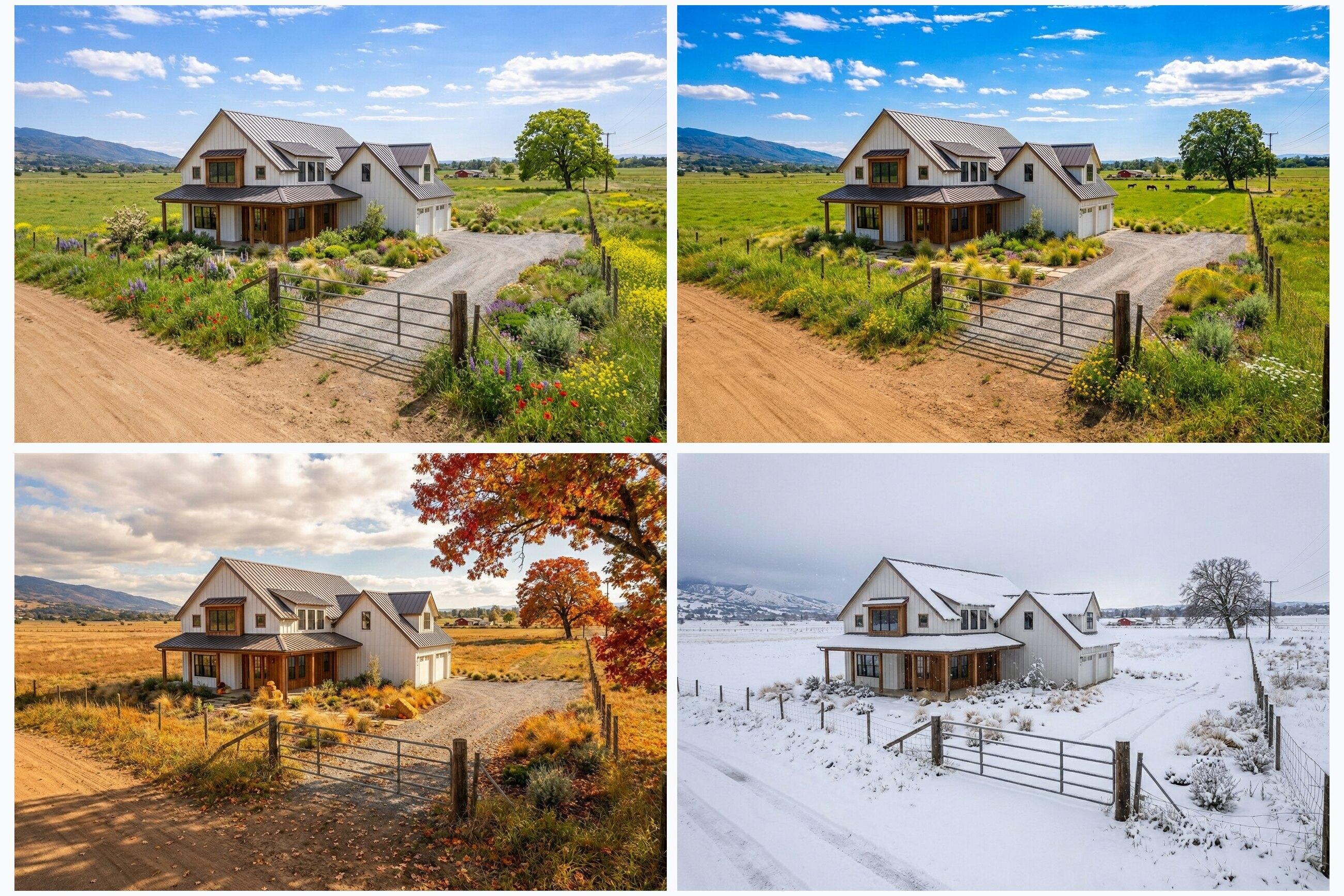
Land Concepts
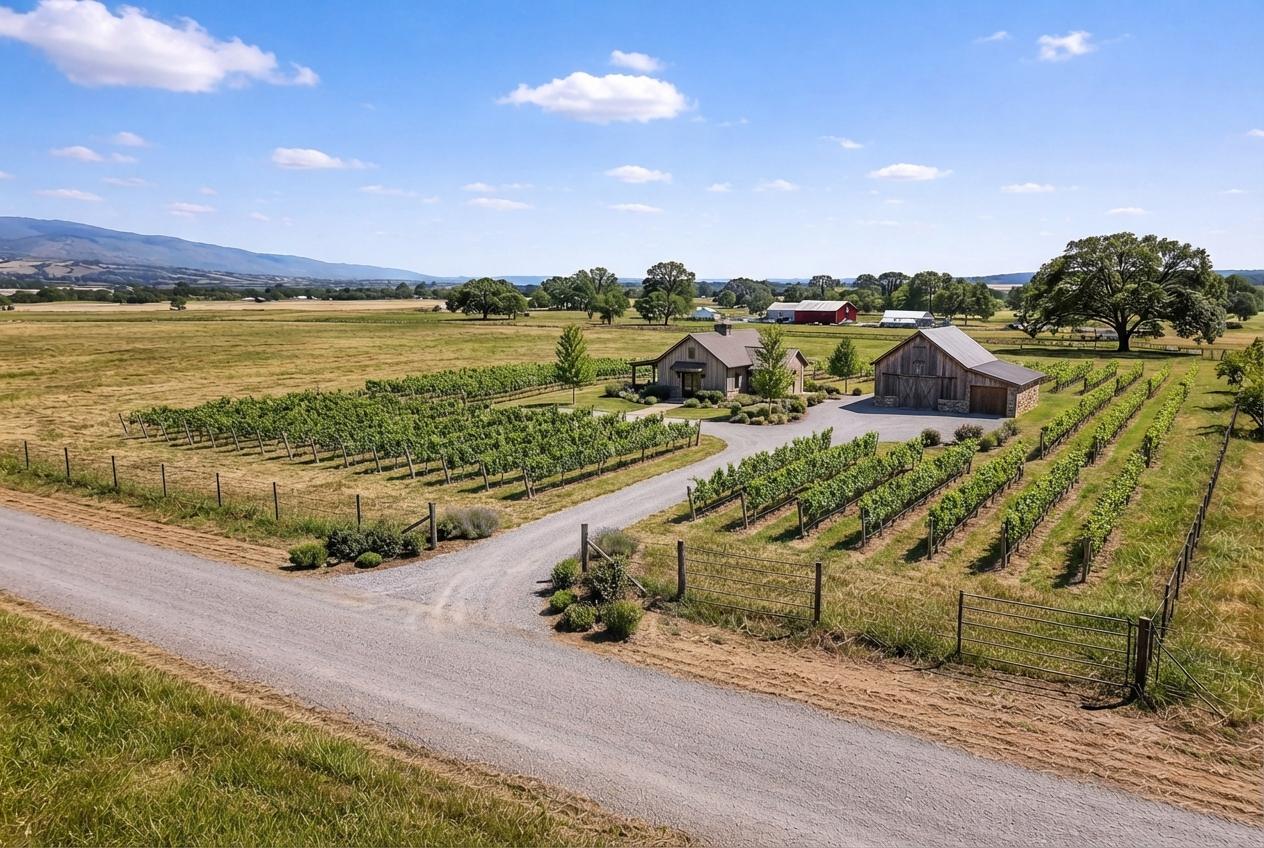
Build a complete, realistic site concept from guided home, ranch, commercial, development, cabin, and specialty presets.
Virtual Room Staging
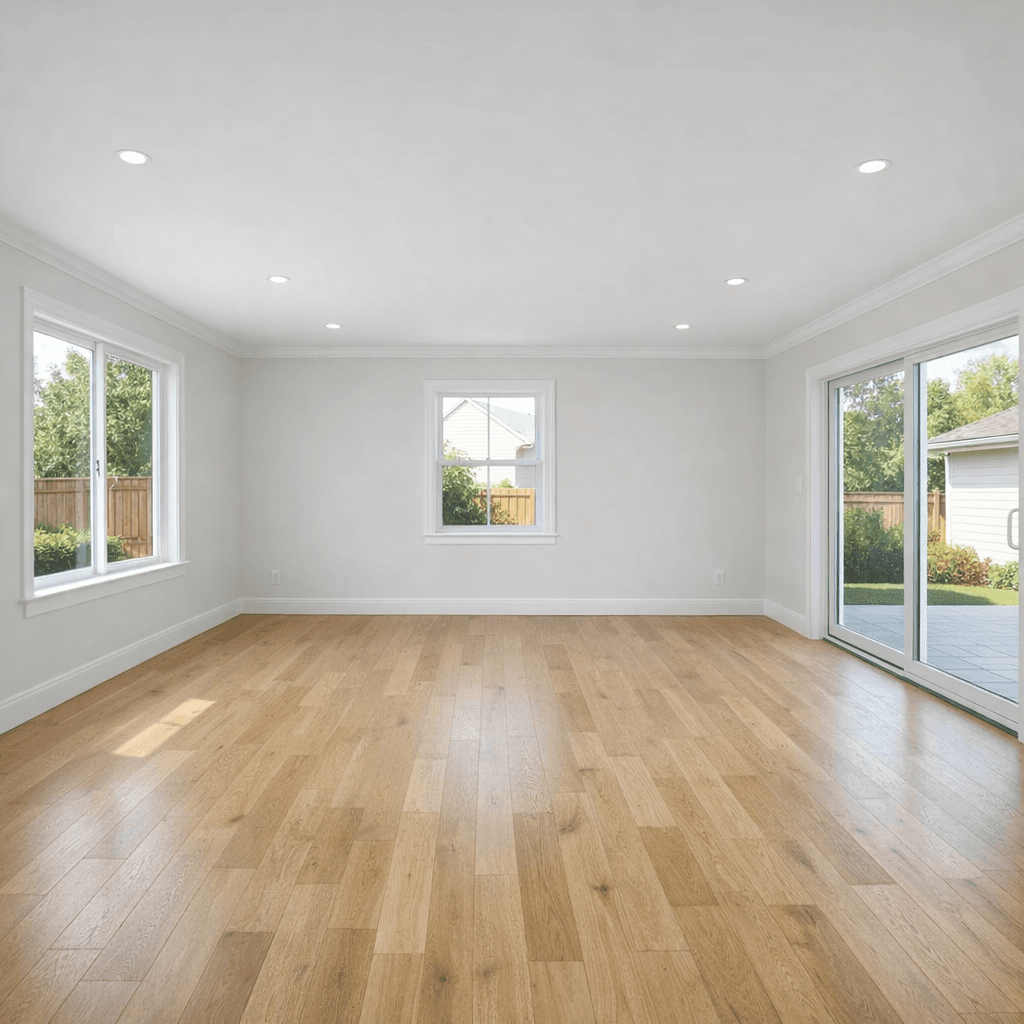
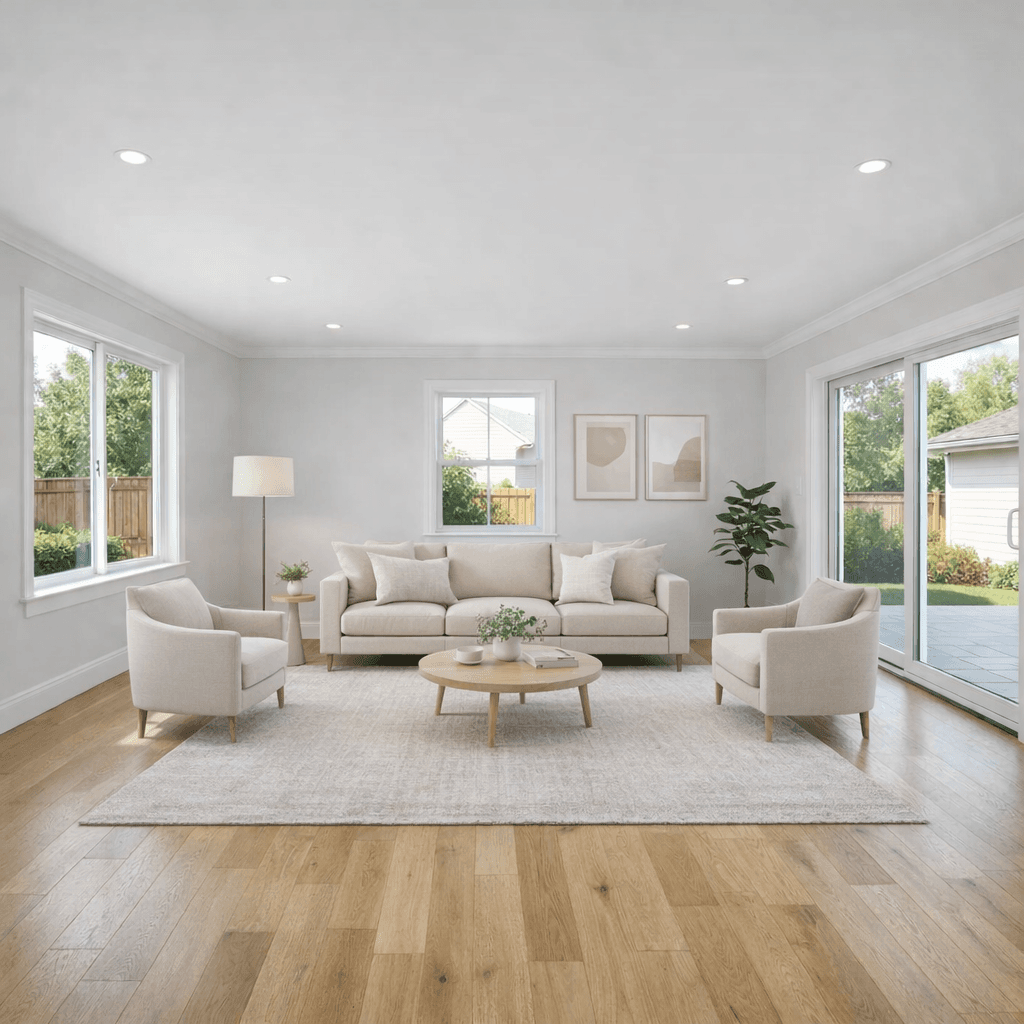
Stage empty rooms, replace dated furniture, or add the missing pieces that help buyers picture the space.
Declutter + Cleanup
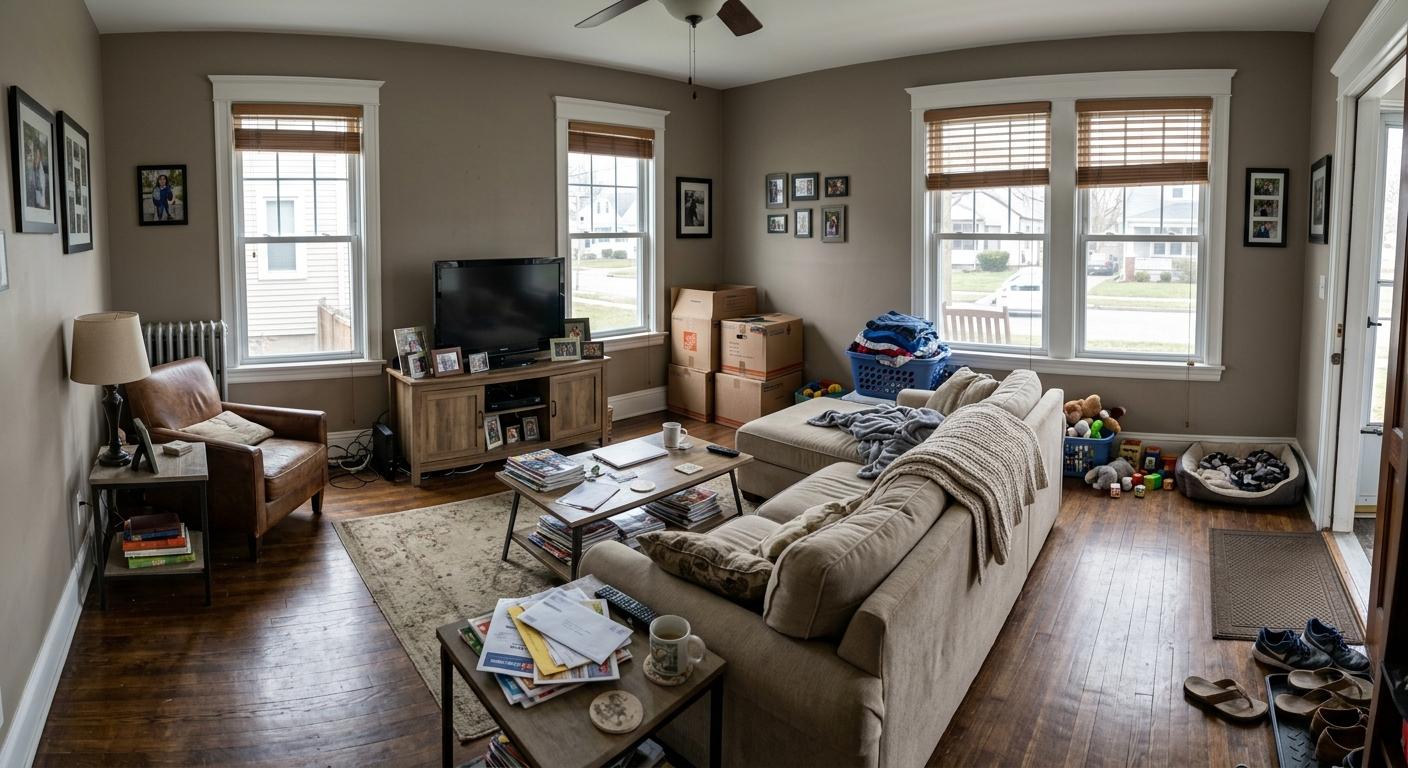
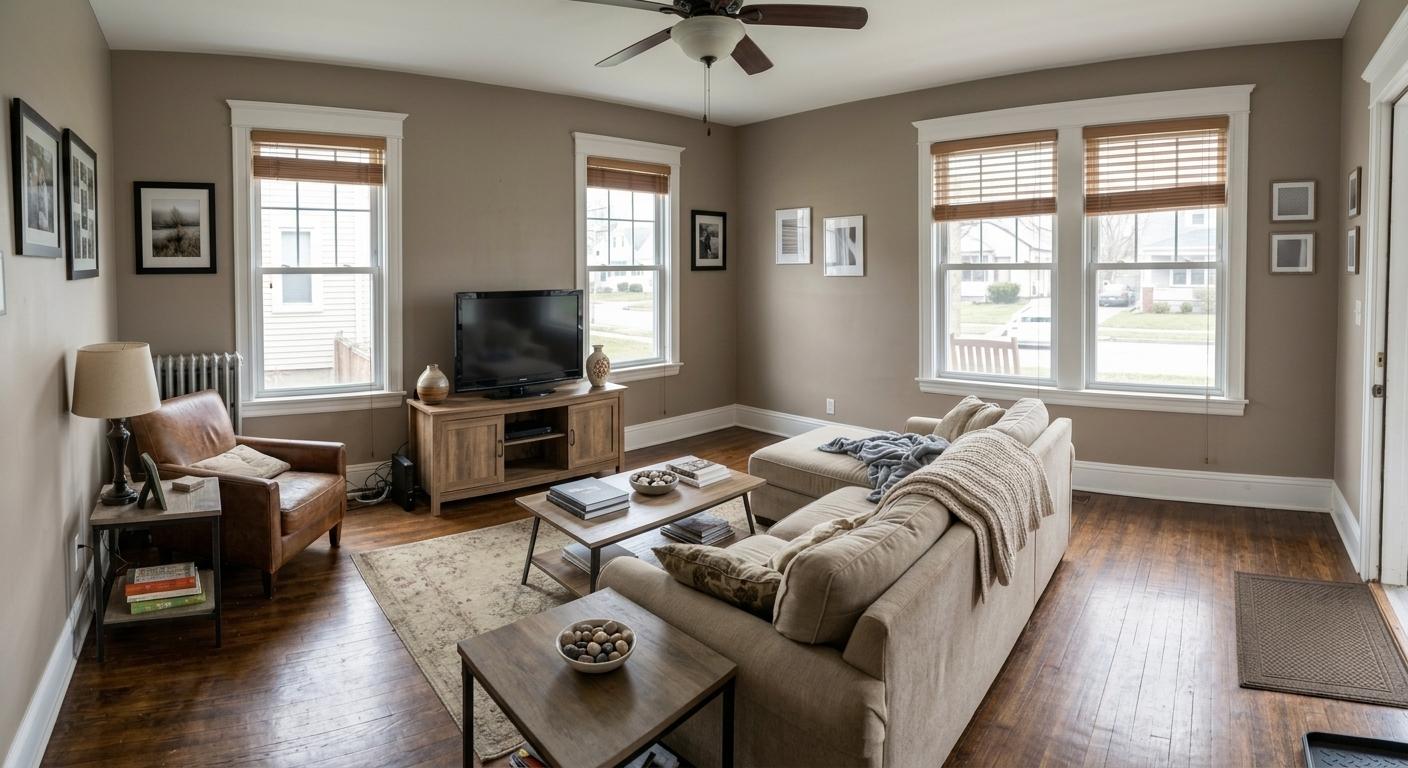
Remove clutter and personal items, clean visible surfaces, and brighten room photos for listing use.
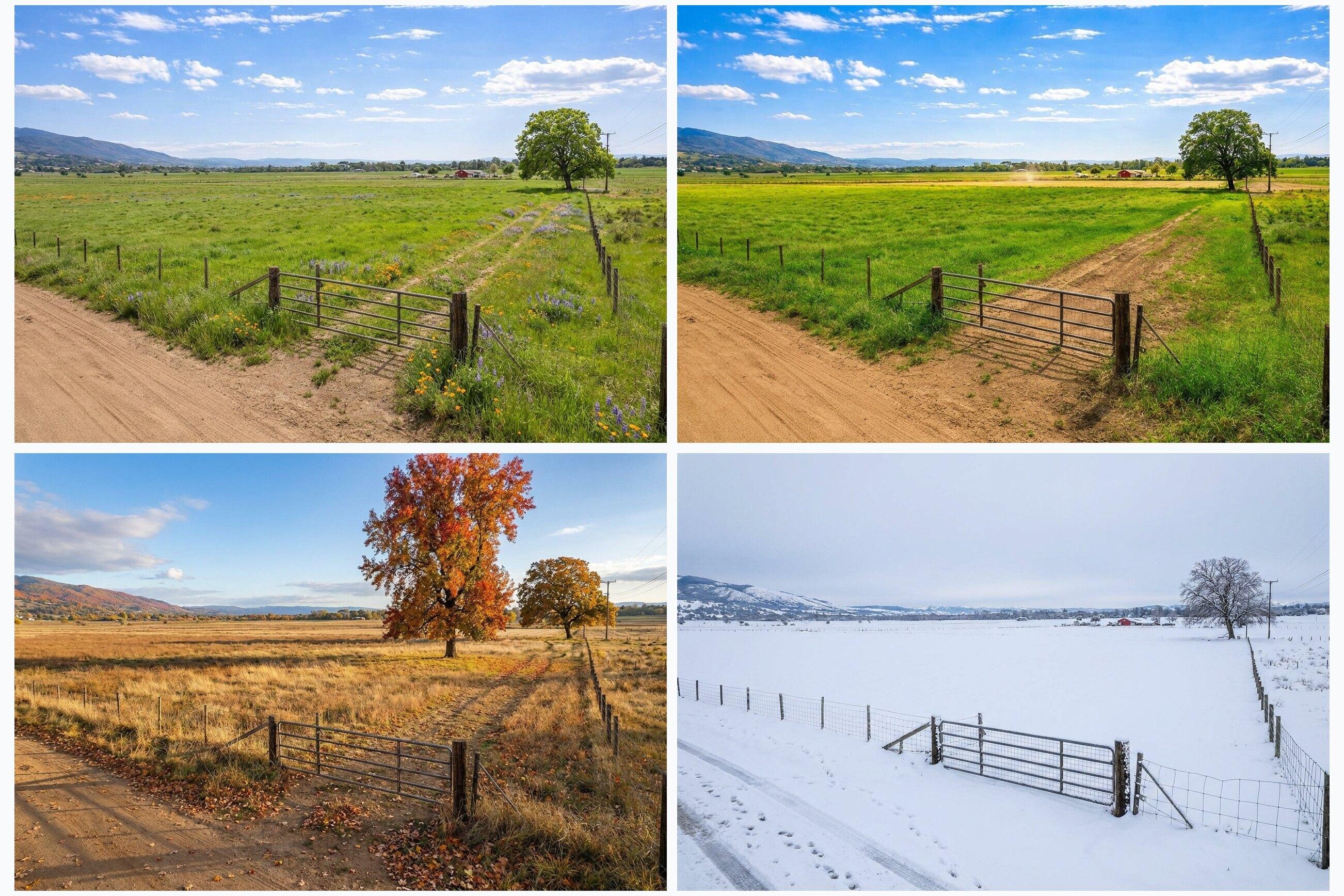
Seasonal Variants
Create Spring, Summer, Fall, and Winter from your chosen listing image in one run.
Exterior Refreshes
Improve exterior listing photos with cleaner skies, brighter presentation, and polished marketing visuals.
Review + Download
Open results full size to check details, then download the images you want to use.
Virtual Staging
Stage rooms, clean up clutter, and improve interior photos.
Use the Rooms tools to stage empty spaces, replace outdated movable furniture, add missing decor, remove clutter, and make room photos feel ready for buyers.
- Stage bedrooms, living rooms, dining rooms, kitchens, bathrooms, and entryways.
- Preserve room dimensions, camera angle, windows, doors, closets, and visible exterior views.
- Use cleanup tools for clutter, personal items, deep cleaning, and natural lighting.
Structures
Choose a concept that fits the property.
Pick the project that fits the listing and generate with smart site defaults. Open Site details only when you want to direct the view, scale, access, clearing, property lines, or lighting.
- Use the four Popular quick picks for common work, or choose any Homes, Farms & Ranches, Commercial, Developments, Cabins & Stays, Specialty, or Custom project from the grouped selector.
- Smart defaults match the source view, preserve the parcel, size the complete site realistically, and create logical access without unnecessary roads or clearing.
- Remove or keep visible property lines, choose gravel or paved access, add role-tagged references, or choose Match source, Sunny blue sky, or Twilight lighting.
Review + Download
Inspect details, download, and promote a favorite.
Results show up as they finish. Open them full size to check realism, then download the images you want to post.
- Generate up to four options per run to compare quickly.
- Download individual images when they match your listing vibe.
- Set your favorite as the Original Listing image to use it as the base for Seasons and Smart Season.
Want a clear disclosure? You can apply an optional “Artist Rendering” watermark, and signed-in users with image credits can use custom branding.
Seasons
Create a four-season set in one run.
A single listing can feel totally different in summer vs winter. Generate Spring, Summer, Fall, and Winter so your visuals match the buyer mindset.
- Run All Four Seasons for a complete set from your chosen listing image.
- Download seasonal variants and use them across MLS, social, and email campaigns.
Smart Season
Generate a location-aware month.
Need your listing to feel like October in Kelowna, or March in Boise? Smart Season lets you pick a country, region, city, and month for a location-aware look.
- Choose Country, State/Province/Region, City, and Month to match your listing’s market.
- Great for ads and landing pages where seasonality matters.
Smart Season is ready whenever you have image credits available. View plans. Want done-for-you delivery? Request 3 free concept visuals.
Built for real-world listing rules.
Listing Wand images are marketing visuals, not inspection reports, architectural drawings, or property guarantees. Verify important property details with the right professionals.
MLS and advertising rules vary by market. When disclosure is required, clearly label virtual staging, AI edits, or artist renderings. Use the Virtual Staging Disclosure Generator when you need labels, captions, QR wording, and original-photo workflow guidance.
Best Results
- Clear, well-lit property photos with minimal blur
- Land photos that show the likely build area or exterior feature you want improved
- Room photos with visible floor space, windows, doors, and fixed room features