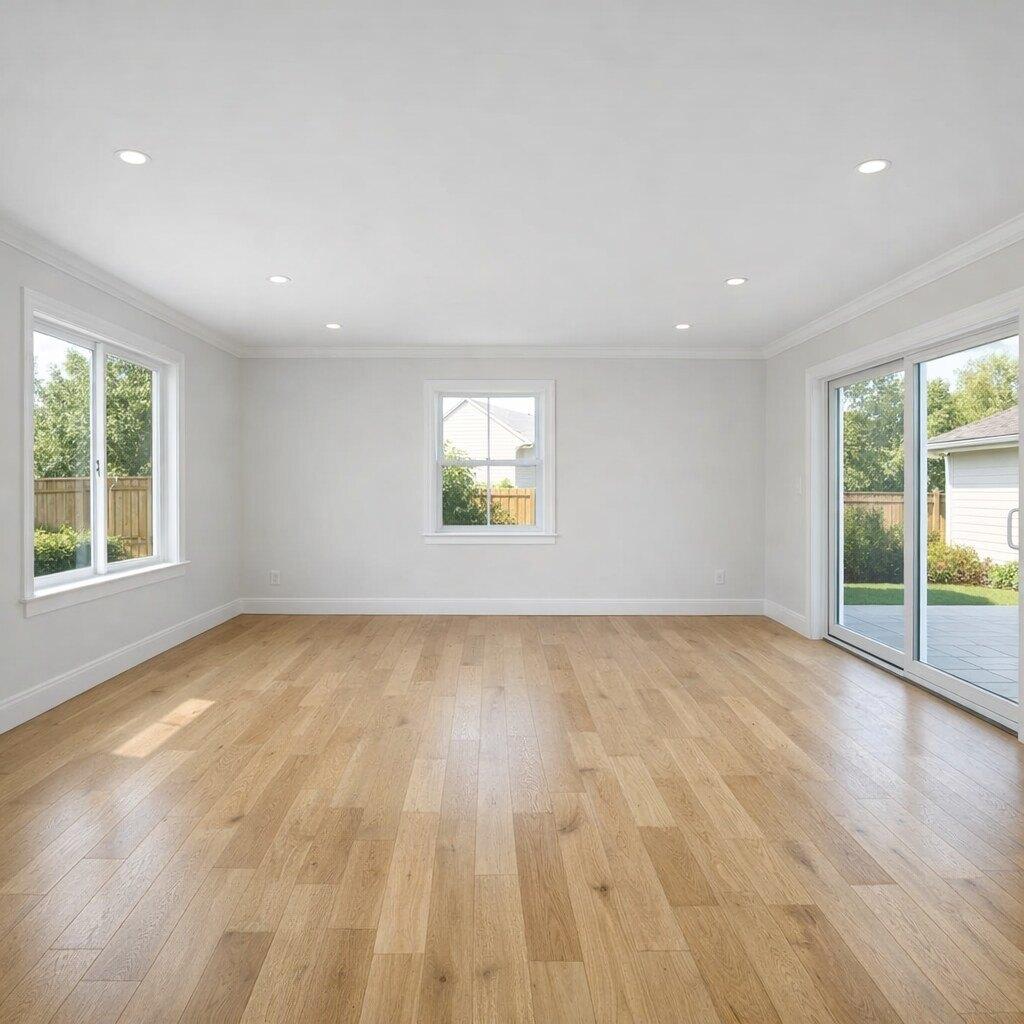
 Before
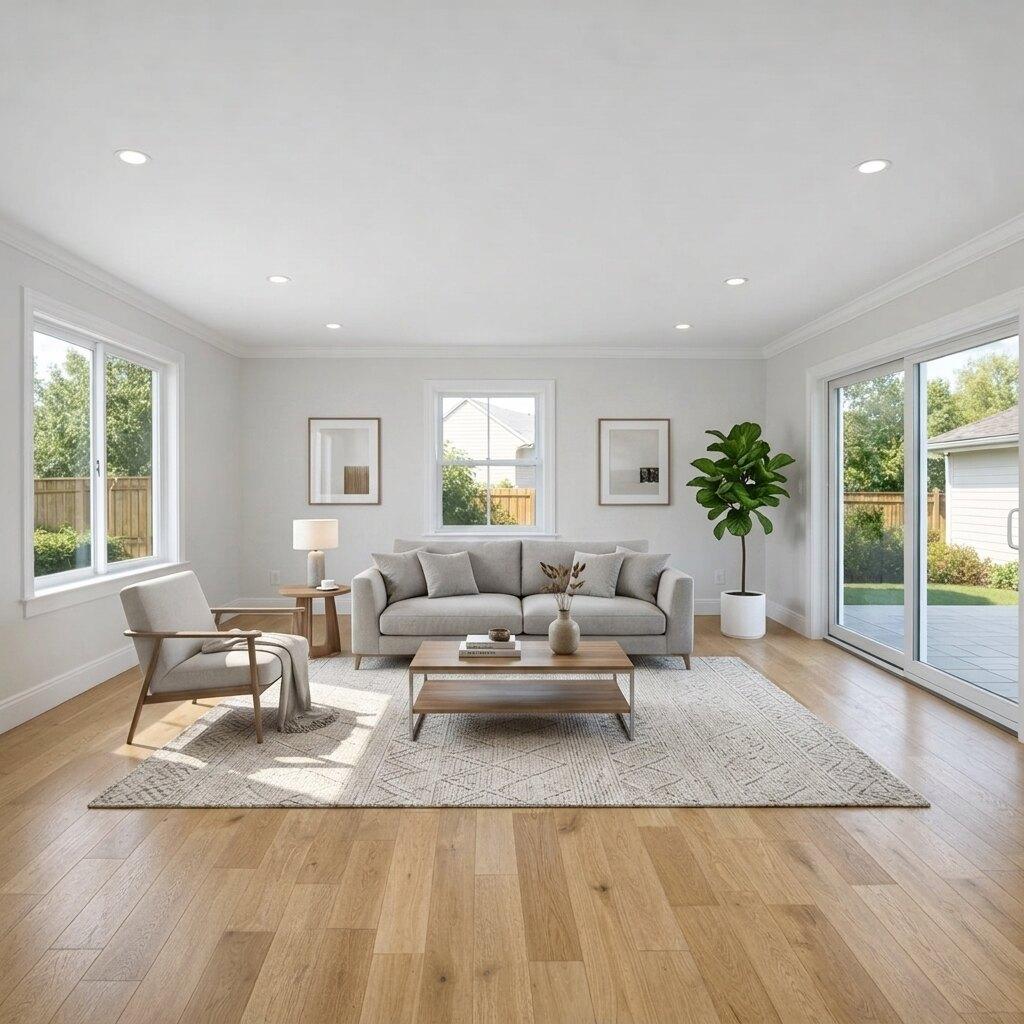 After
AfterLiving Room
Empty living room staging
Adds properly scaled seating, a rug, a coffee table, side lighting, and simple wall decor while preserving the windows, floor, walls, and camera angle.
Empty Room Virtual Staging
Listing Wand helps agents and sellers add believable furniture, rugs, lighting, and decor to empty room photos while preserving the real layout buyers will see in person.
Start with 10 free AI listing visuals.
BeforeAfterBuyer Clarity
Buyers often struggle to judge scale from a blank room. A good virtually staged image gives them a realistic read on use, furniture placement, and traffic flow without pretending the property has been remodeled.
Show whether a sofa, bed, dining table, or desk fits naturally.
Help buyers understand the room purpose before they tour.
Keep fixed property details accurate and disclose edits when needed.
Before And After
These eight examples show how blank spaces can become listing-ready visuals while keeping the actual property recognizable.
BeforeAfterLiving Room
Adds properly scaled seating, a rug, a coffee table, side lighting, and simple wall decor while preserving the windows, floor, walls, and camera angle.
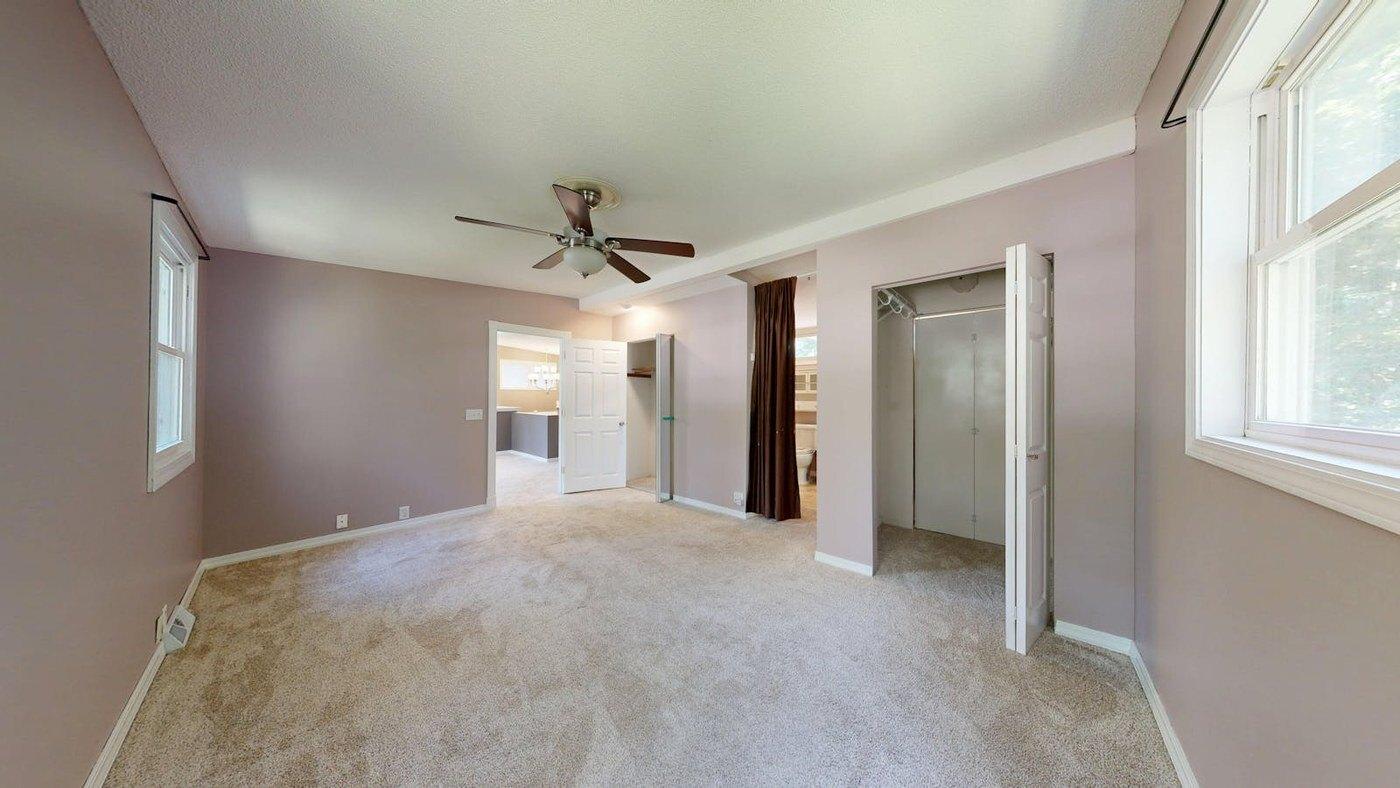 Before
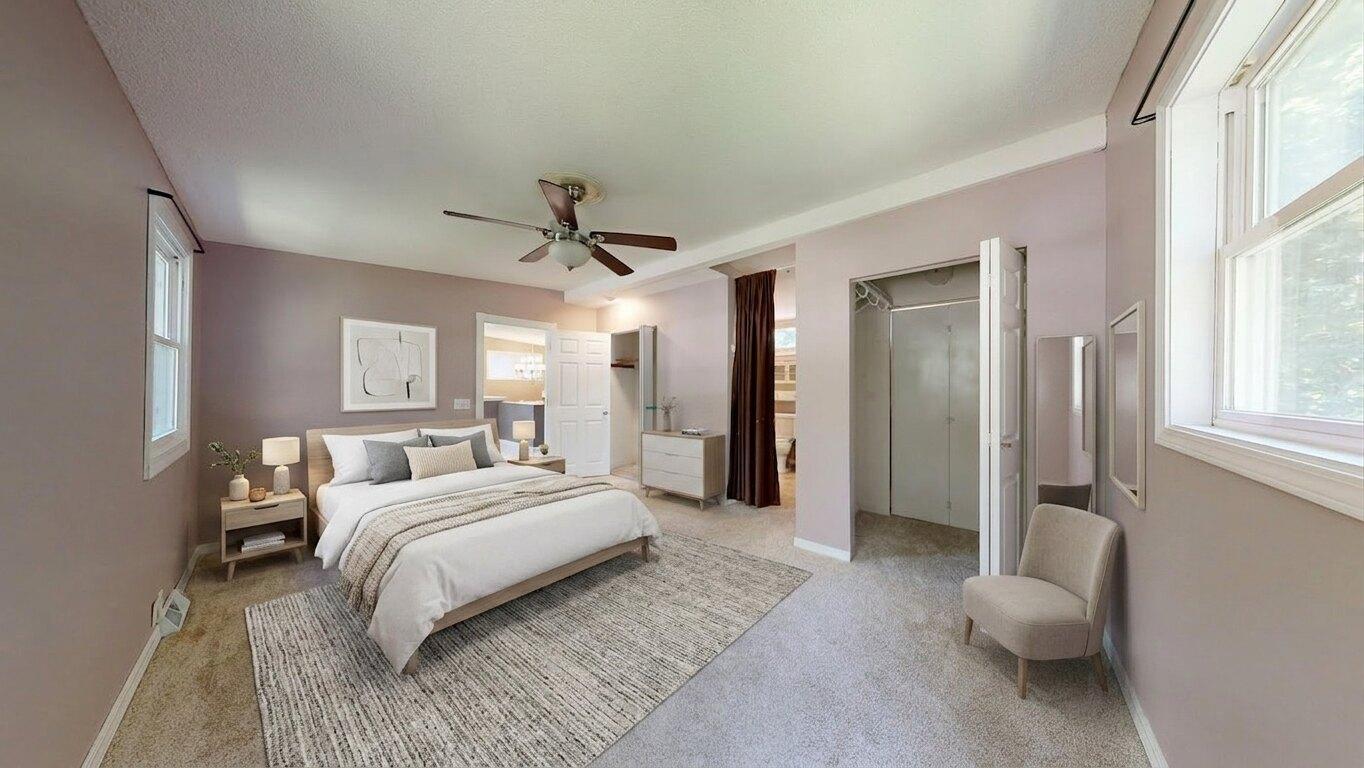 After
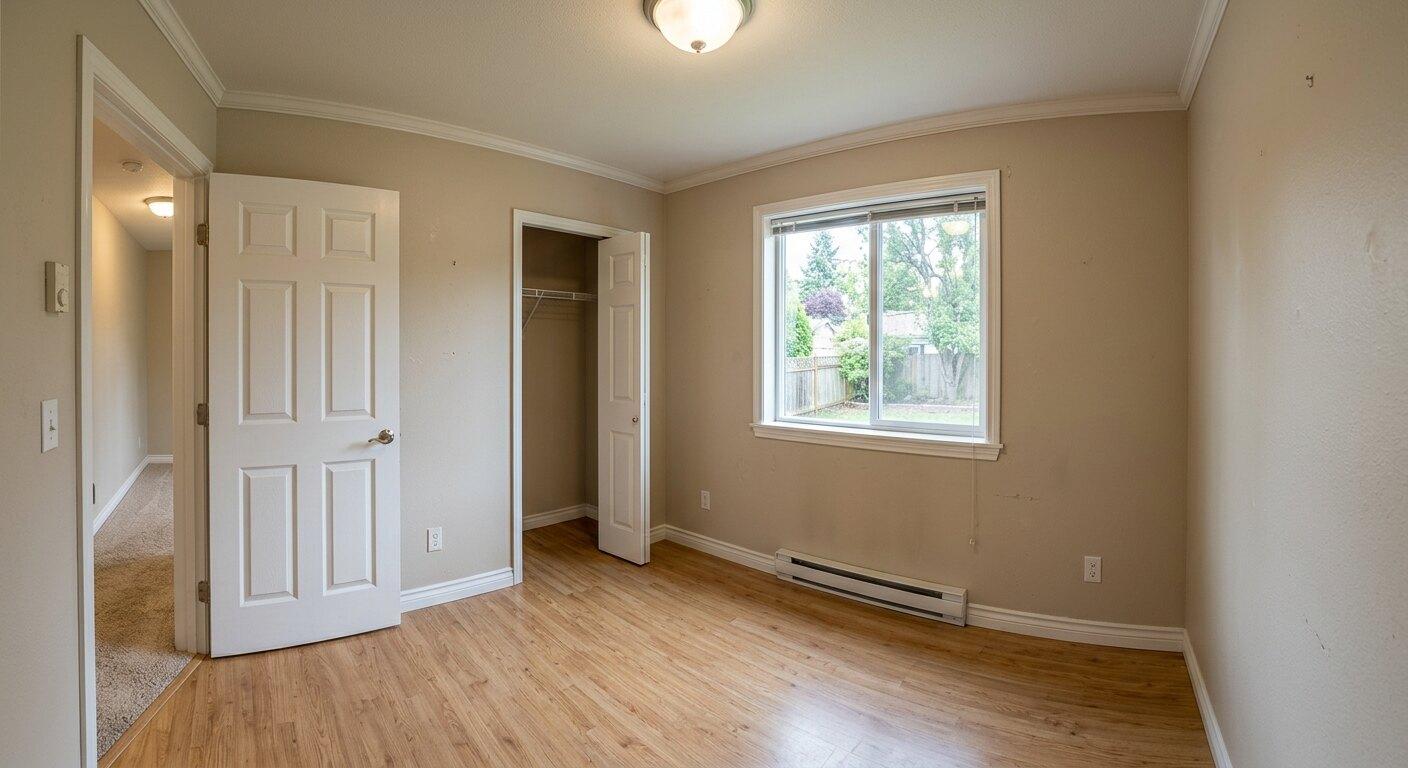
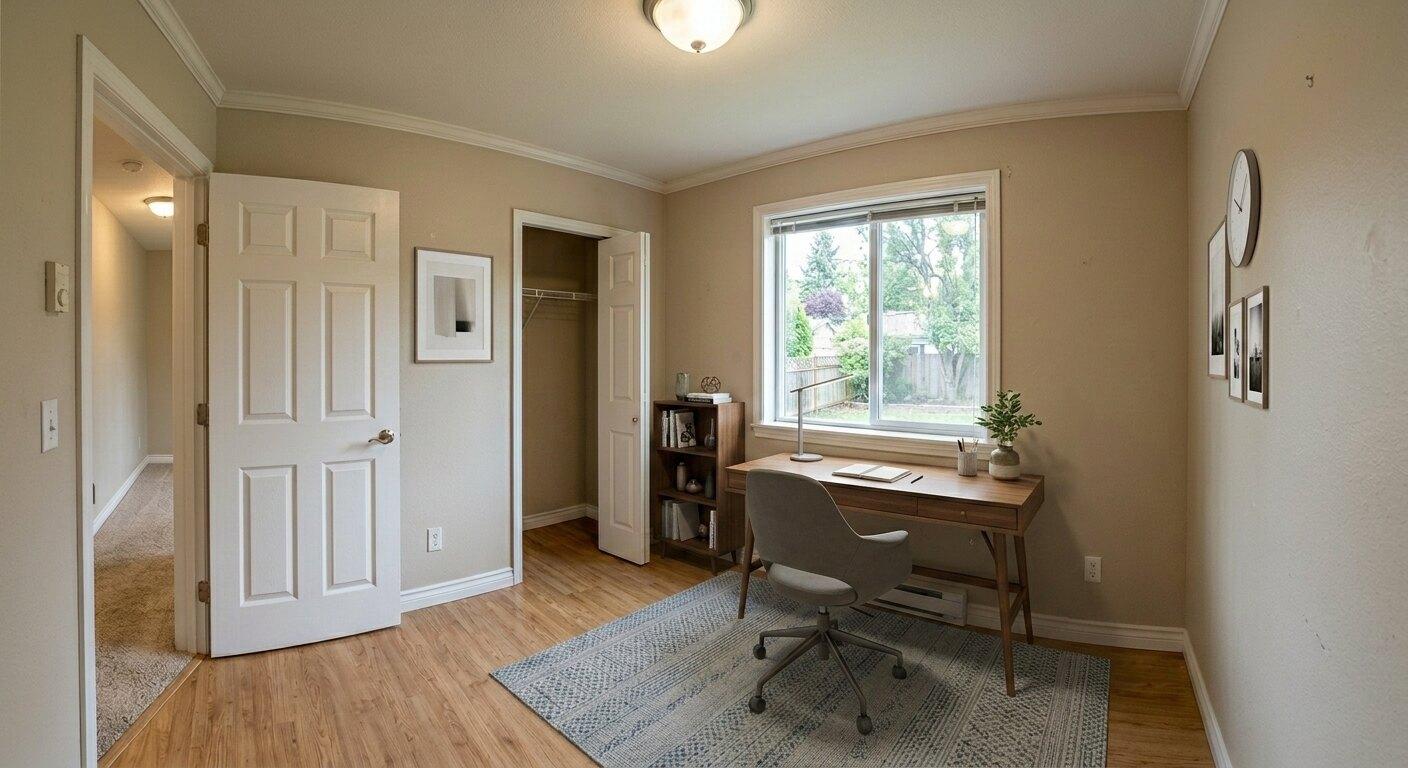
AfterBedroom
Turns a blank bedroom into a furnished listing visual without changing the actual closet, doorway, windows, room shape, or buyer-visible layout.
 Before
 After
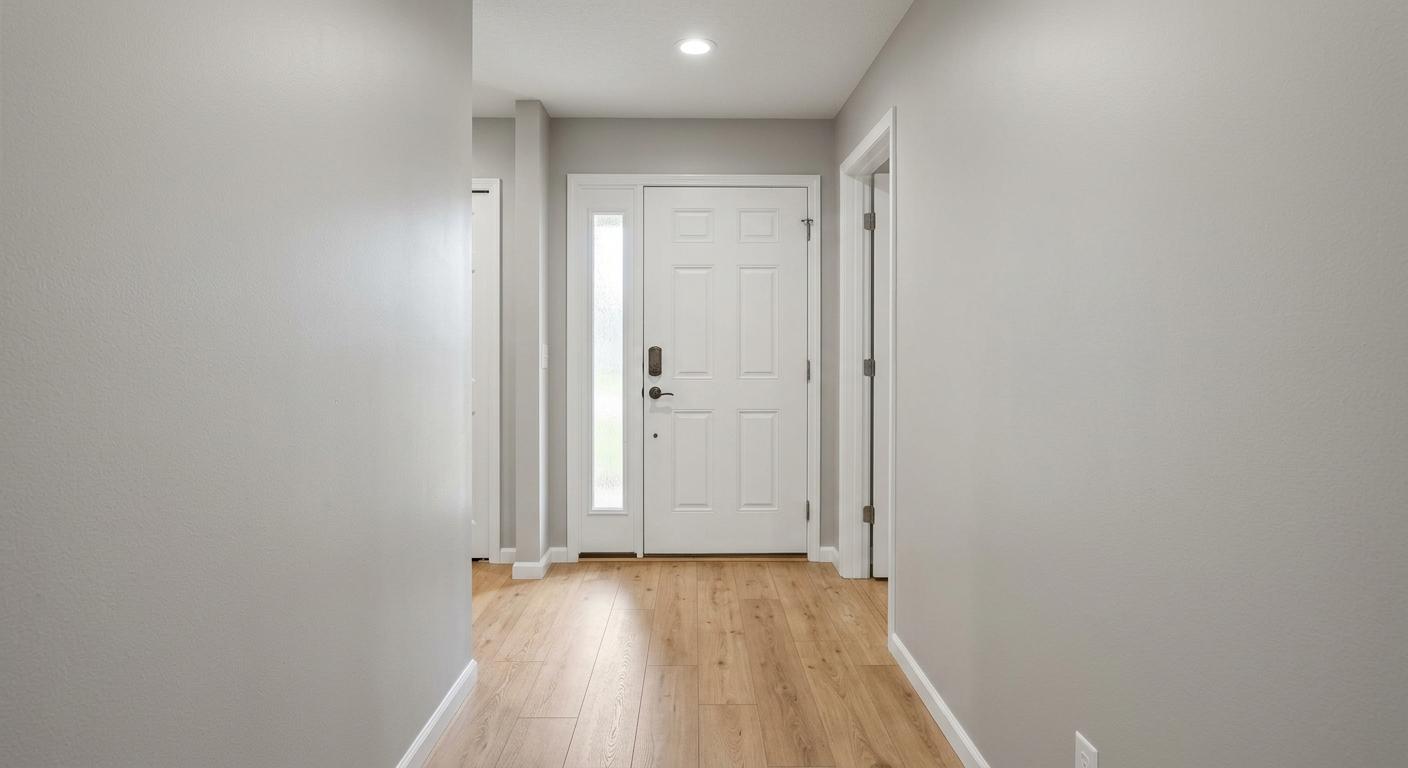
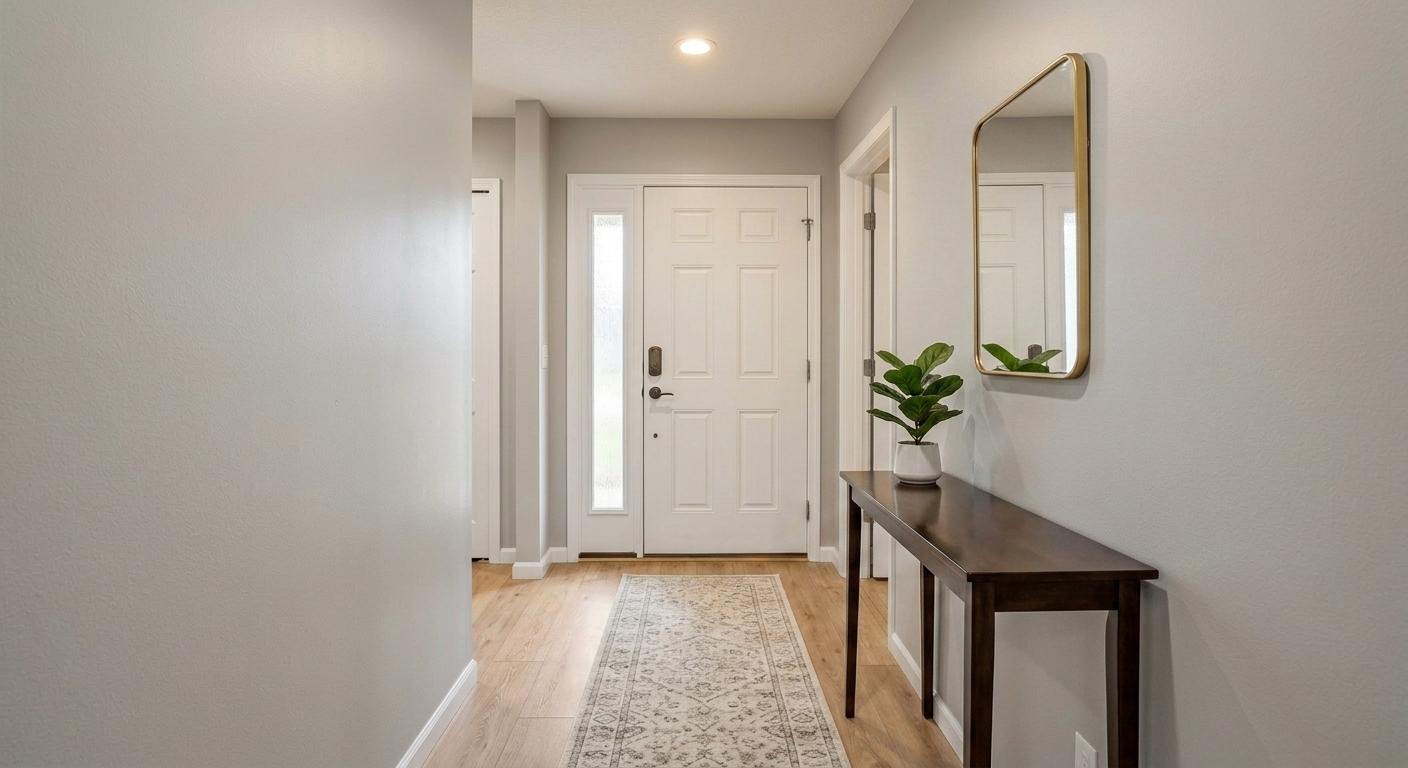
AfterEntryway
Adds a slim console, mirror, runner, and plant so the entrance feels finished without blocking circulation or changing the door, walls, or trim.
 Before
 After
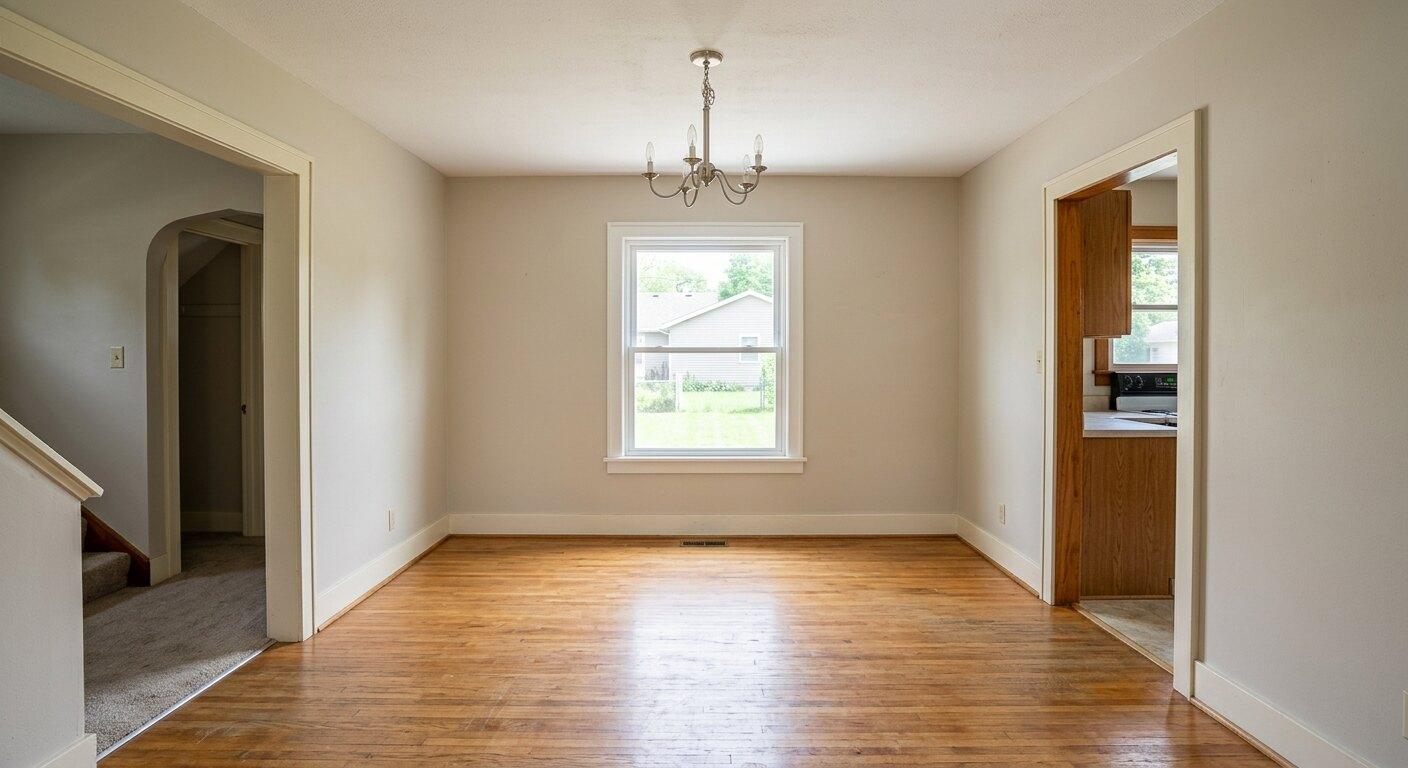
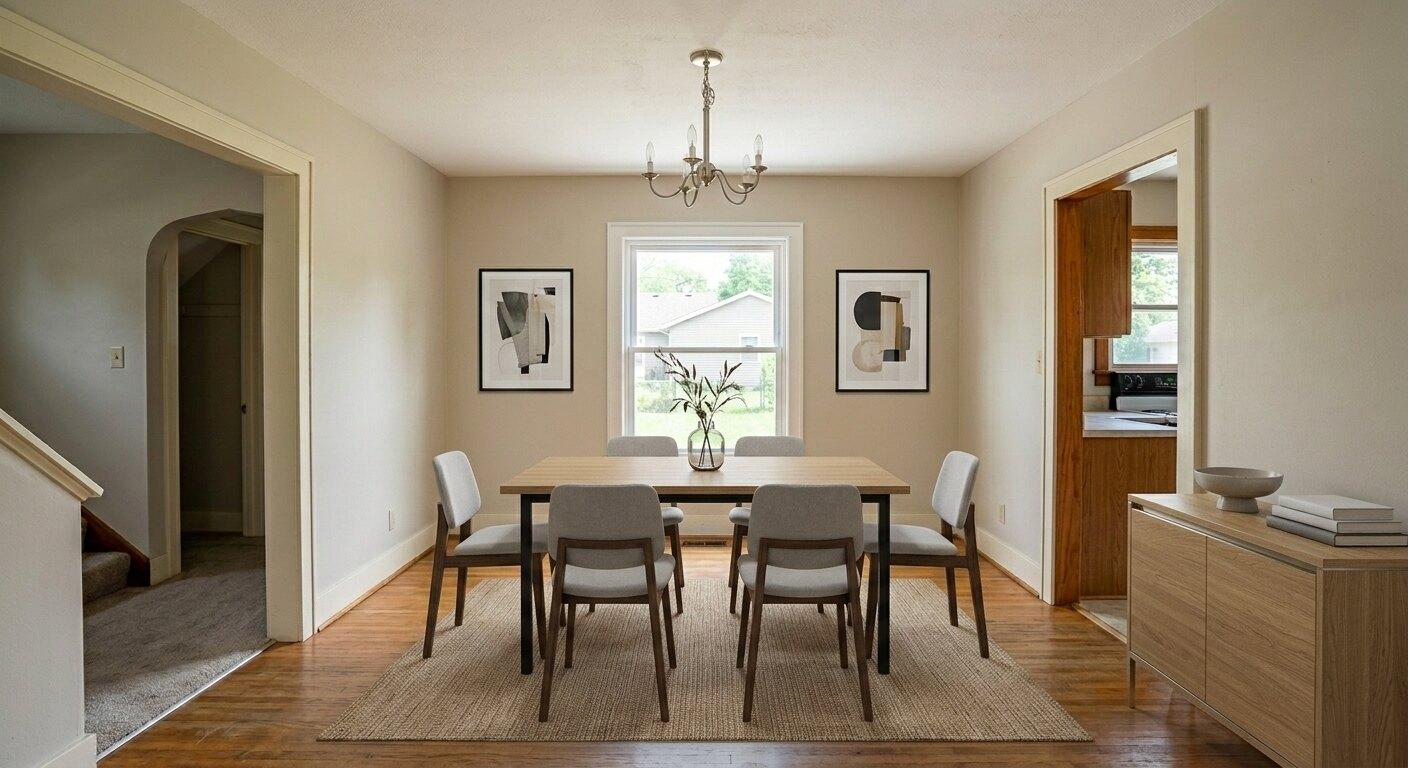
AfterDining Room
Adds a dining table, properly spaced chairs, a rug, simple art, and restrained storage while keeping the doorway, window, floor, and light fixture intact.
 Before
 After
AfterHome Office
Shows buyers how a small spare room can work as an office by adding a desk, chair, rug, and modest storage without crowding the room.
 Before
 After
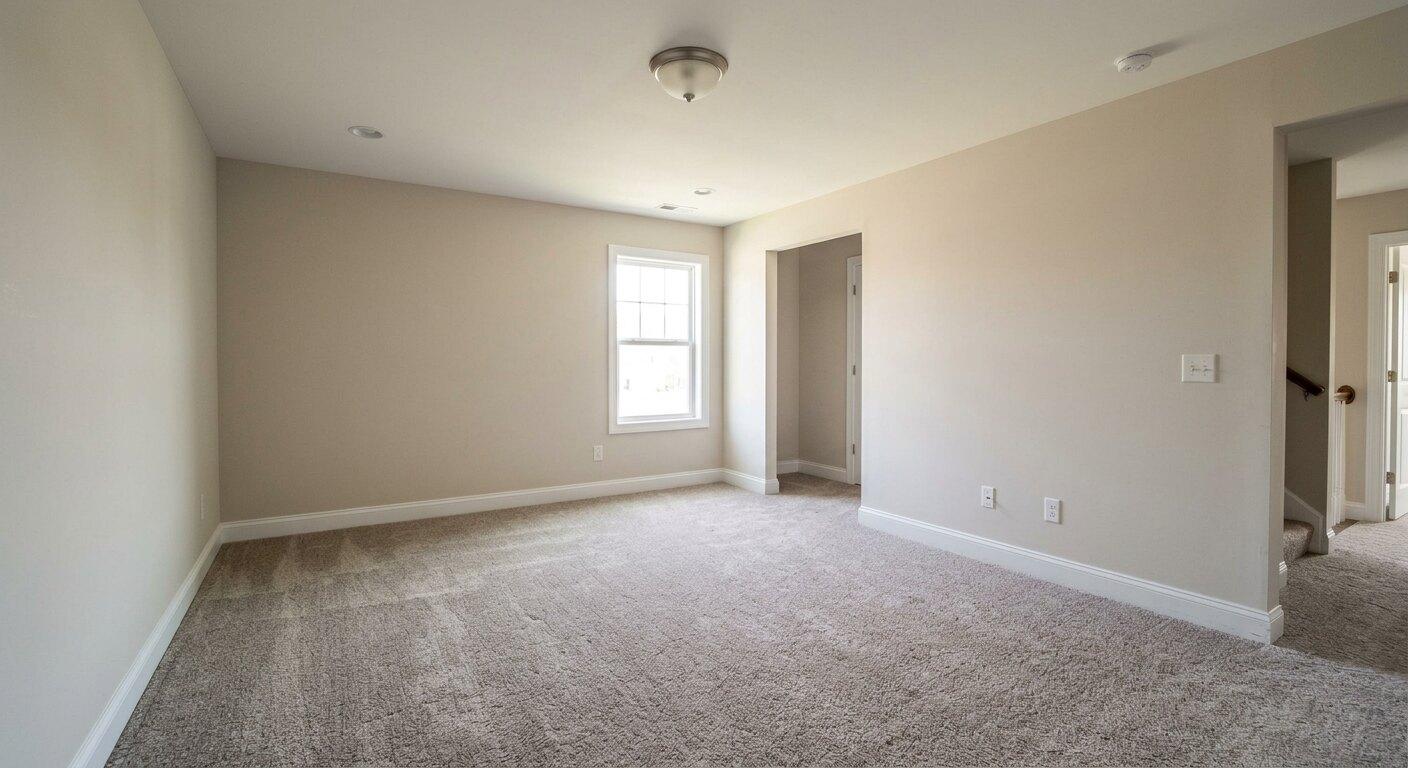
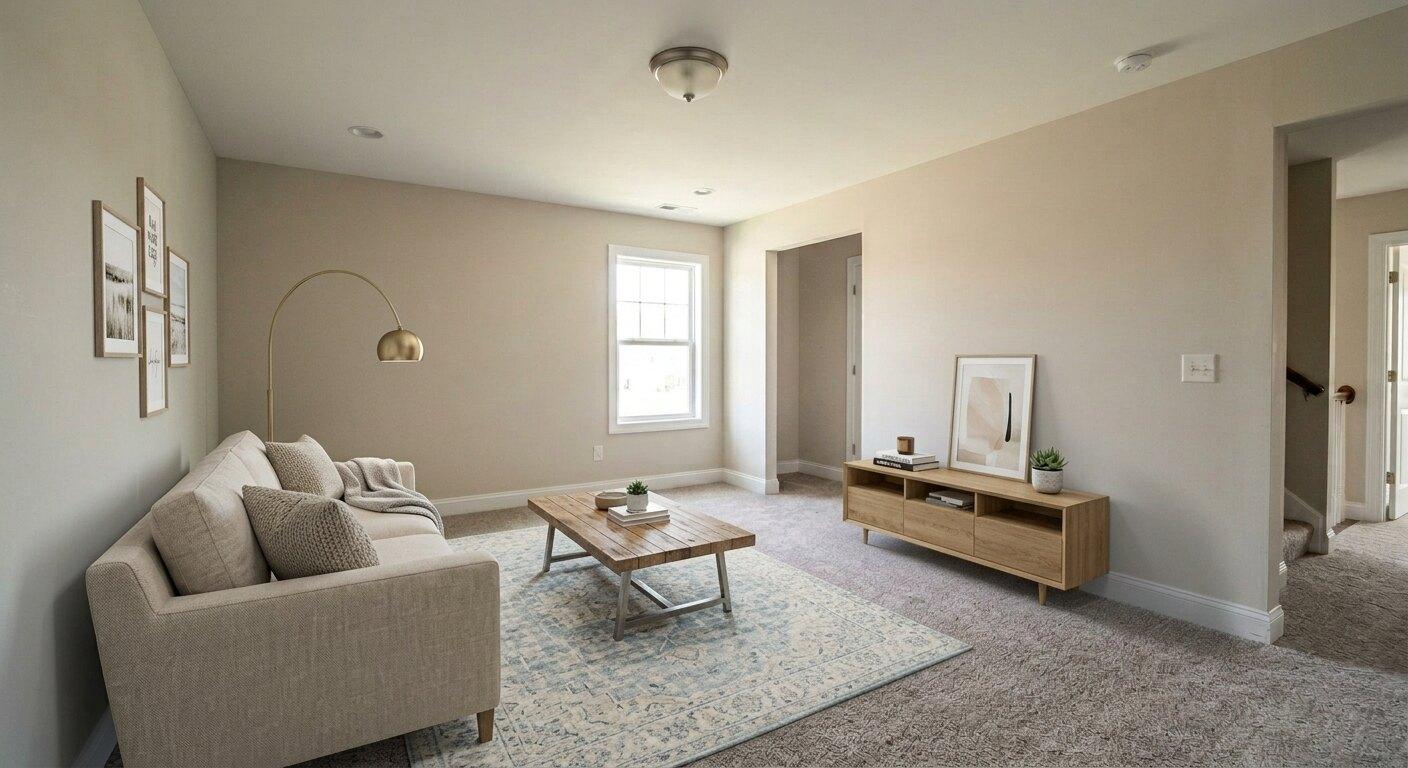
AfterBonus Room
Turns a plain bonus room into a family-room concept with seating, a low media console, a rug, and open walkable space.
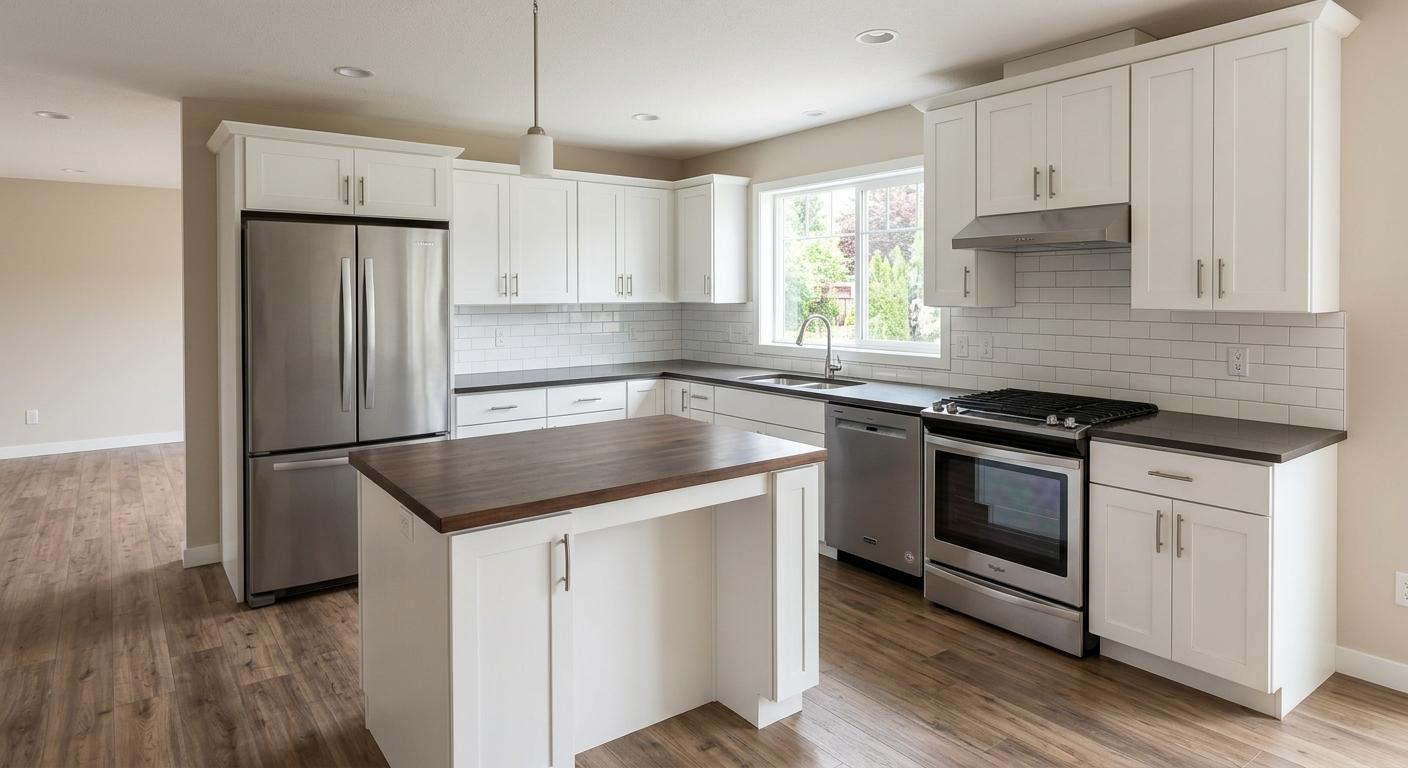 Before
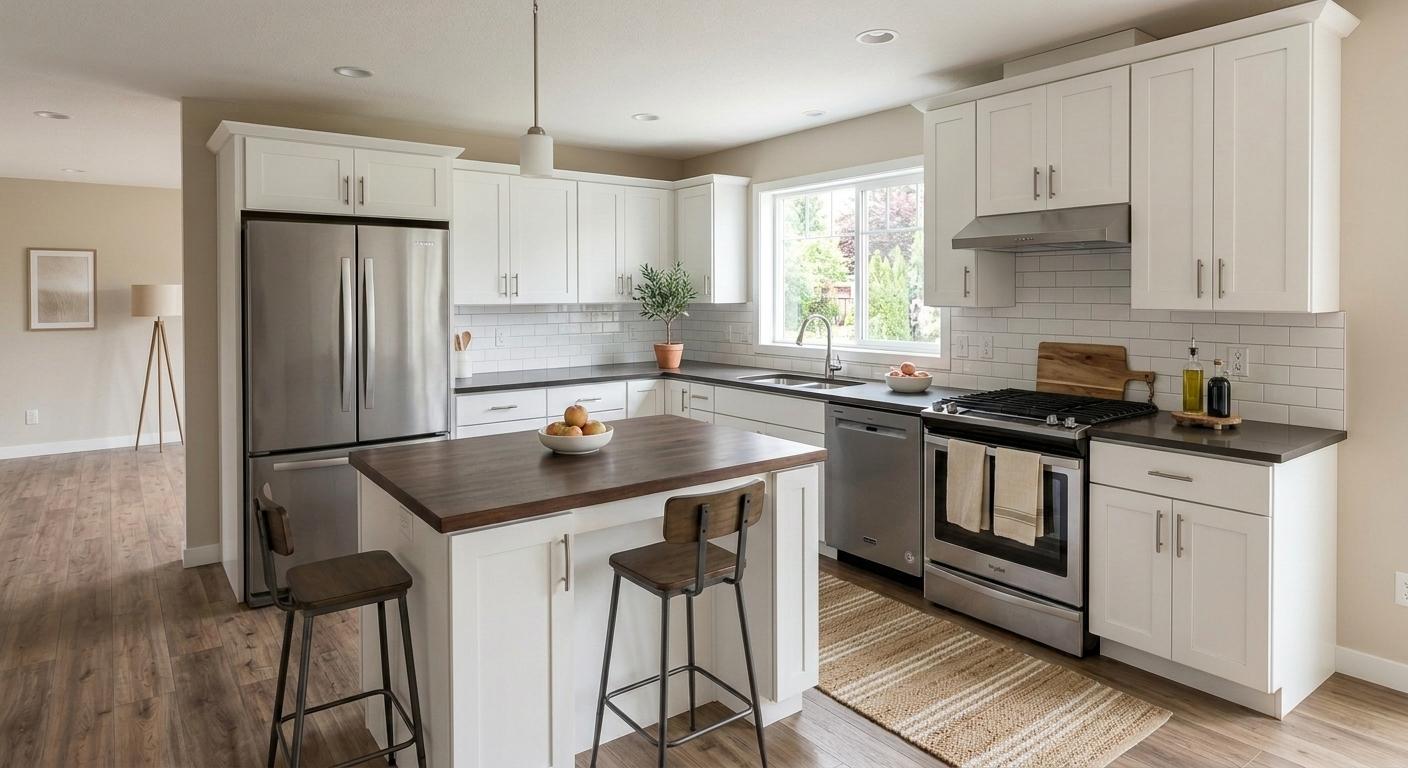 After
AfterKitchen
Adds island stools, a runner, simple greenery, towels, bowls, and light countertop styling while preserving the cabinets, appliances, counters, backsplash, and fixtures.
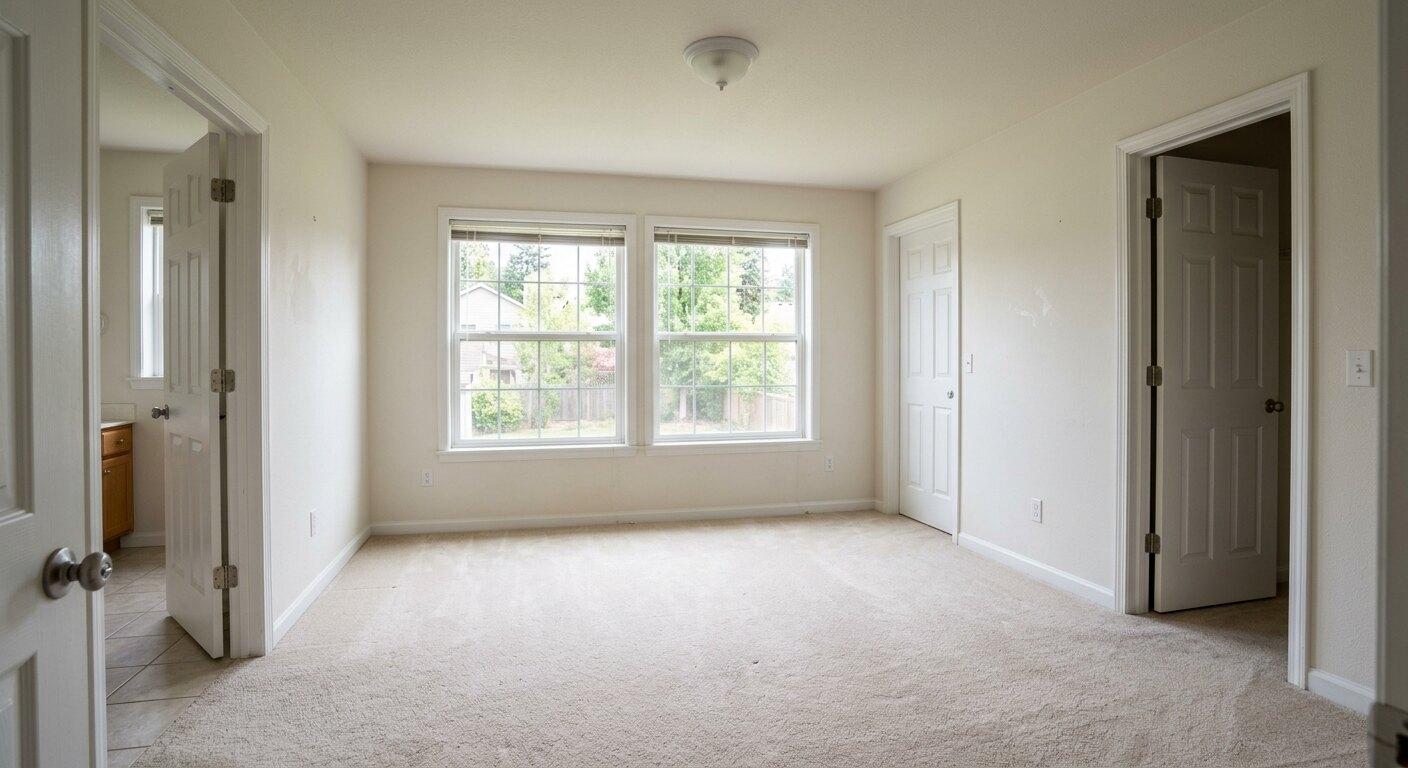 Before
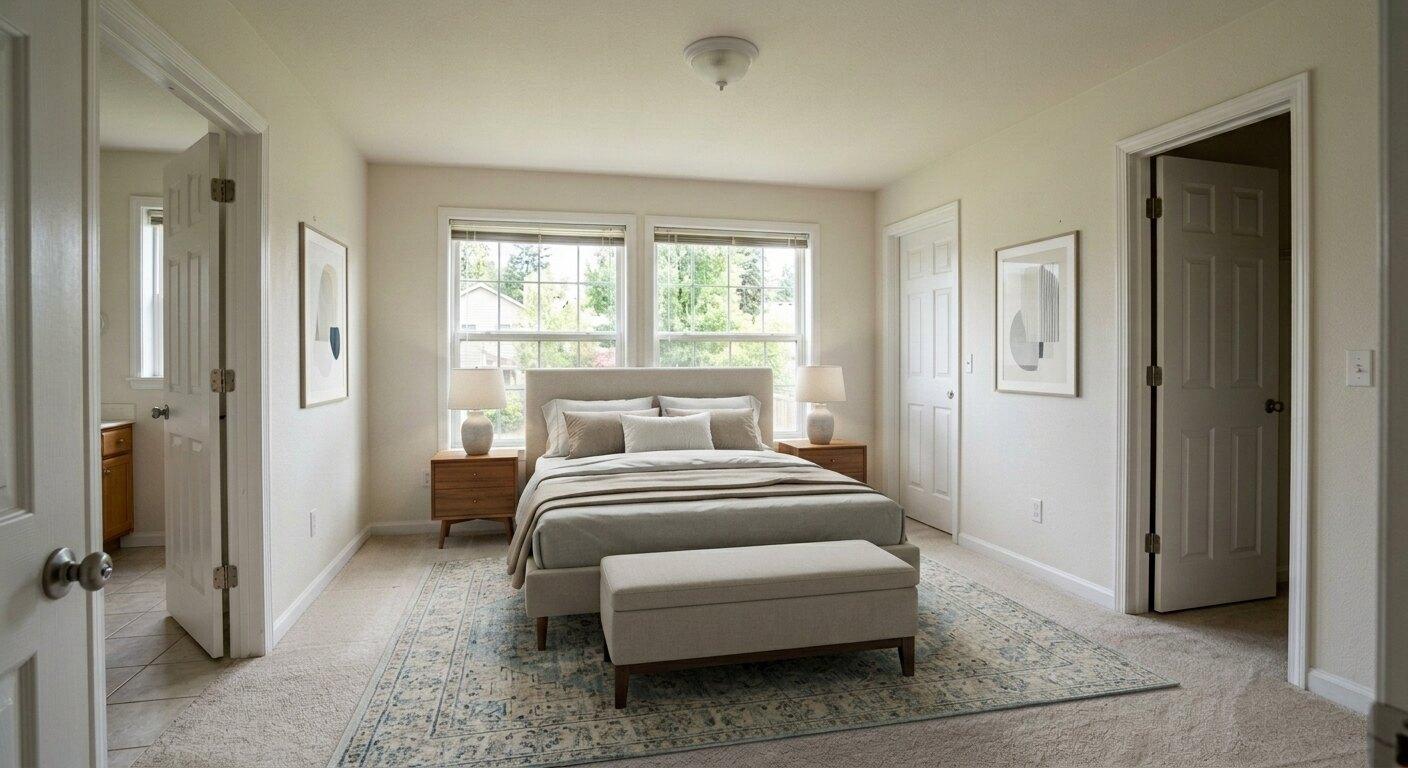 After
AfterPrimary Bedroom
Adds a calm primary-bedroom layout with a bed, nightstands, rug, and bench while preserving the closet, doorway, windows, and wall layout.
Room Types
The best empty-room virtual staging is not one generic furniture set. It changes by room type, photo angle, buyer expectation, and the amount of space the room can honestly support.
Use a sofa, rug, coffee table, accent chair, and a small amount of decor so buyers understand seating scale and walkable space.
Add a properly scaled bed, nightstands, lamps, rug, and restrained decor so the room reads as usable without looking crowded.
Use a table and chairs sized to the room, then keep centerpieces, art, rugs, and sideboards minimal.
Stage with narrow pieces that clarify function without blocking the path buyers will actually walk through.
Avoid redesigning fixed elements. Add only listing-safe touches such as stools, a runner, towels, fruit, or simple countertop styling.
Do not invent fixtures. Keep tubs, showers, vanities, mirrors, and tile intact, then add towels, mats, greenery, and simple accessories.
Accuracy Standard
Empty-room virtual staging works best when the edit is restrained. The image should help buyers imagine the room furnished, not make them question whether the photo is accurate.
Workflow
Use this workflow when a listing photo shows a blank room and you need a furnished visual that still feels buyer-safe.
Start with a clear photo that shows the room shape, flooring, windows, doors, and fixed features.
Select empty-room staging, then choose the room type that matches the actual space.
Create multiple versions when you want to compare furniture scale, layout, or decor restraint.
Check that the staged image still matches the true layout, fixed architecture, and visible exterior view.
Use the finished image in your listing workflow and follow local disclosure rules for virtual staging.
FAQs
Empty room virtual staging adds realistic furniture and decor to an unfurnished real estate room photo so buyers can understand scale, layout, and possible use. The staged image should preserve the real room structure and only add movable items.
Yes. Empty room staging should add furniture, rugs, lighting, art, and decor. Virtual renovation changes fixed property details such as walls, floors, cabinets, tile, fixtures, or layout, and needs stronger disclosure.
Living rooms, bedrooms, dining rooms, offices, kitchens, entryways, finished basements, and bonus rooms usually work well. The best source photos show the full room, stable vertical lines, natural light, and visible fixed features.
Rules vary by MLS, broker, and market. Many agents can use virtual staging when the image is accurate and properly disclosed. Always follow your local MLS and brokerage requirements.
Use a watermark or label when required by your MLS, broker, advertising rules, or local practice. Listing Wand supports Artist Rendering and custom watermark text for disclosure-ready images.
Generate two to four options for important rooms. Compare scale, furniture placement, clutter level, and whether the result still feels like the same property.
Avoid oversized furniture, blocked doors, fake windows, changed flooring, invented closets, altered views, luxury finishes that are not present, or anything that makes the room look structurally different.
Related Resources
Empty-room staging is one part of the listing visual workflow. Use these pages for cleanup, broader staging, plans, and room-specific guidance.
See how Listing Wand handles AI staging, cleanup, furniture replacement, and listing photo polish.
See the broader virtual staging, cleanup, furniture replacement, photo polish, and watermarking page.
Estimate cost for one listing and compare physical staging, manual virtual staging, and AI staging assumptions.
Generate disclosure labels, MLS captions, QR wording, and upload-order guidance for staged room images.
Walk through room upload, cleanup, staging, generation, review, downloads, and disclosure workflow.
Compare room staging with land concepts, seasonal variants, cleanup tools, exterior edits, and downloads.
Compare credit packs for empty-room staging, cleanup edits, land concepts, and listing visuals.
Start Fast
Upload a blank room, choose a room type, generate realistic staging options, and apply an Artist Rendering watermark when your market requires it.