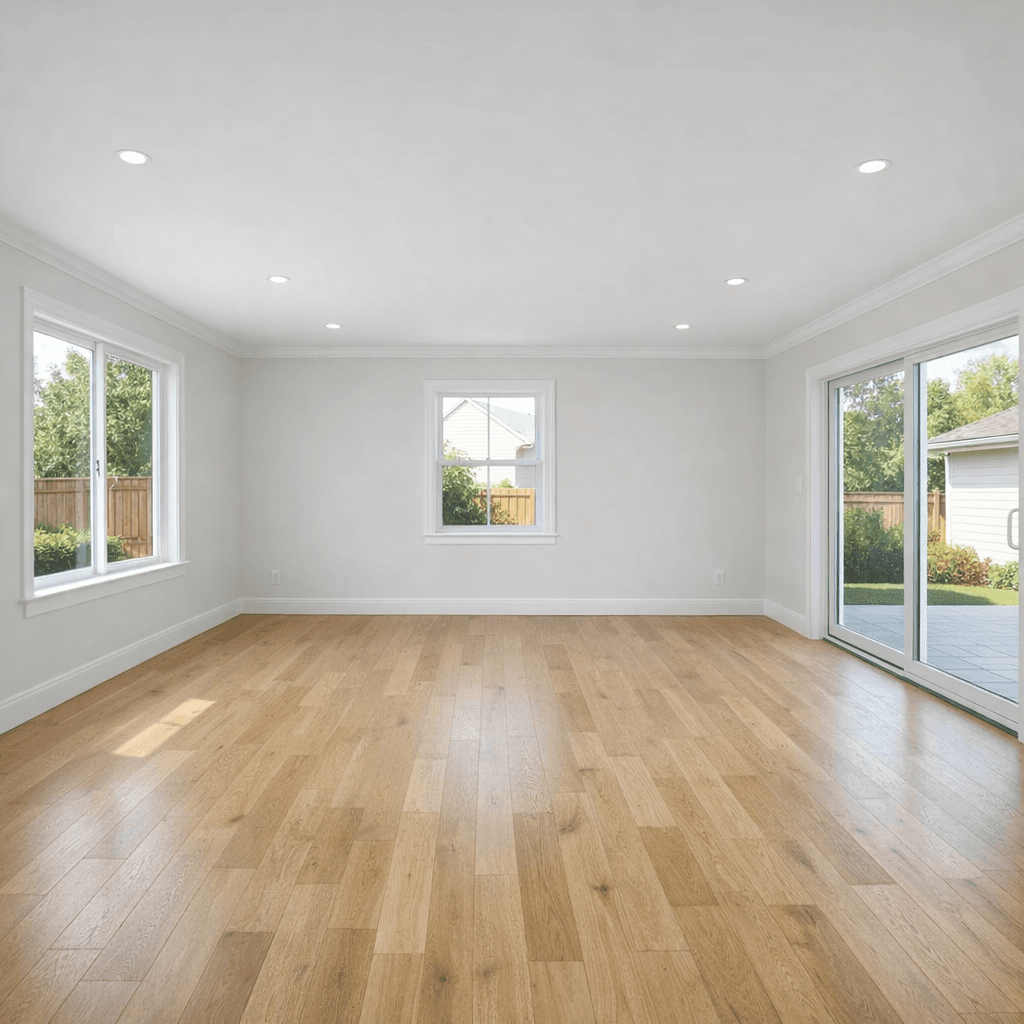
 Before
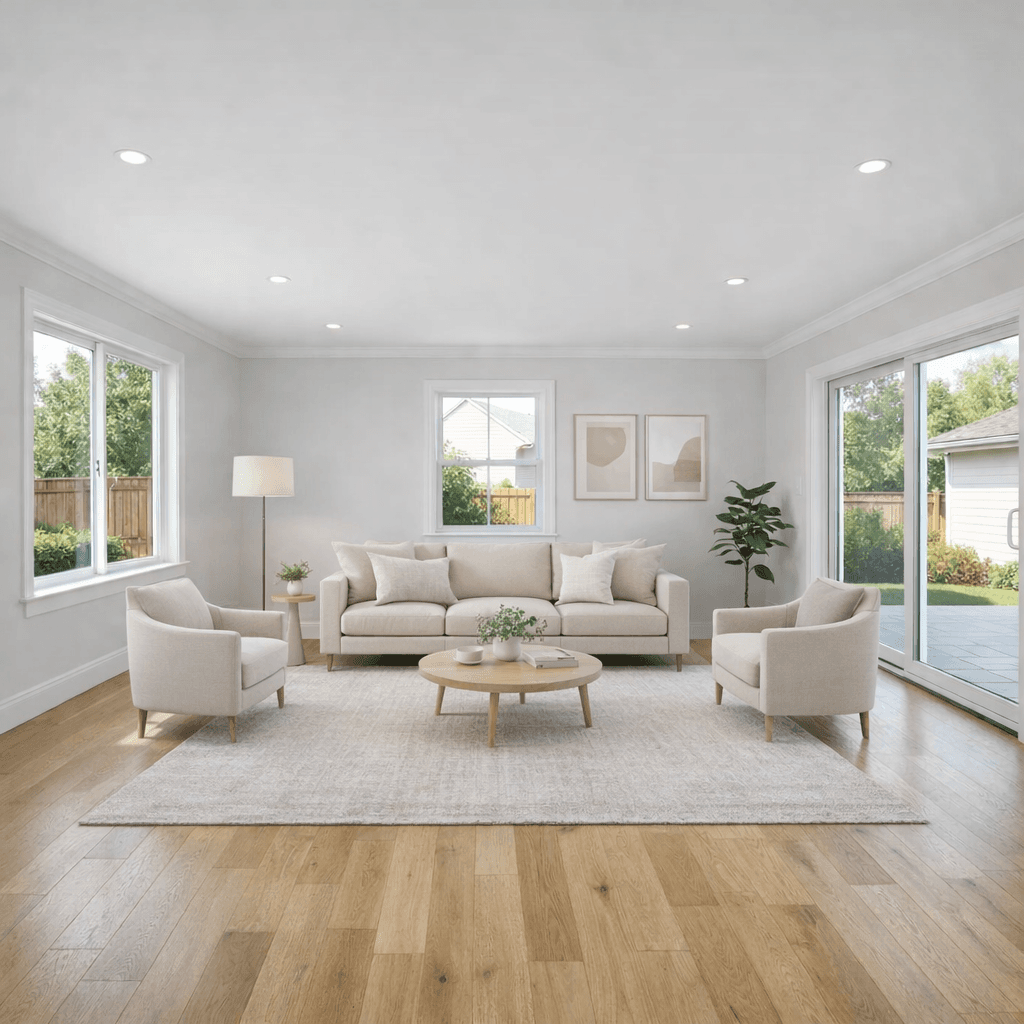 After
AfterEmpty Room
AI staged living room
Turns a blank living room into a furnished listing visual while keeping the room layout, windows, floor, and camera angle intact.
AI Staging For Real Estate
Stage empty rooms, replace dated furniture, clean up interiors, and polish listing photos while preserving the real room details buyers will compare in person.
Start with 10 free AI listing visuals.
BeforeAfterWhat You Can Stage
A vacant room, a dated room, and a lived-in room need different edits. Listing Wand keeps those jobs separate so the final image supports the listing instead of hiding the actual property.
Add properly scaled furniture, rugs, lighting, and decor to vacant rooms so buyers understand how the space can be used.
Replace movable dated furniture with a cleaner staged look while preserving windows, doors, walls, floors, fixtures, and room shape.
Keep useful existing pieces and add missing seating, art, rugs, and decor without making the room feel invented.
Remove clutter, personal items, dirt, and dim lighting before deciding whether a room needs full virtual staging.
Improve exposure, color, clarity, and upscale when a listing photo needs to look sharper without changing the property.
Use optional Artist Rendering or custom watermark text when your MLS, broker, or advertising rules require visible disclosure.
Before And After
Use AI staging where it helps buyers understand scale, layout, cleanliness, and likely use without inventing structural changes.
BeforeAfterEmpty Room
Turns a blank living room into a furnished listing visual while keeping the room layout, windows, floor, and camera angle intact.
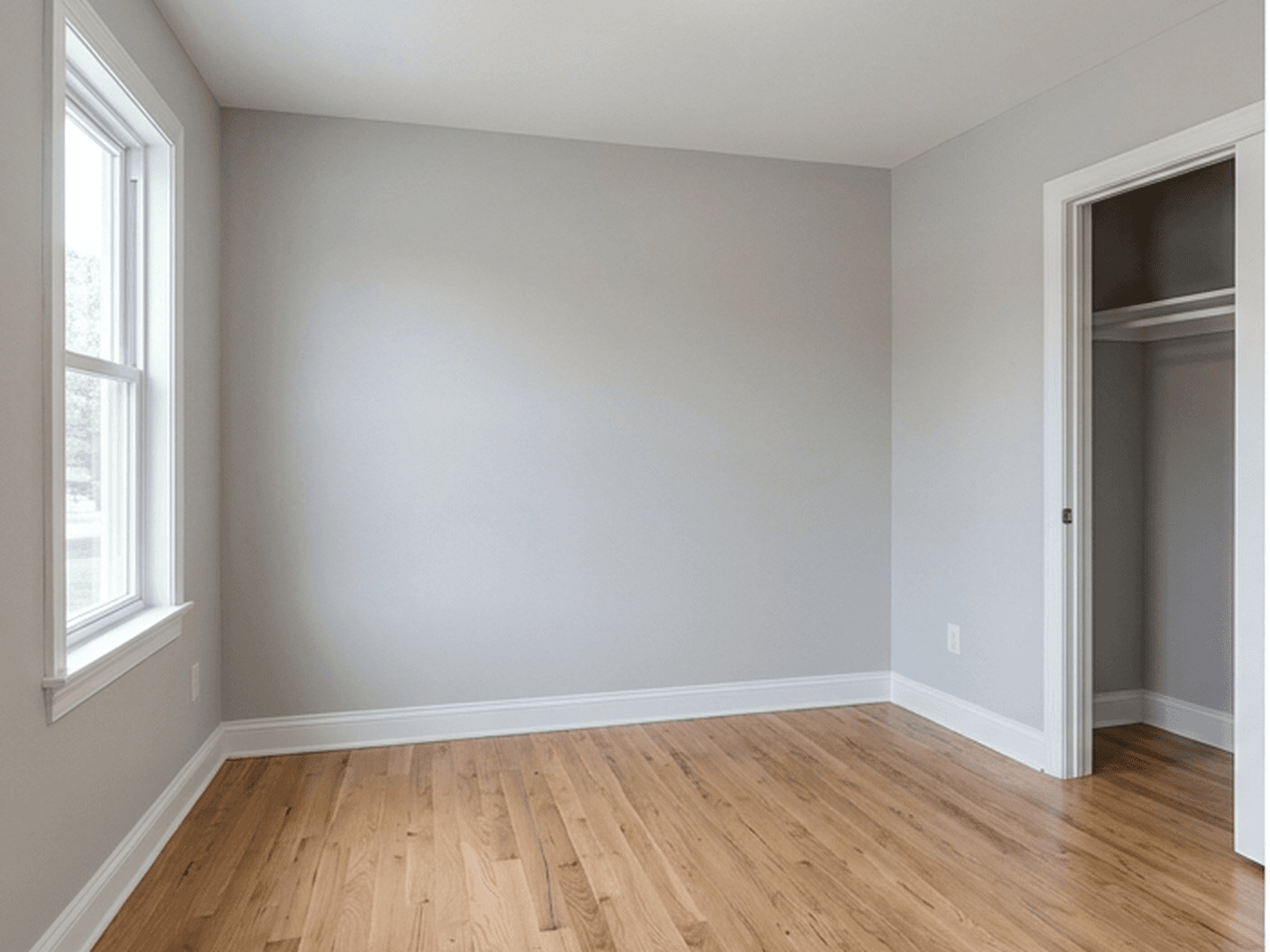 Before
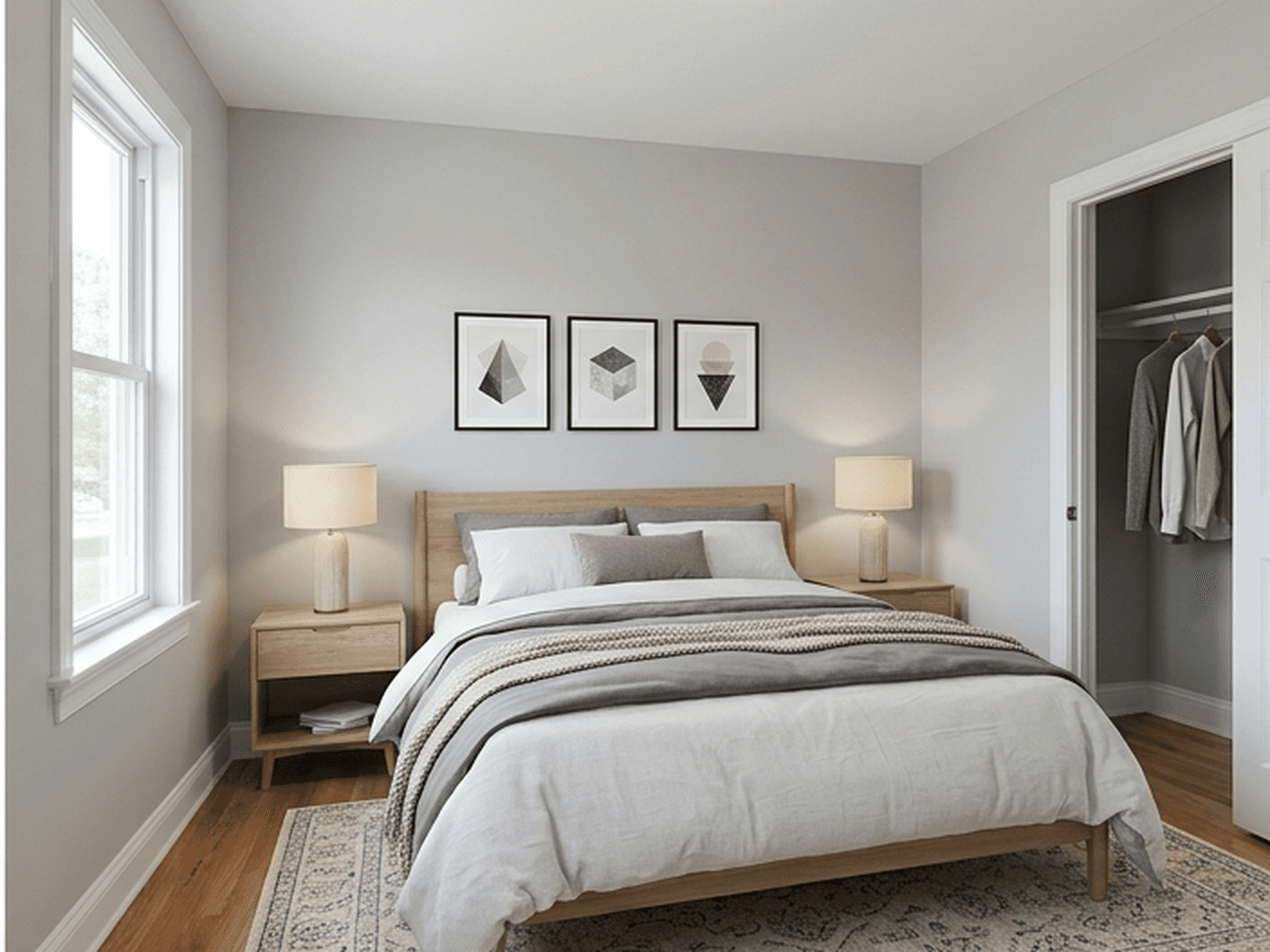 After
AfterBedroom
Adds a realistic bed layout and restrained decor so buyers can read scale without seeing a different bedroom.
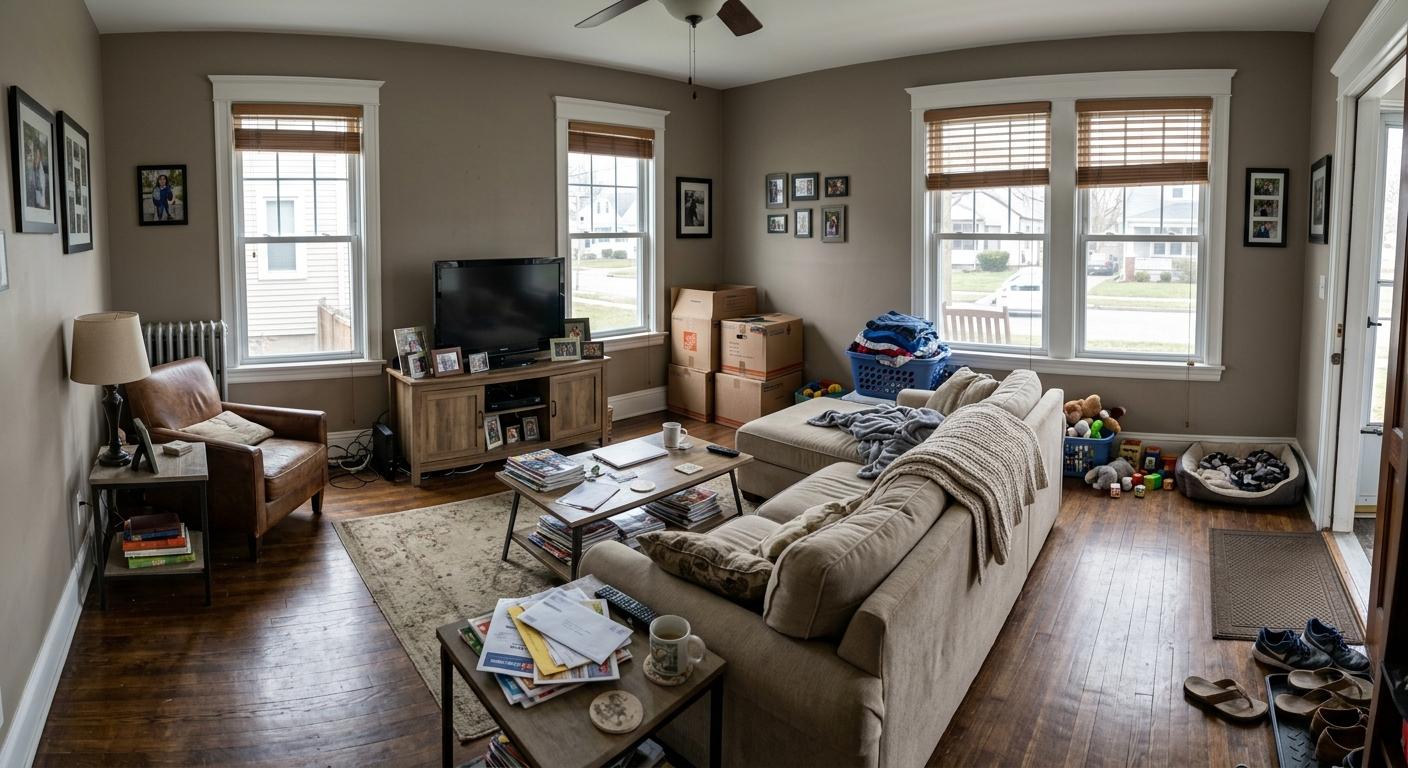 Before
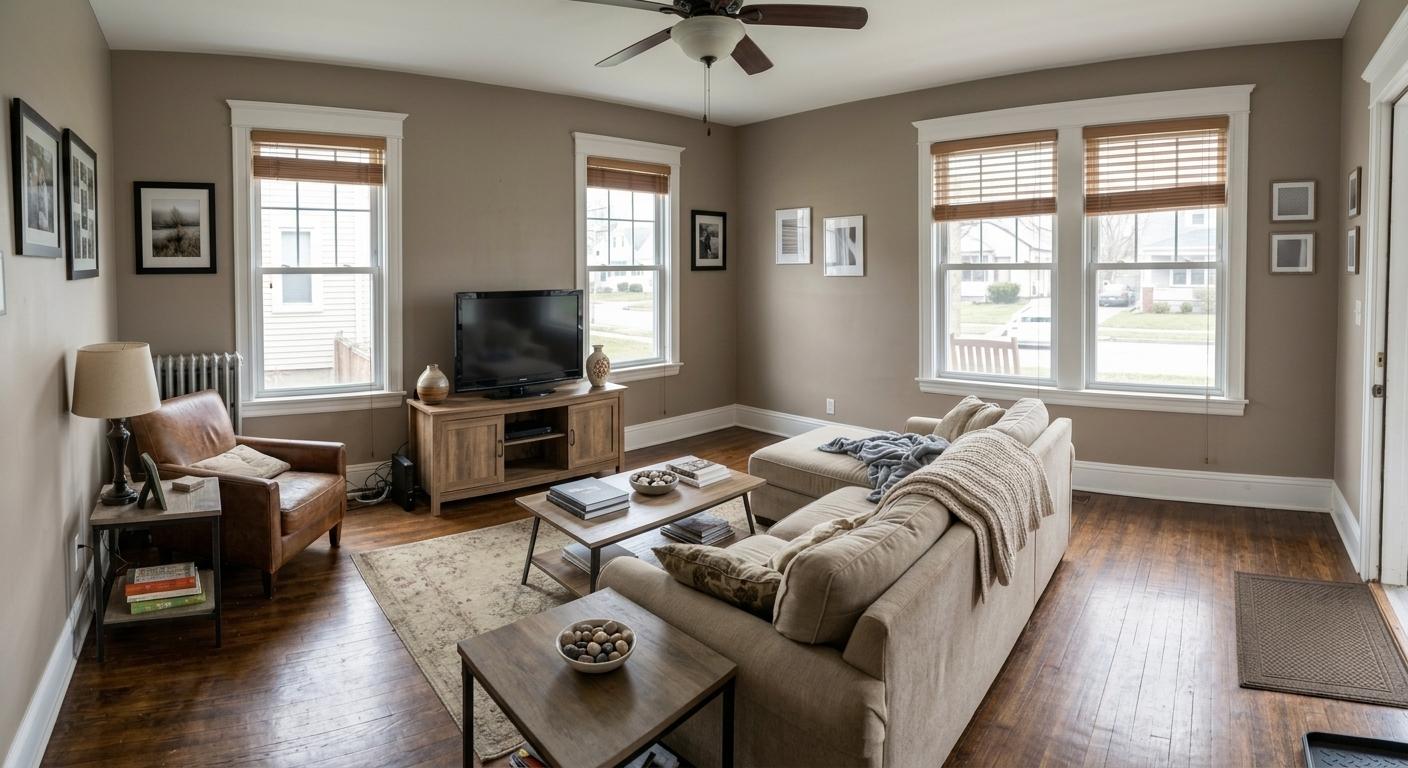 After
AfterCleanup
Clears distracting items and improves lighting when the room is already furnished but not listing-ready.
AI Staging Vs. Traditional Virtual Staging
AI can make staging faster, but the published image still has to respect the property. Review every output before using it in a listing, ad, email, or social post.
Workflow
Start with the actual listing photo, choose the smallest useful edit, generate a few options, then review the winner against the real property before publishing.
Step 1
Start from the photo buyers will compare against the property so the edit keeps the same layout and point of view.
Step 2
Pick empty-room staging, furniture replacement, partly furnished staging, cleanup, lighting polish, or a custom room instruction.
Step 3
Create a few versions when you want to compare furniture scale, style restraint, cleanup level, or disclosure placement.
Step 4
Check that walls, floors, doors, windows, closets, built-ins, fixtures, and exterior views still match the real property.
Step 5
Use the strongest image in your listing workflow and include virtual staging or artist-rendering disclosure when required.
FAQs
AI staging uses an uploaded real estate photo to create a staged, cleaned, or polished listing image. For interiors, it can add furniture to empty rooms, replace movable furniture, complete partly furnished rooms, or clean up distracting photos.
AI staging is a faster form of virtual staging powered by image generation and editing models. The same buyer-trust rules apply: the staged result should preserve the real room layout, fixed features, perspective, and visible exterior view.
Yes. Listing Wand can stage empty rooms, replace dated movable furniture, add to partly furnished rooms, clean up cluttered rooms, improve lighting, polish images, and upscale softer photos.
Listing Wand supports bedroom, living room, dining room, kitchen, bathroom, and entrance presets, plus custom room instructions for realistic room-specific edits.
Rules vary by MLS, broker, market, and advertising channel. Follow your local requirements and label AI staged, virtually staged, edited, or artist-rendered images when disclosure is required.
Related Pages
See the full virtual staging page for room types, cleanup tools, examples, and disclosure guidance.
Estimate staging costs and compare physical staging, manual virtual staging, and Listing Wand credit packs.
Generate labels, captions, QR wording, and original-photo workflow guidance for AI-edited or staged images.
Review focused before-and-after examples for empty living rooms, bedrooms, kitchens, offices, and entryways.
Compare AI staging with land concepts, seasonal views, exterior refreshes, and downloadable results.
Follow the room workflow with screenshots for upload, cleanup, staging, generation, and download.
Browse before-and-after listing visual examples across staging, cleanup, land concepts, and seasonal images.
Compare credit packs for AI staging, cleanup edits, land concepts, and other listing visuals.
Try It On A Listing Photo
Upload a room photo, generate several options, and download the version that makes the listing clearer for buyers.