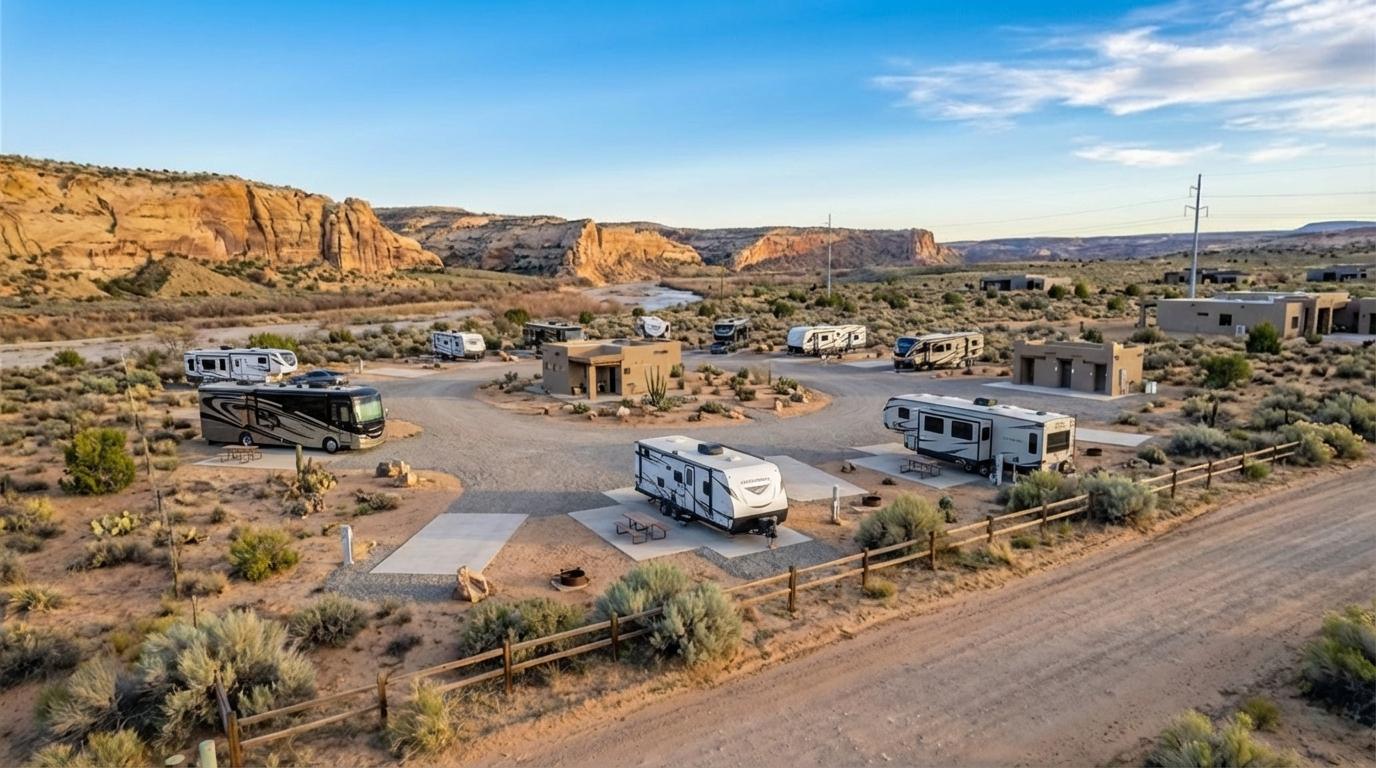
AI virtual staging for real estate listings

AI staging and listing visuals for every property photo.

Upload a land, room, or exterior photo. Create AI virtual staging, cleanup edits, build concepts, brighter exteriors, or seasonal views in minutes.

Try Now Free
Before
After
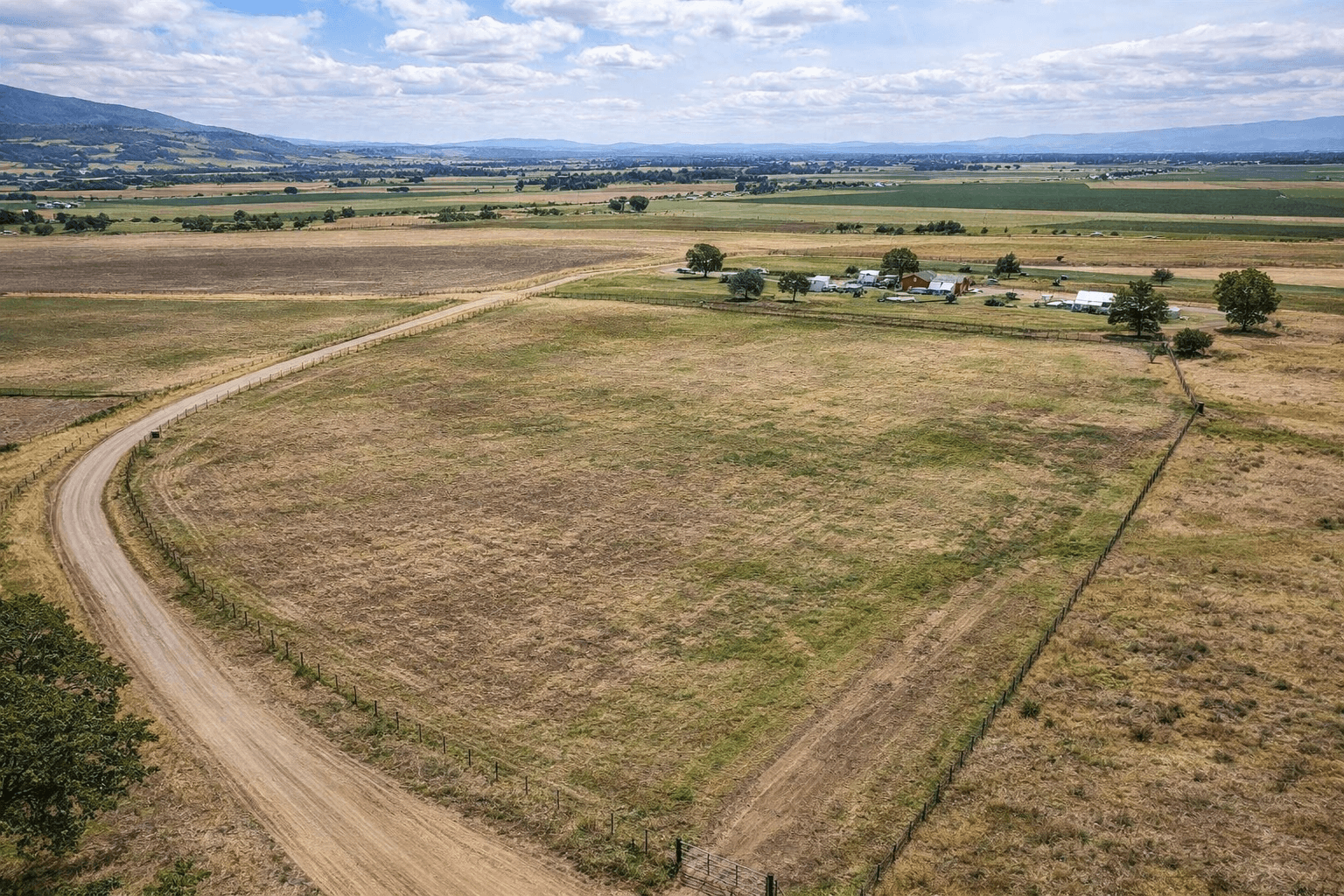
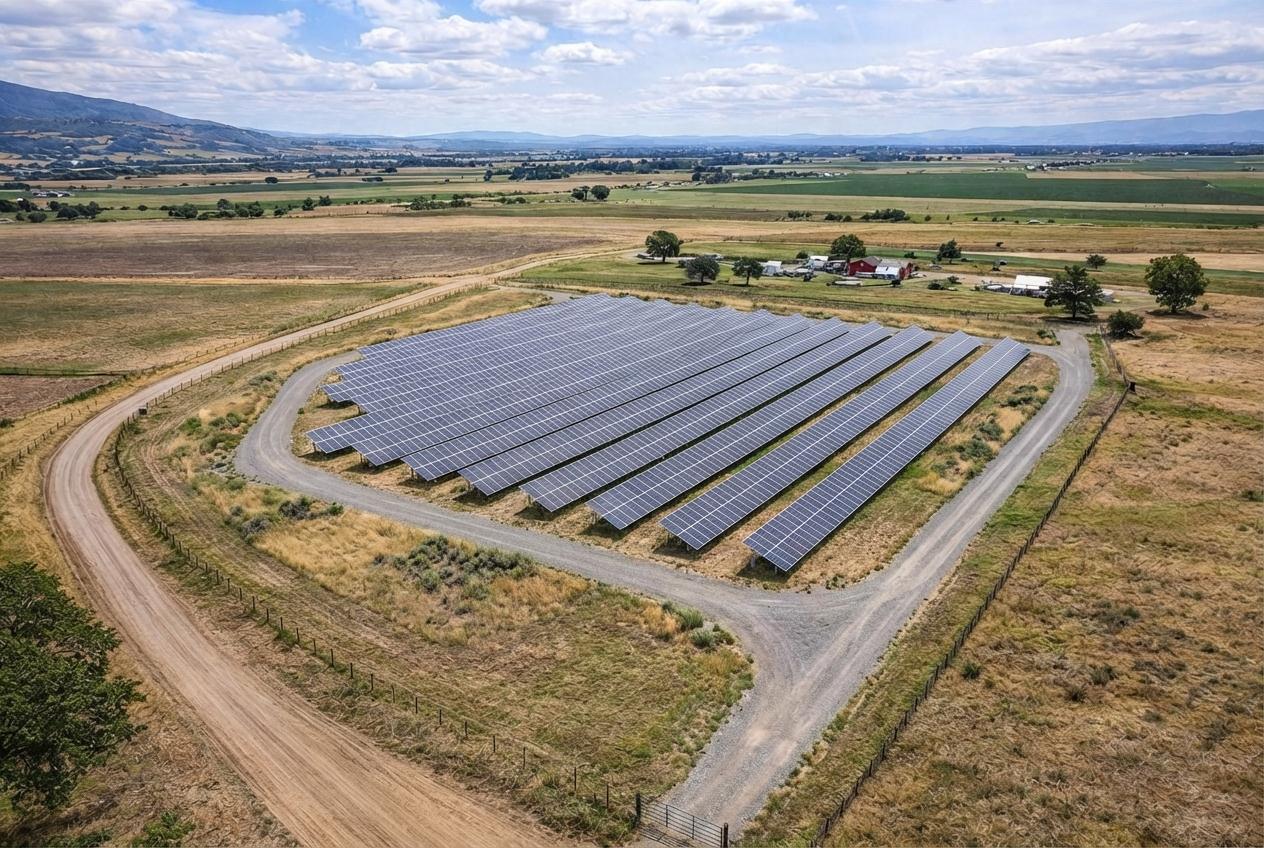
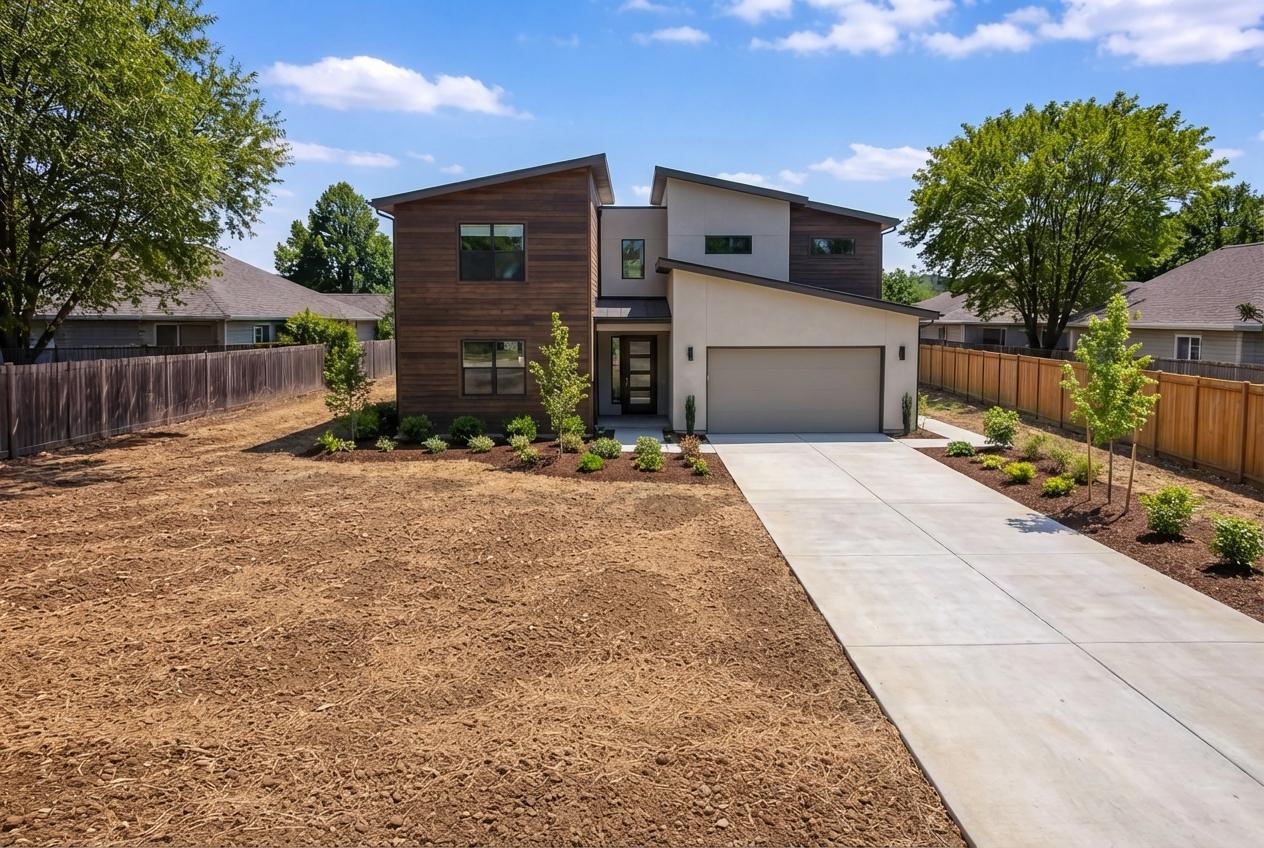
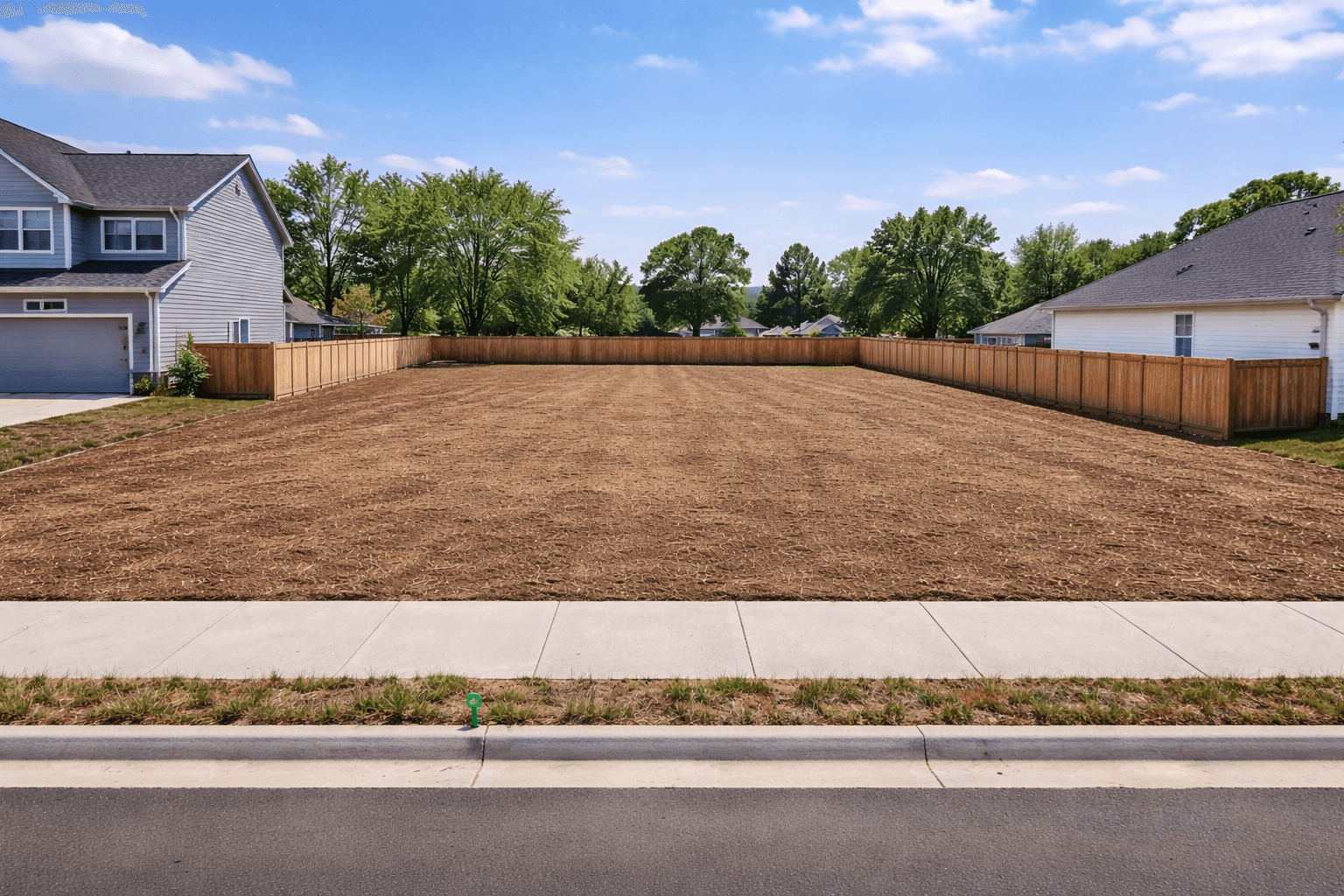
Land concepts
Land concepts before
Land concepts after
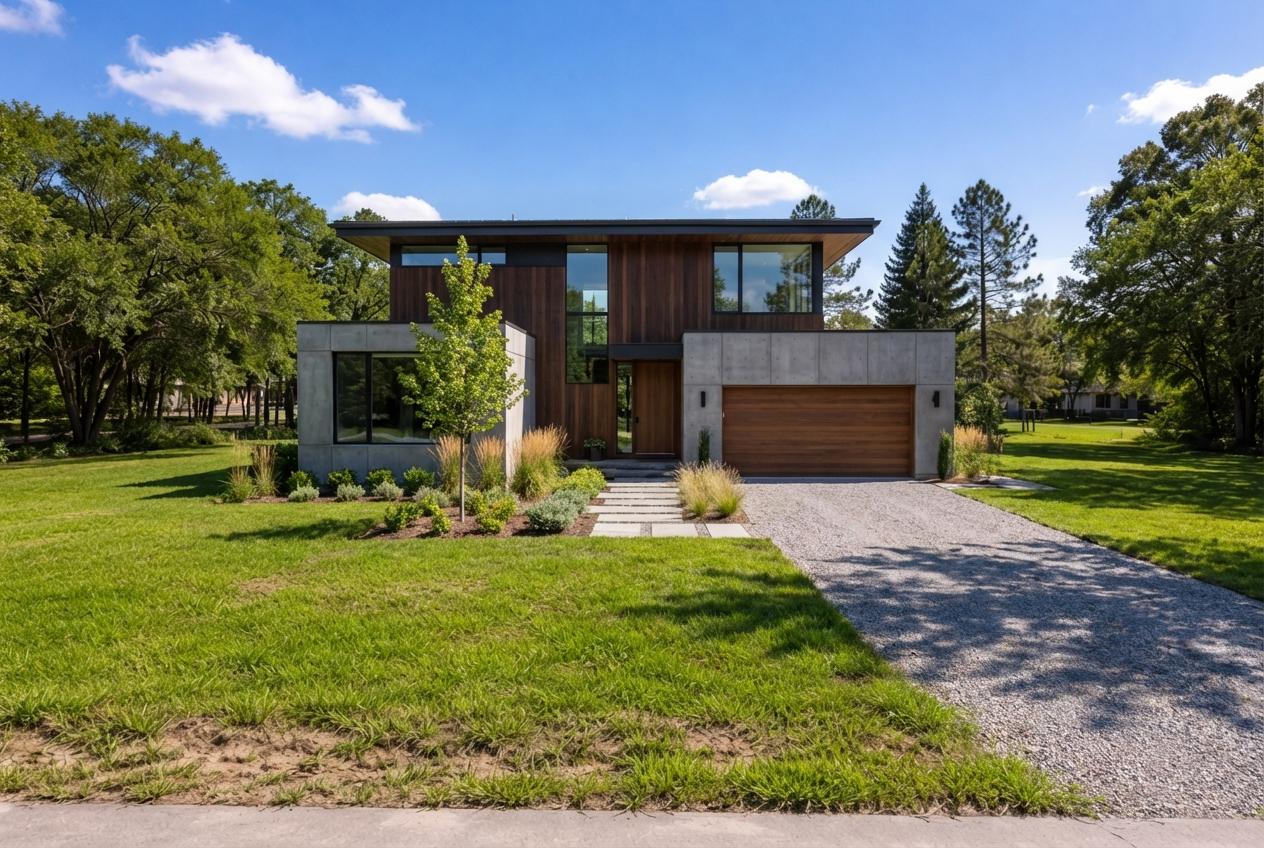
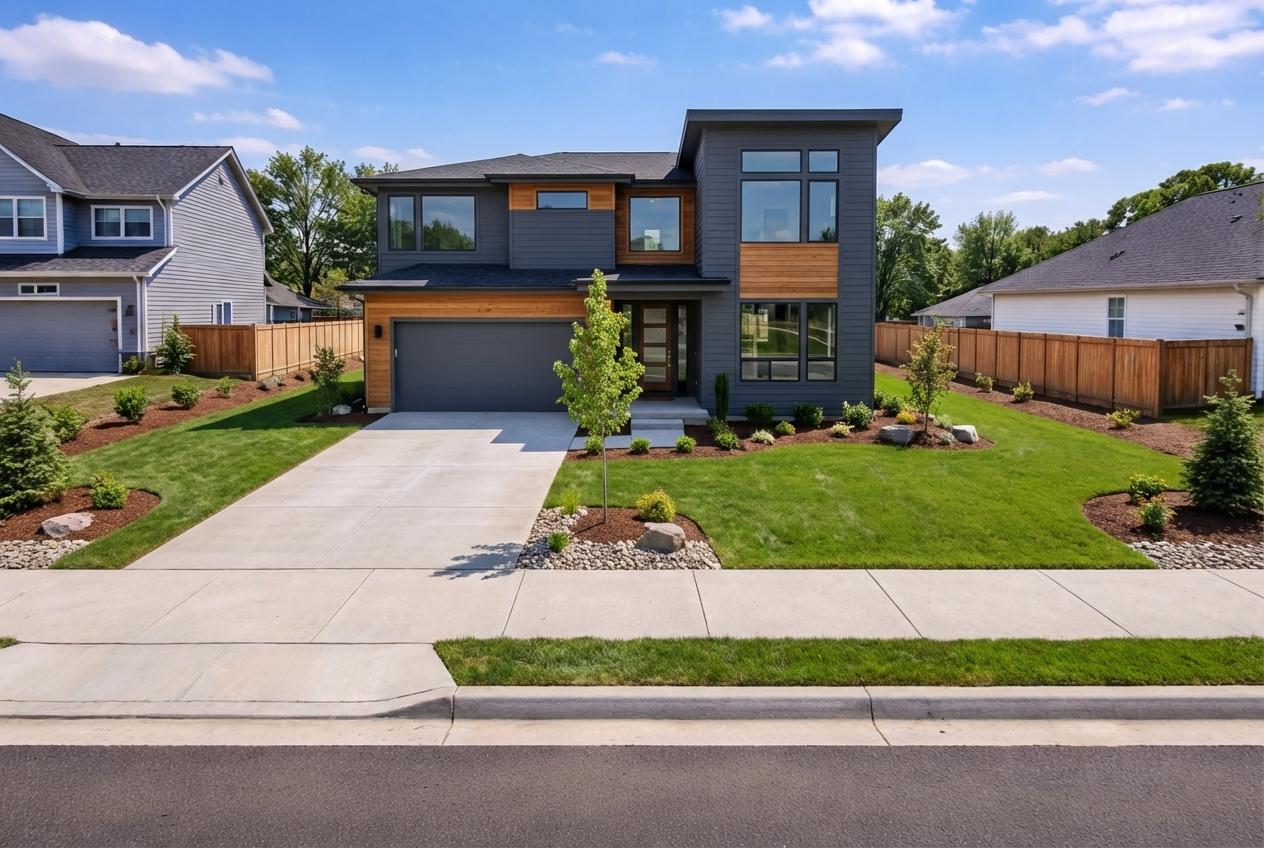
Exterior refreshes
Exterior refreshes before
Exterior refreshes after
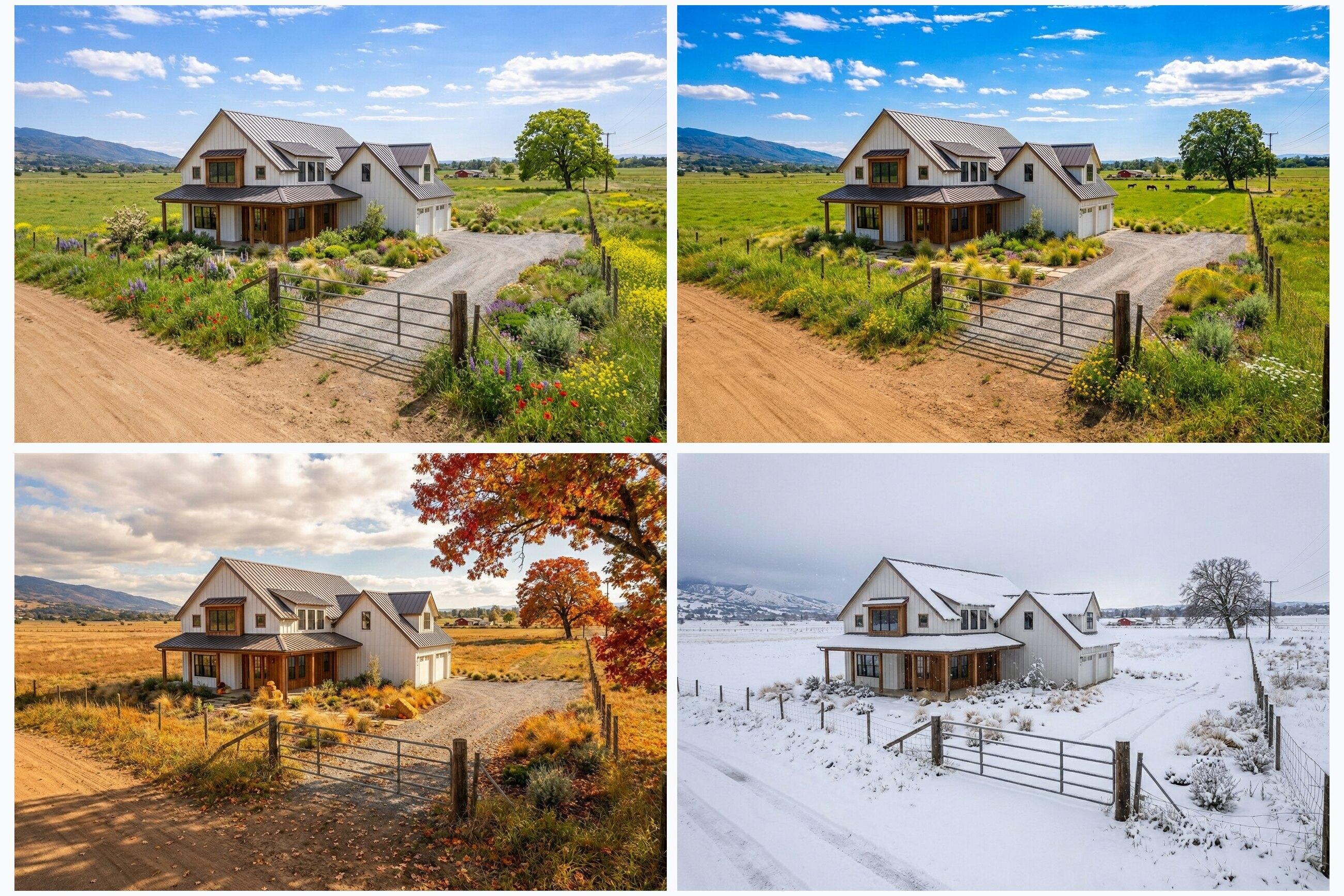
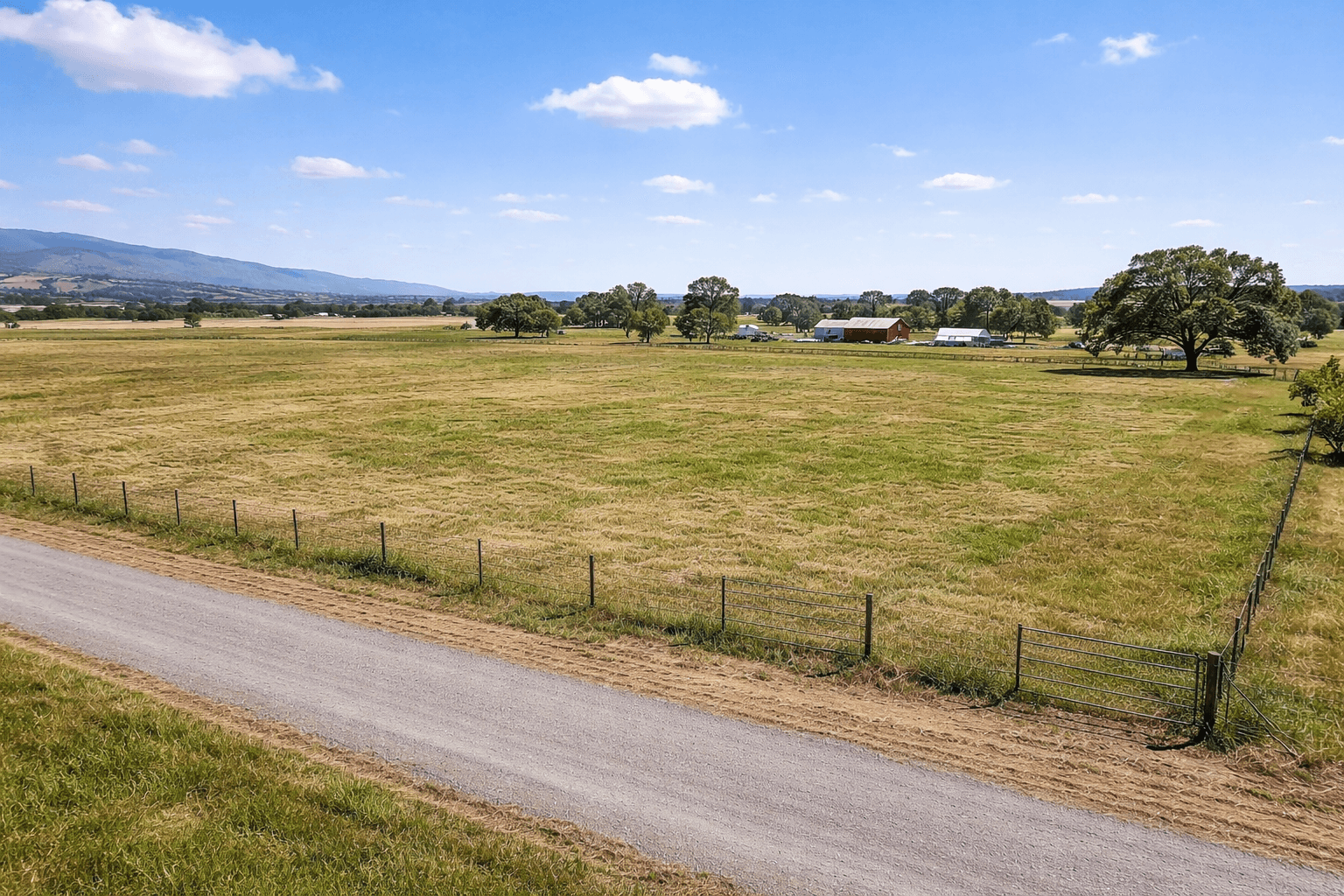
Seasonal variants
Seasonal variants before
Seasonal variants after
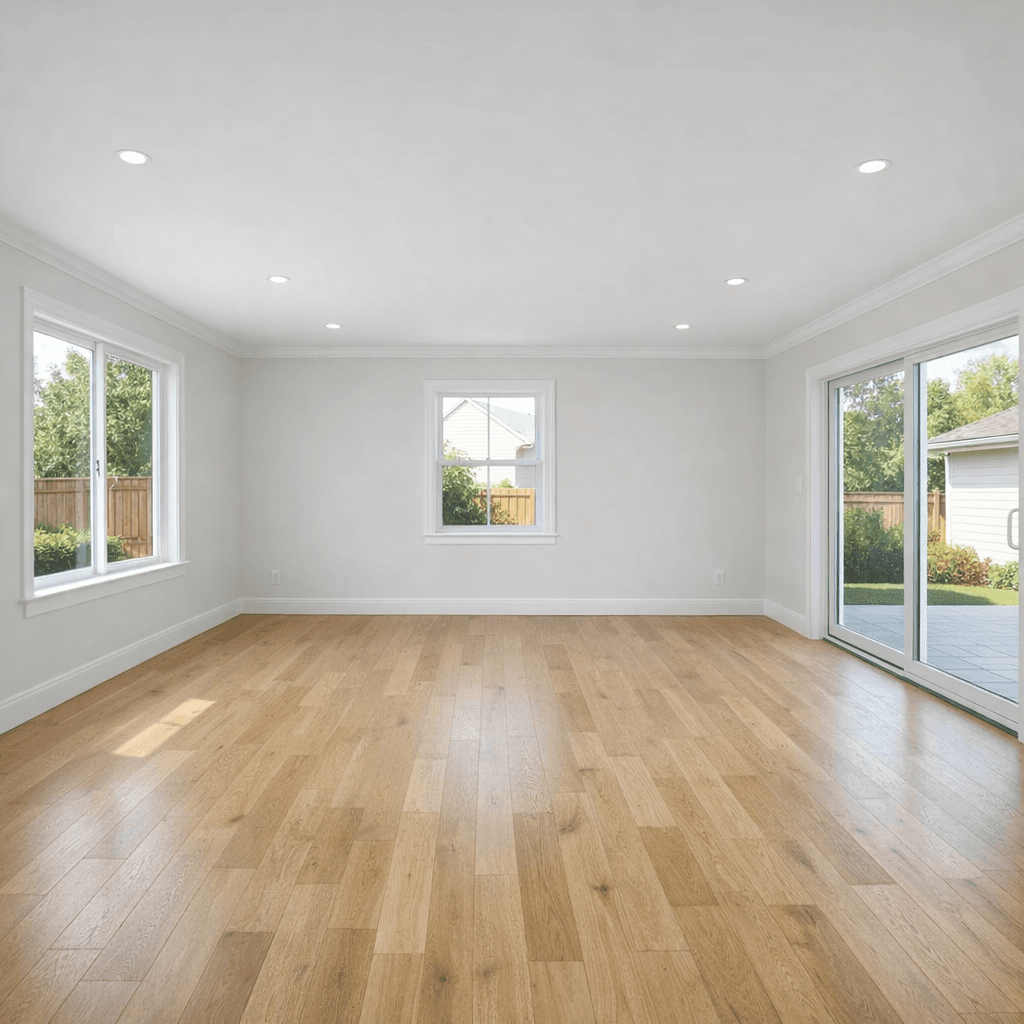
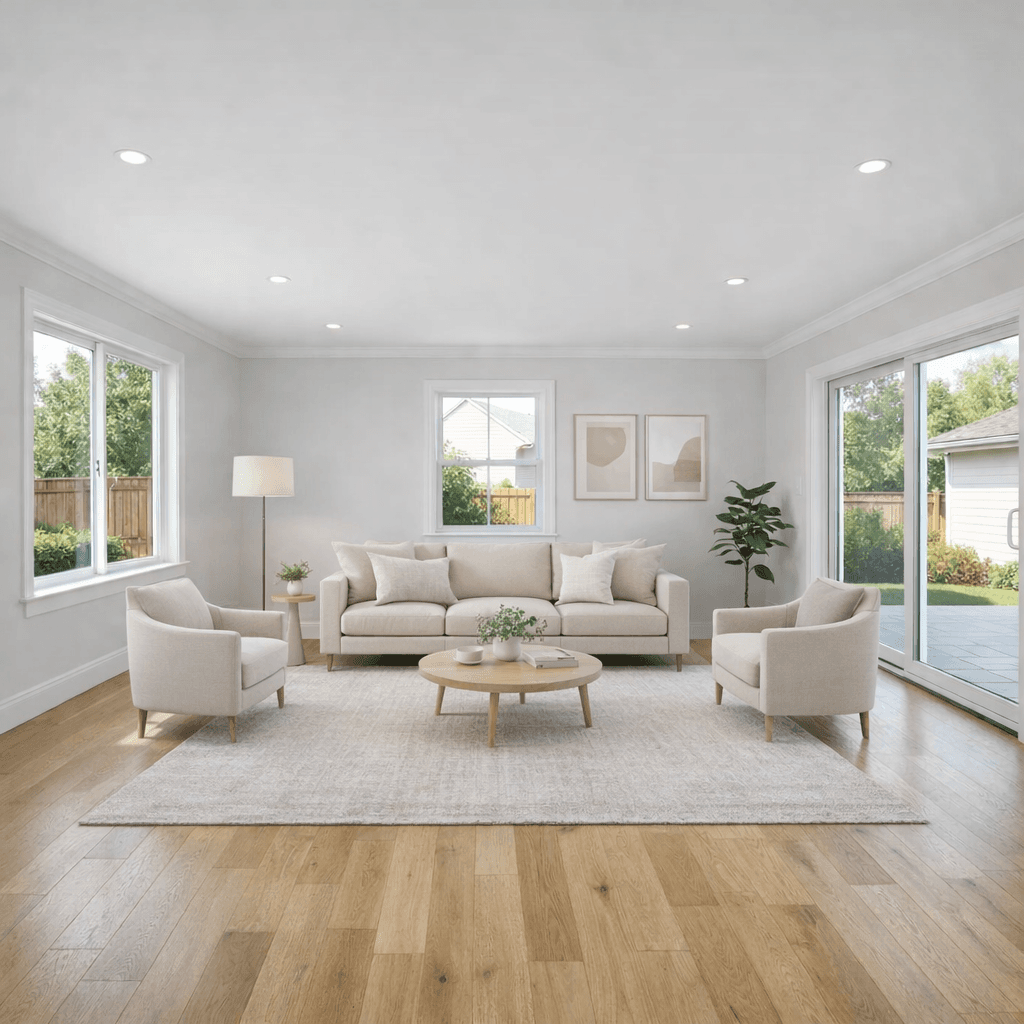
Virtual room staging
Virtual room staging before
Virtual room staging after
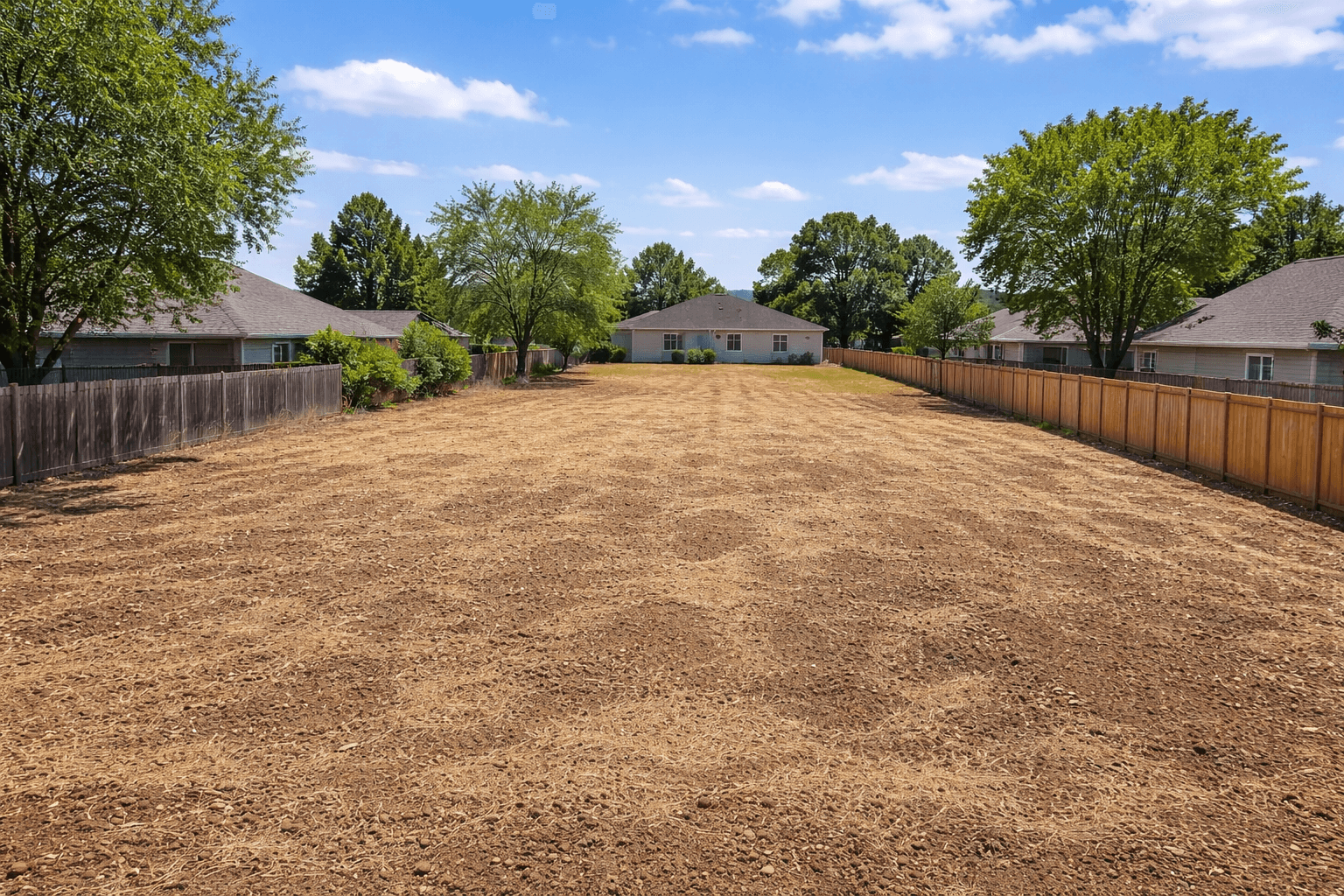
Declutter and cleanup
Declutter and cleanup before
Declutter and cleanup after

Try it on your own listing photo.

Upload a photo and generate a few options. Keep the version that makes your listing easier for buyers to understand.

About

Listing visuals that make the next step easier to see

Some listing photos ask buyers to imagine too much: what could fit on vacant land, how an empty room would feel furnished, what a cluttered space looks like cleaned up, or how an exterior might look on a better day.

Listing Wand helps turn those starting photos into clearer visuals: land concepts, staged rooms, cleanup edits, exterior refreshes, and seasonal views. Generate options quickly, download the strongest results, and use clear disclosures where required.

Land concepts

Show a home, cabin, glamping layout, subdivision idea, solar farm, or other possible use on vacant land.

Virtual staging

Furnish empty rooms so buyers can understand scale, layout, and how the space could feel.

Cleanup and refresh

Remove distracting clutter, improve curb appeal, and make rough listing photos feel easier to evaluate.

Seasonal views

Create spring, summer, fall, and winter versions when seasonality changes how buyers see the property.

Guides

Free guides for better listing prep and marketing

Practical resources for pricing land, writing stronger listing copy, preparing photos, answering buyer questions, and improving listing visibility.

AI Staging for Real Estate Photos

Stage rooms, replace dated furniture, clean up interiors, and polish photos with AI.

Read guide →

Virtual Staging for Real Estate Photos

Stage empty rooms, replace dated furniture, and clean up interior photos for listings.

Read guide →

Virtual Staging Cost Calculator

Compare physical staging, manual virtual staging, and Listing Wand AI staging assumptions.

Read guide →

Virtual Staging Disclosure Generator

Create labels, MLS captions, QR wording, and original-photo workflow guidance for edited listing images.

Read guide →

Real Estate Photo Prep Checklist Generator

Create a seller-ready checklist before photo day, then print, save as PDF, or copy it.

Read guide →

Empty Room Virtual Staging Examples

See eight before-and-after examples for empty living rooms, bedrooms, kitchens, offices, and entryways.

Read guide →

How to Sell Vacant Land

A practical end-to-end guide: pricing, prep, marketing, and buyer objections.

Read guide →

How to Price Land

Use better comps, make defensible adjustments, and avoid common pricing mistakes.

Read guide →

Land Marketing Plan

A 30-day rollout checklist for listing launch, promotion, and follow-up.

Read guide →

Land Pricing Calculator

Estimate vacant land value with comp weighting and confidence scoring.

Read guide →

Make Sky Blue in a Photo

Replace gray or cloudy skies in listing photos with a cleaner blue sky.

Read guide →

Best Land Listing Visual Tools (2026)

Compare AI visual tools for land listings, with practical FAQs and references.

Read guide →

FAQs

Answers for real estate listing visuals

Common questions about AI listing visuals, virtual staging, land concepts, cleanup edits, seasonal variants, and disclosure.

What is Listing Wand?+
Listing Wand helps you turn real estate photos into listing-ready visuals. Upload a property photo and create land concepts, staged rooms, cleanup edits, seasonal views, or exterior refreshes.
Who is Listing Wand for?+
Listing Wand is for agents, land sellers, investors, teams, and anyone preparing a real estate listing that needs clearer visuals.
Can I use Listing Wand for land and homes?+
Yes. Use it for vacant land, homes, rooms, and exteriors. You can show what land could become, stage an empty room, clean up a room photo, refresh an exterior, or create seasonal versions.
What can I generate?+

You can generate visuals that make a listing easier for buyers to understand.

  • Structure concepts such as a modern home, farmhouse, cabin, glamping site, subdivision concept, or solar farm
  • Virtual room staging for empty interiors
  • Decluttering and cleanup for distracting room photos
  • Exterior refreshes such as cleaner skies and better curb appeal
  • Seasonal variants for spring, summer, fall, and winter

Custom Structures, Quick Edit, Smart Season, and custom branding are also available.

Can I generate all four seasons from one photo?+
Yes. One photo can become a four-season set. That helps buyers picture summer weekends, winter access, fall color, or spring greenery without needing separate photo shoots.
How does Listing Wand work?+
  1. Upload a property photo (JPG, PNG, WebP, or AVIF)
  2. Choose the visual you want to create
  3. Pick a template or describe the result you want
  4. Choose how many options to generate (1 to 4)
  5. Generate, review, and download (single images or a ZIP)
What kinds of photos work best?+
  • Clear, well-lit photos with minimal blur
  • Avoid heavy filters, extreme crops, and screenshots when possible
  • A view that shows the likely build area, such as a clearing, flat pad, driveway, or open field
  • For room staging, straight-on interior photos with visible floor space usually work best
  • For exterior refreshes, use photos where the home or property is easy to see
Will the results look realistic?+
Listing Wand is designed for photorealistic listing visuals. Output quality depends on the original photo, including lighting, angle, and resolution, plus the concept you choose. Generating a few options and picking the most convincing version usually works best.
Do you add a watermark or disclosure?+
Trial images include a Listing Wand watermark. Paid downloads can use the standard Artist Rendering watermark, custom watermark text, and custom branding. You should still follow your local MLS and advertising rules and disclose virtual images when required.
Do I need an account?+
Yes. Your account keeps your projects, Magic balance, and generation history in one place. New accounts start with 5 free Magic Generations.
How does pricing work?+
New accounts start with 5 free Magic Generations. Paid plans and one-time Magic packs can be used for land concepts, virtual staging, cleanup edits, exterior refreshes, and seasonal visuals.
Do Listing Wand images guarantee build feasibility or permitting?+
No. Listing Wand images are marketing concepts, not engineering documents or property guarantees. Always confirm zoning, utilities, setbacks, access, room measurements, and permitting with the appropriate professionals or local authorities.
Can I use Listing Wand images in MLS listings and ads?+
In many cases, virtual staging and concept visuals can be used if they are properly disclosed, but rules vary by MLS and market. Always follow your local MLS and advertising requirements and include clear virtual staging or artist rendering disclosure where needed.

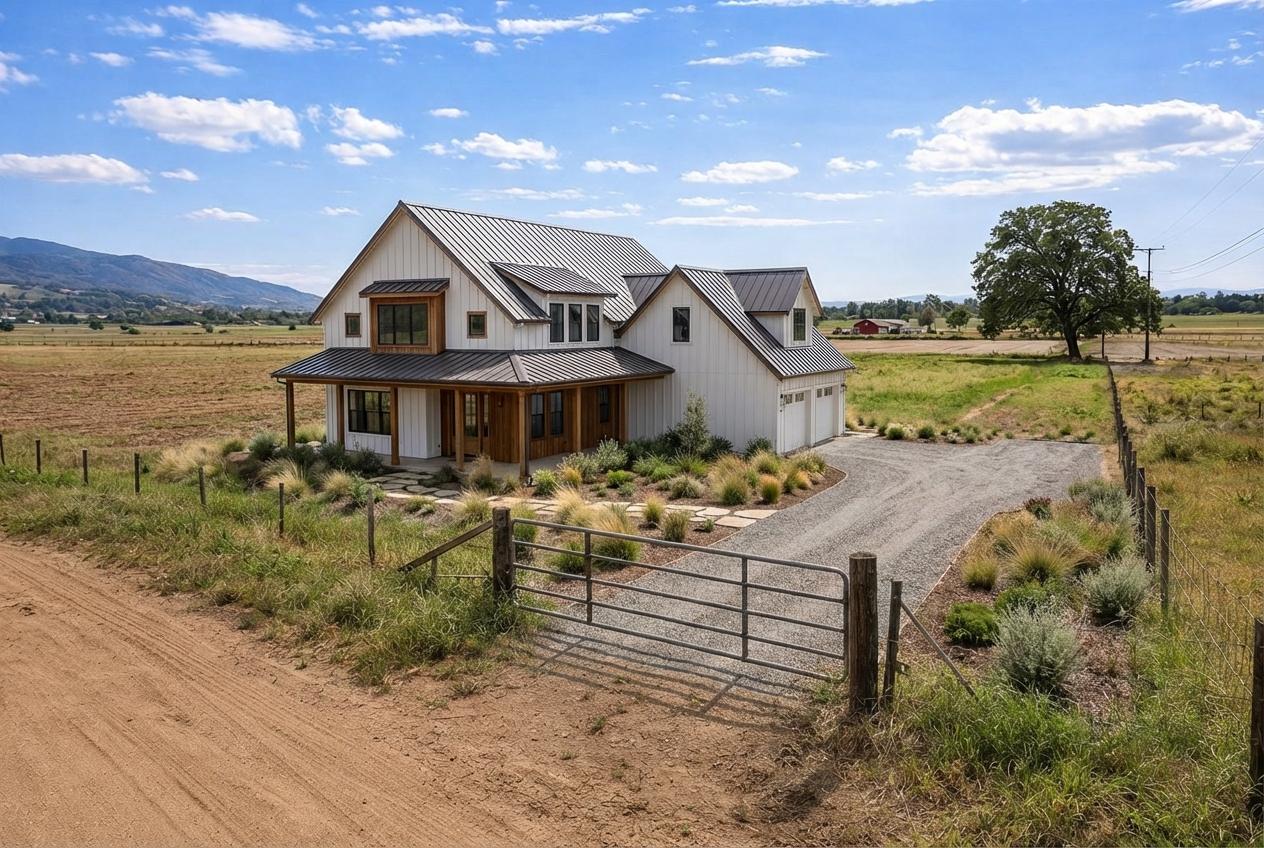
Ready to try it on your next listing?

Start with 5 free Magic Generations. Upload a listing photo, choose the result you want, and create a visual that helps buyers understand the property faster.