
Before

After
Cloudy sky to clear blue sky
Make your land and property photos look brighter with AI sky editing in ListingWand.
Replace cloudy, dull, or washed-out skies with a clean blue sky in just a few clicks.

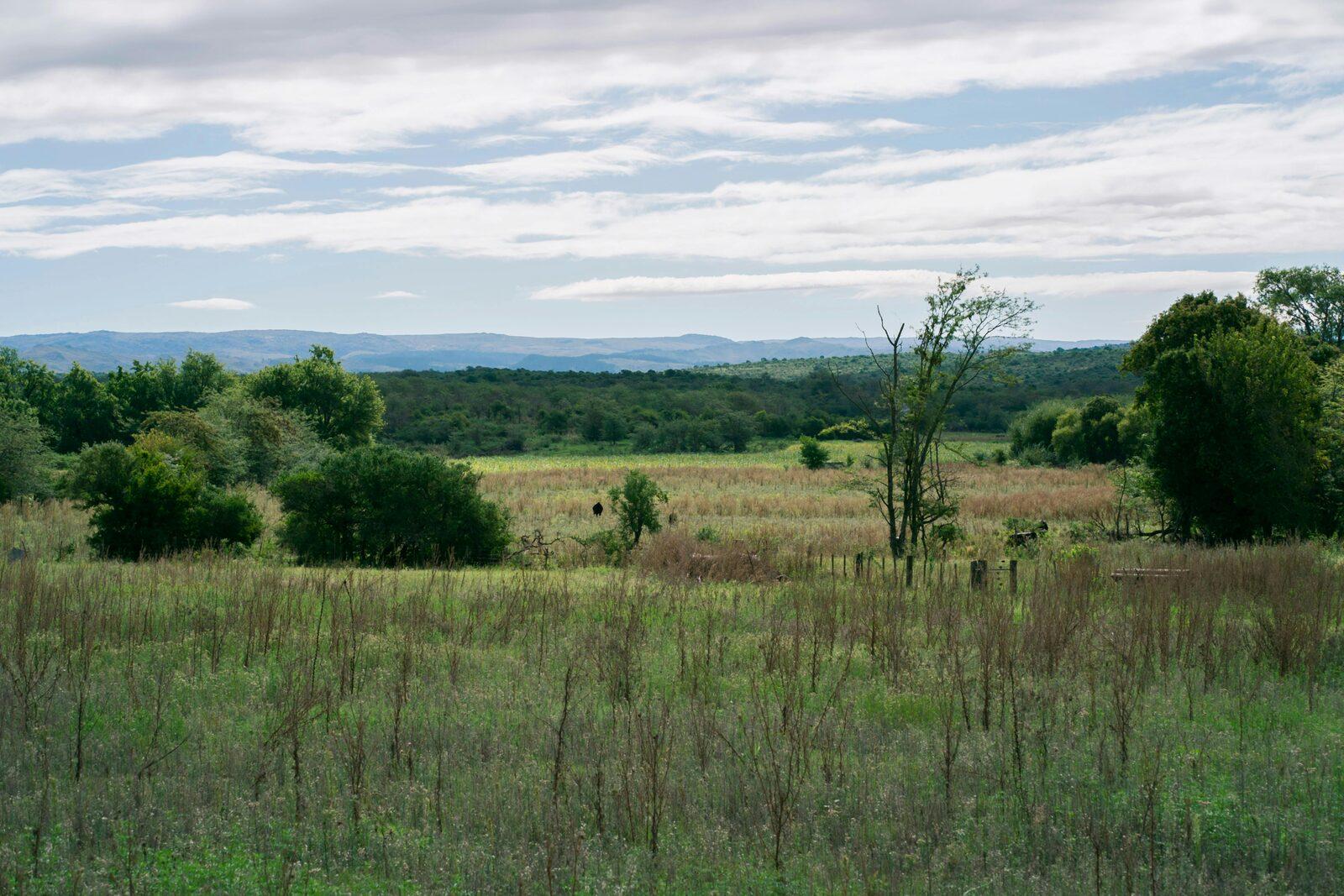
Drag the slider to compare the original photo with the edited sky.
Make Your Photos Look Brighter Fast
A gray or overcast sky can make a great property look dull. ListingWand lets you quickly change the sky in your image so your listing looks cleaner, brighter, and more appealing.
Working on interior listing photos too? Use real estate virtual staging for room staging, cleanup, lighting correction, and optional Artist Rendering watermarks.
Upload a Photomake the sky blue in a photo
replace a cloudy sky
improve listing photos
create cleaner real estate images
make land photos look more attractive
Before and After Sky Edits
See how a better sky can instantly improve the look of a listing photo.
Cloudy sky to clear blue sky


Dull land photo to brighter listing image
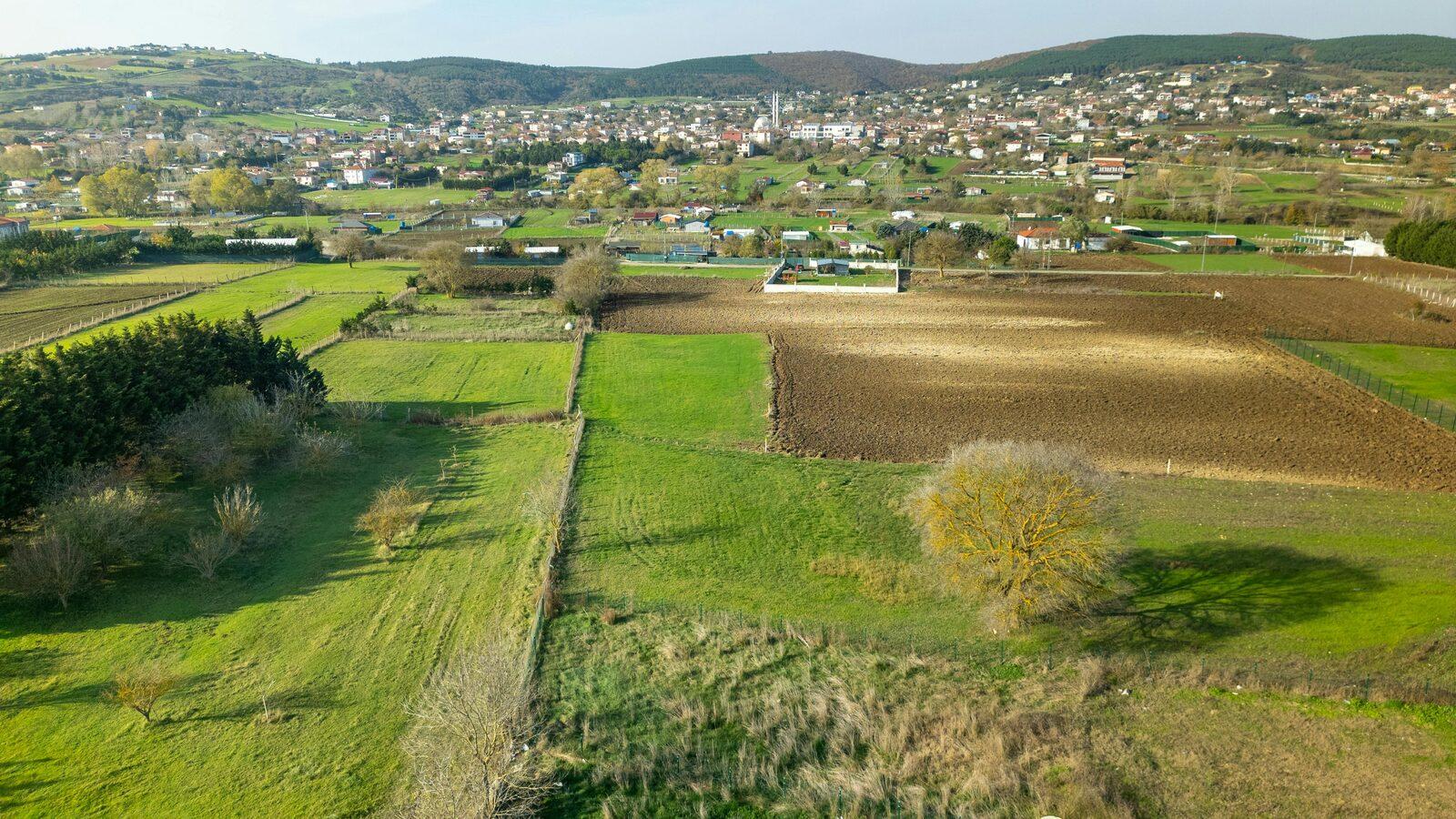
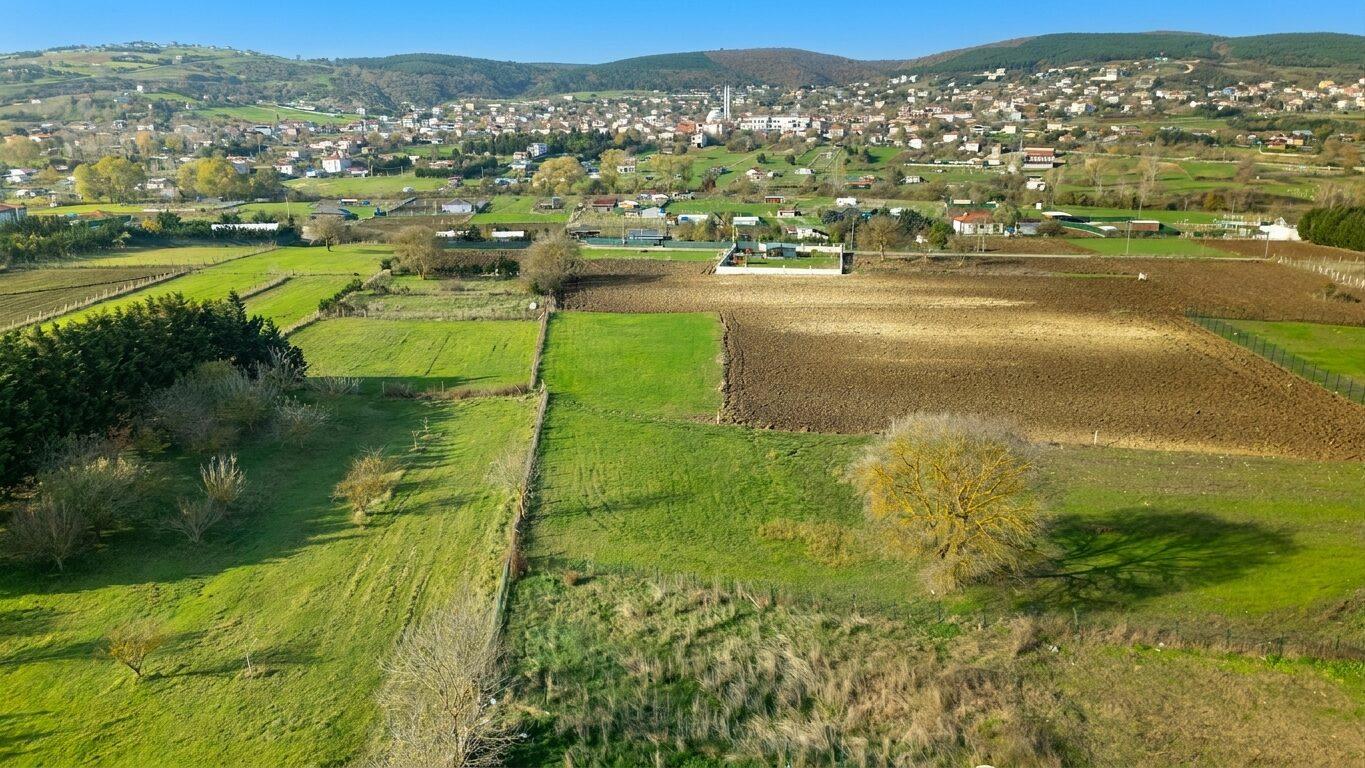
Overcast property photo to polished marketing image
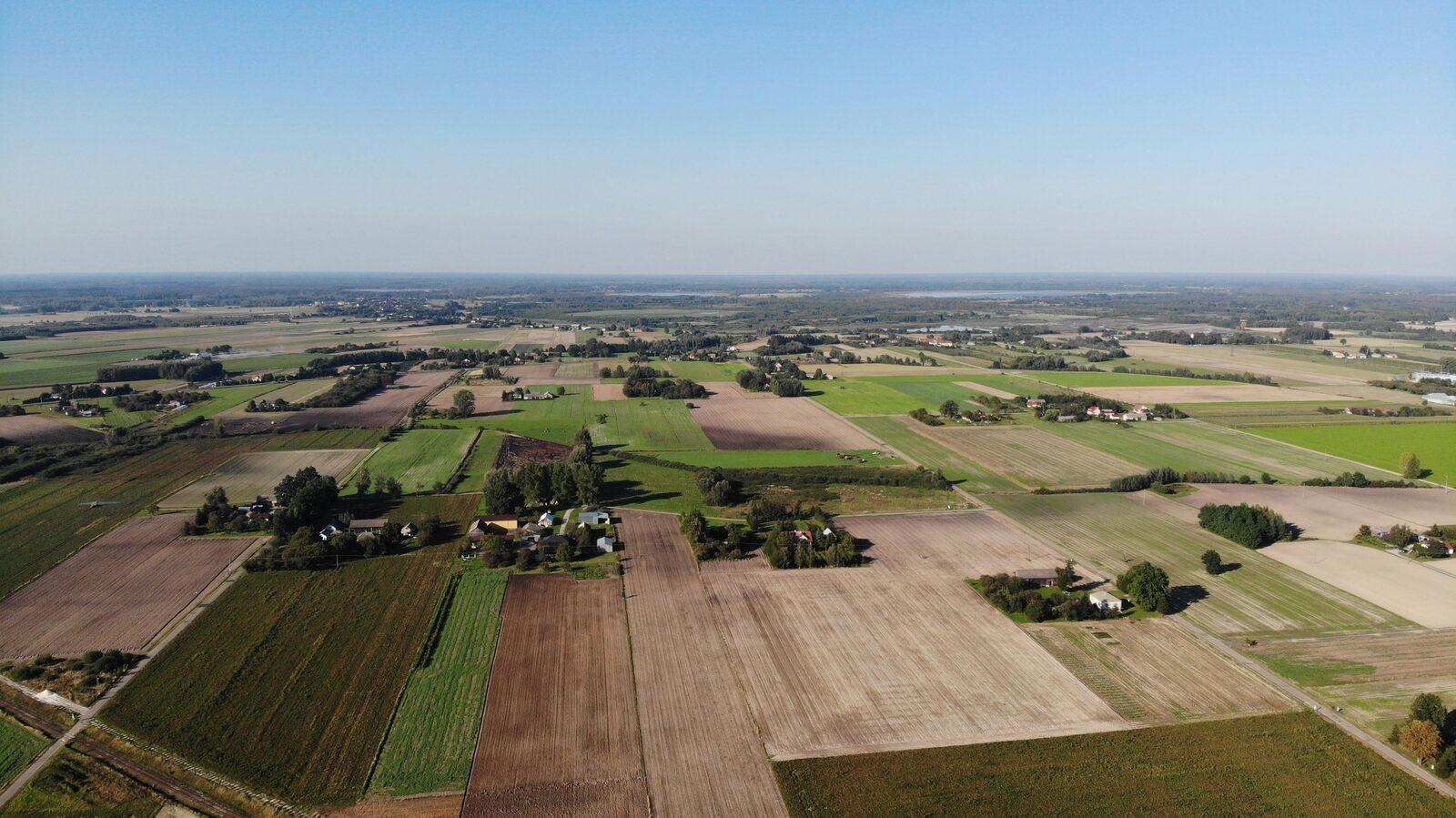
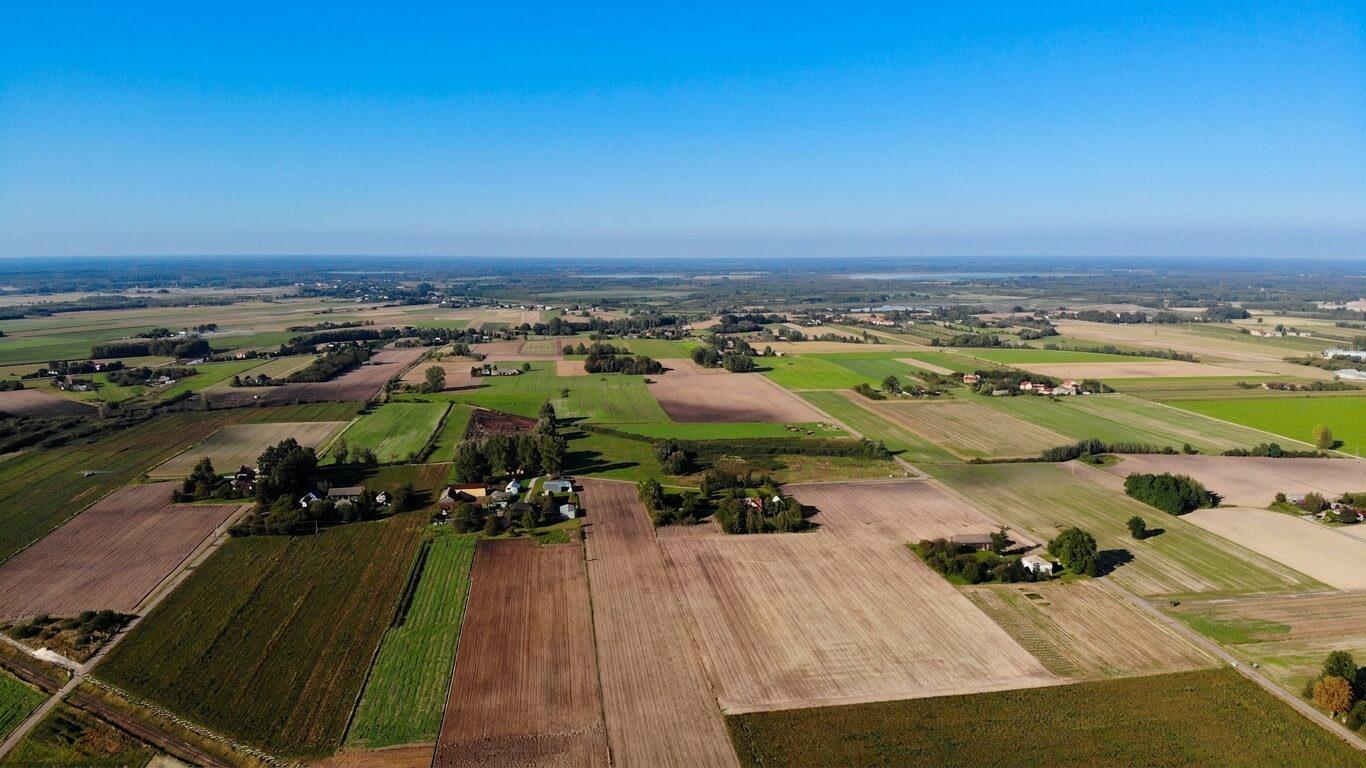
Washed-out sky to clean, attractive photo
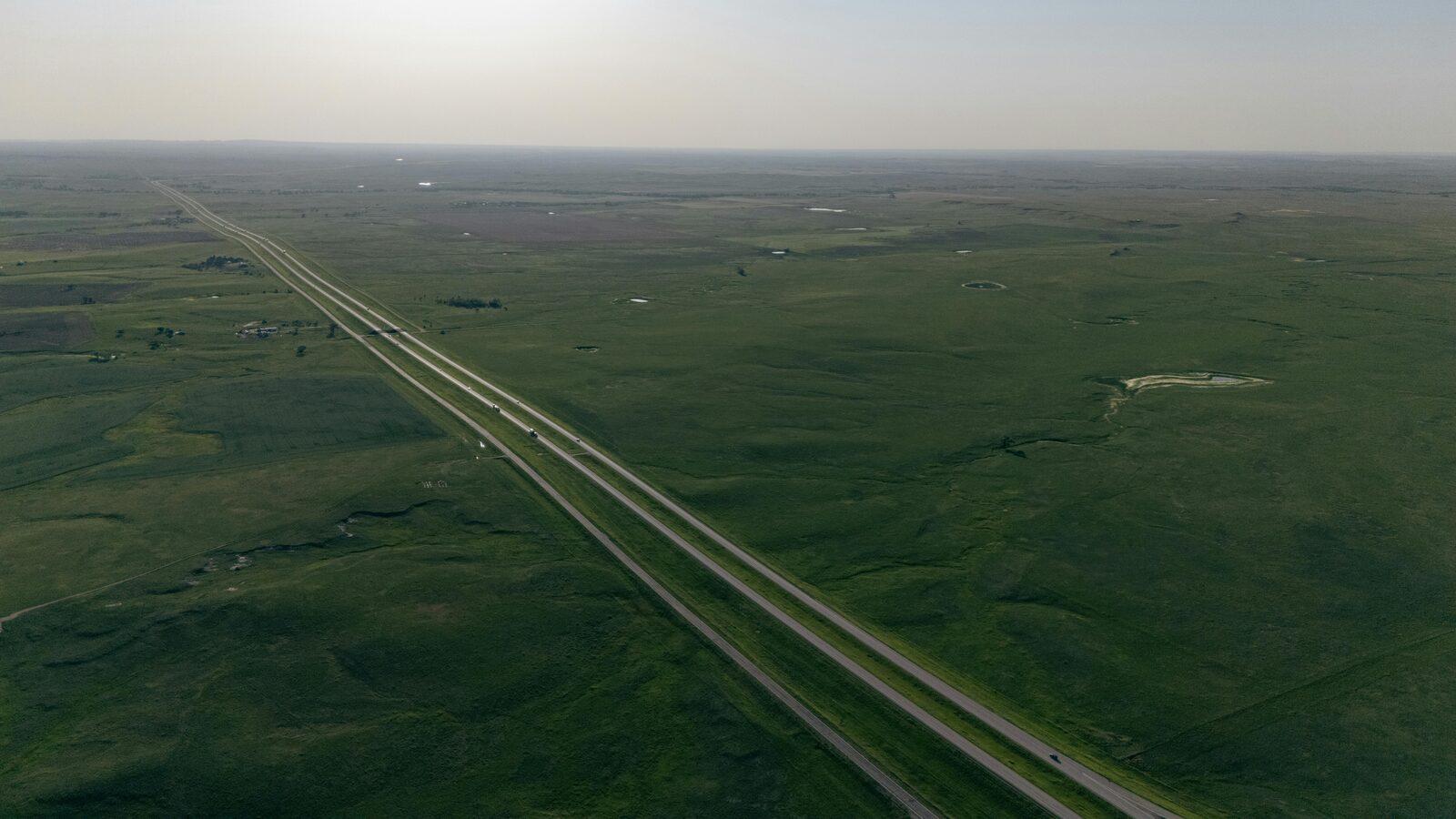
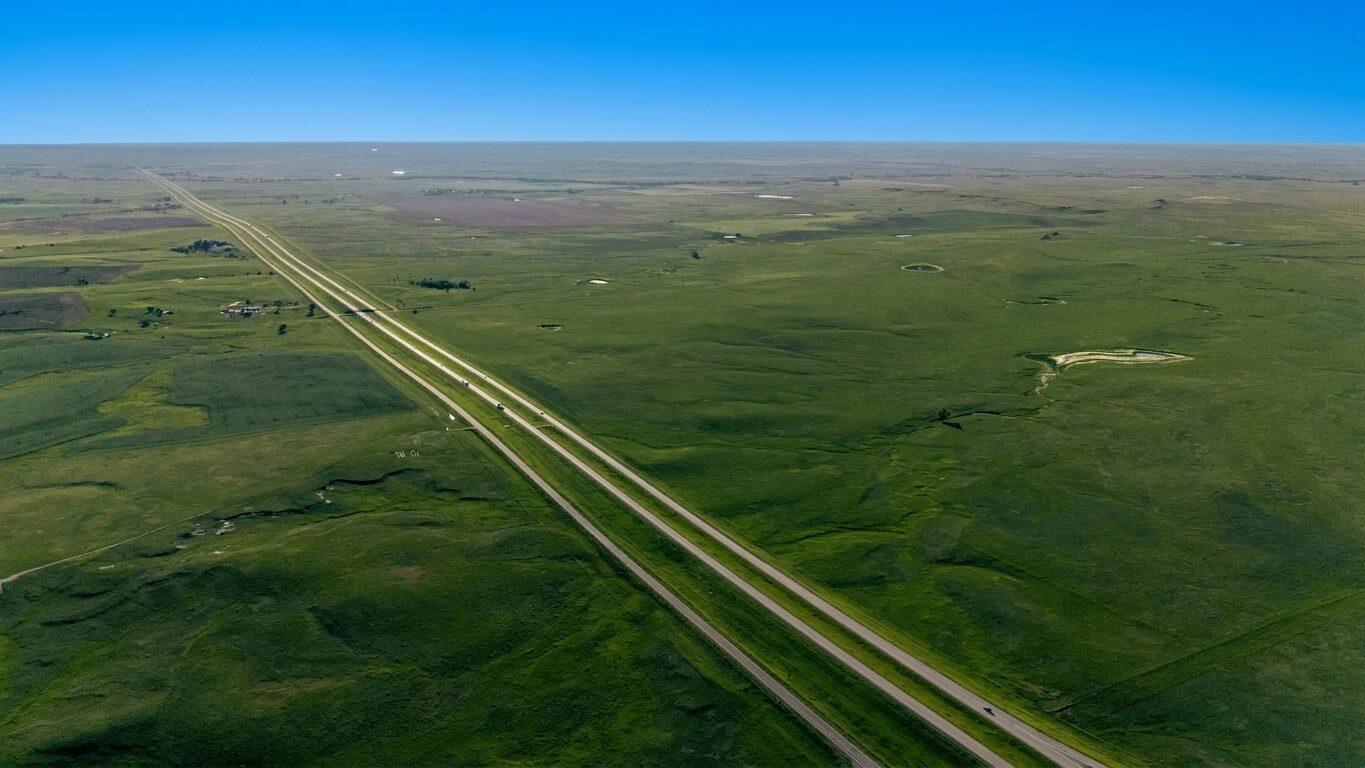
Flat outdoor image to stronger first impression
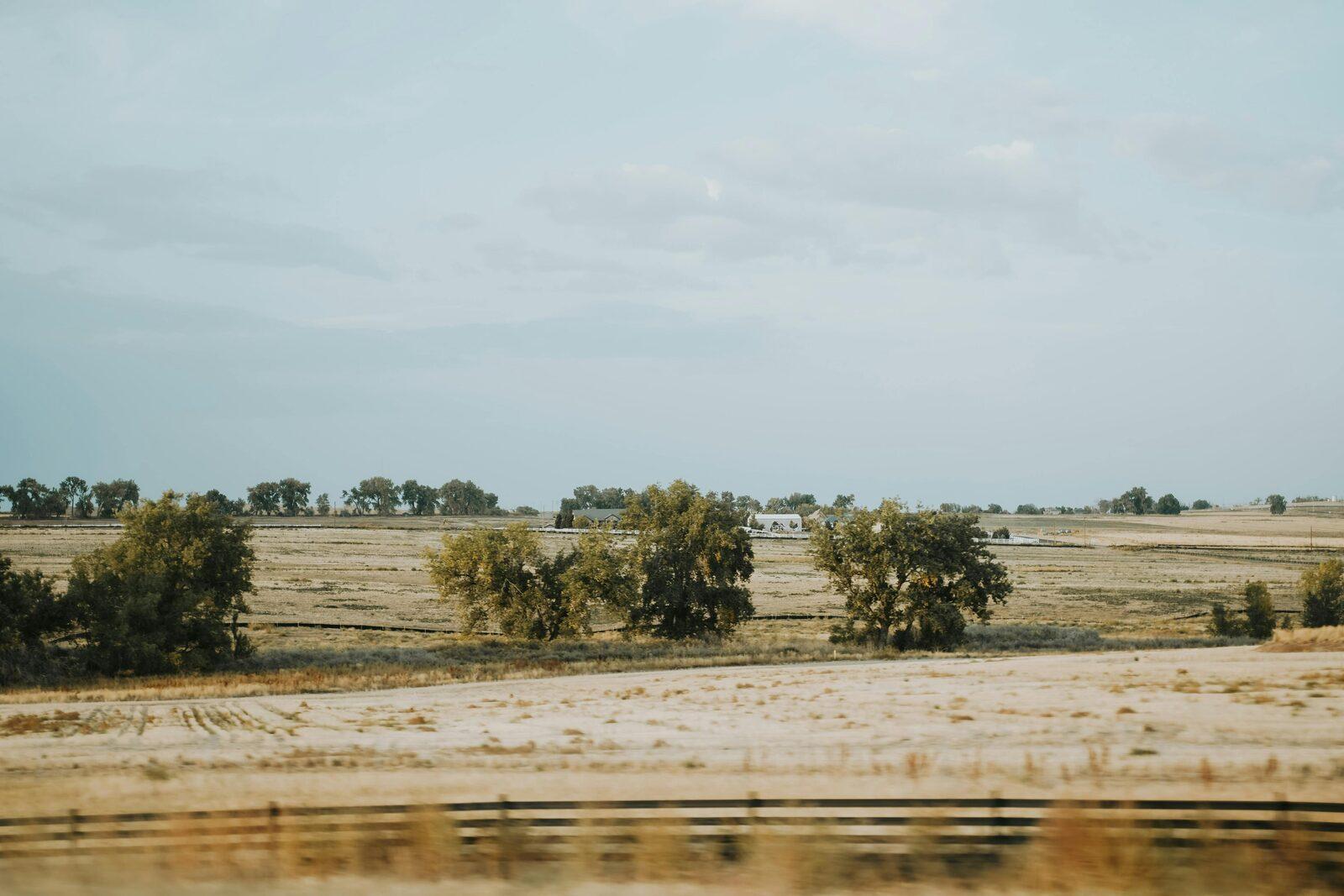
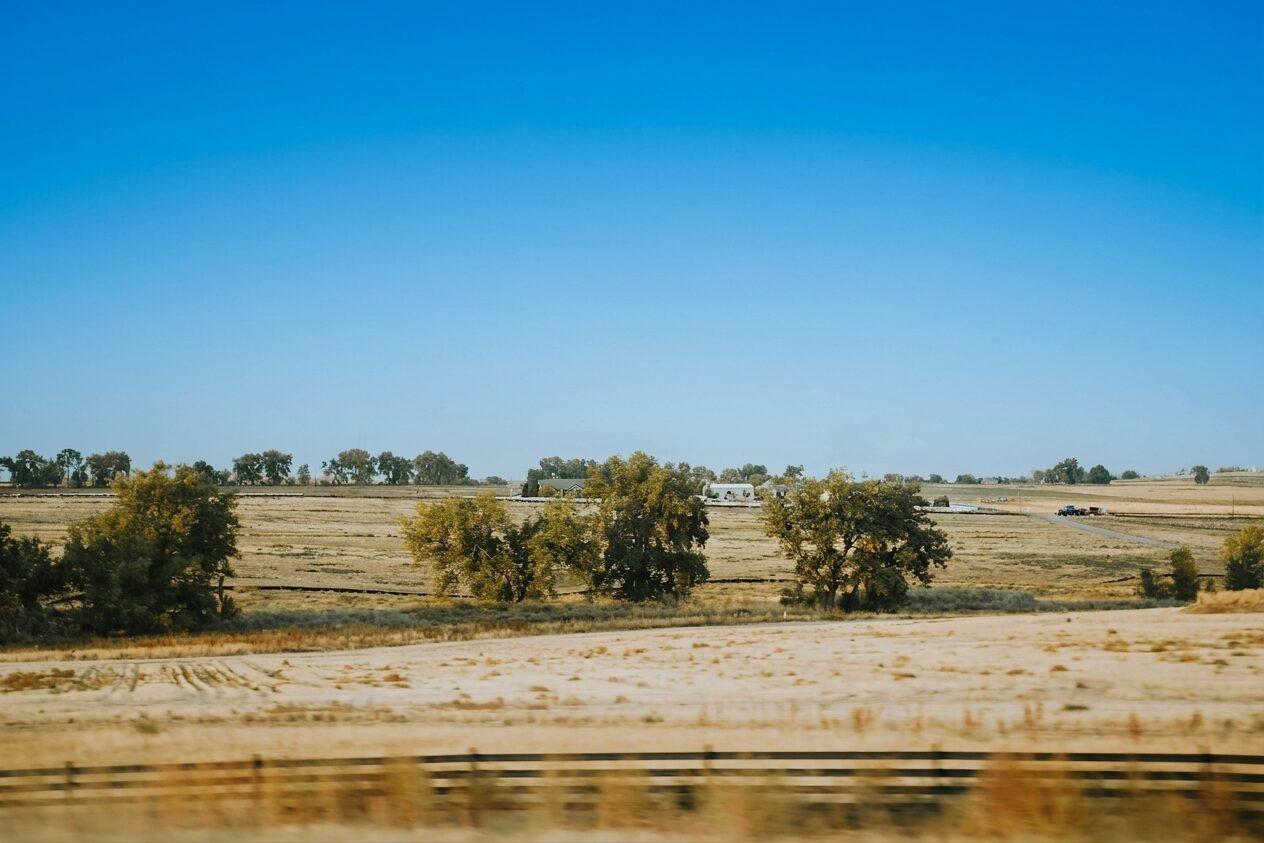
Basic listing photo to more eye-catching result
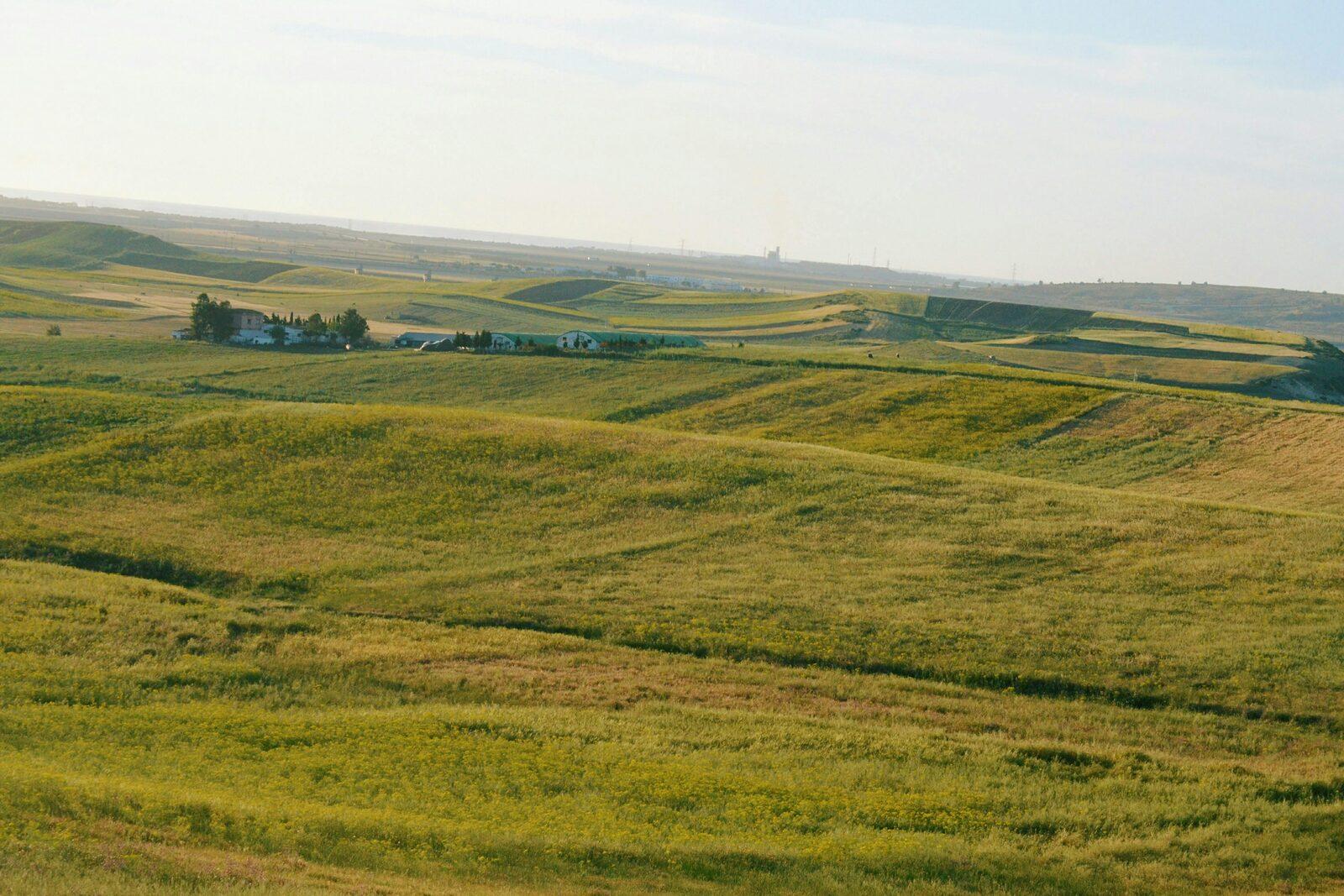
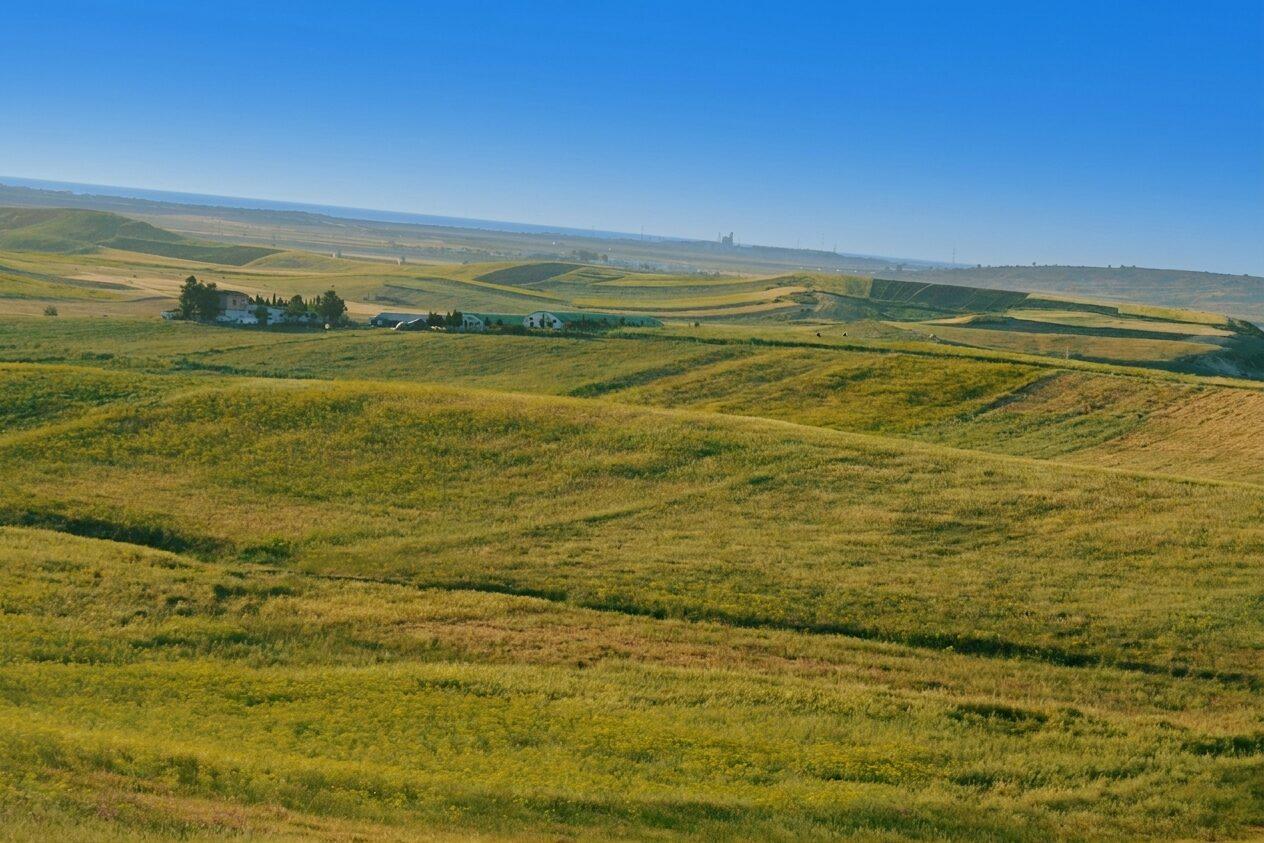
Gray horizon to a brighter, listing-ready photo
Muted sky to a cleaner blue marketing image
Why Change the Sky?
A better sky helps your photo feel brighter, cleaner, and more inviting. It is one of the fastest ways to improve the overall look of a property image without changing the land itself.
If the sky edit will be used in a listing, use the Virtual Staging Disclosure Generator to create cautious label, caption, QR, and original-photo workflow text.
ListingWand makes it easy to:
improve curb appeal in photos
make listings stand out
create more attractive land images
get cleaner visuals for marketing
save time on manual photo editing
How to Make the Sky Blue in ListingWand
You do not need Photoshop or editing skills.
Fast, simple, and made for listing photos.
Ready to Turn Your Sky Blue?
Use ListingWand to replace cloudy skies and improve your property photos in seconds.
Upload a photo and create a cleaner, brighter listing image with ListingWand.