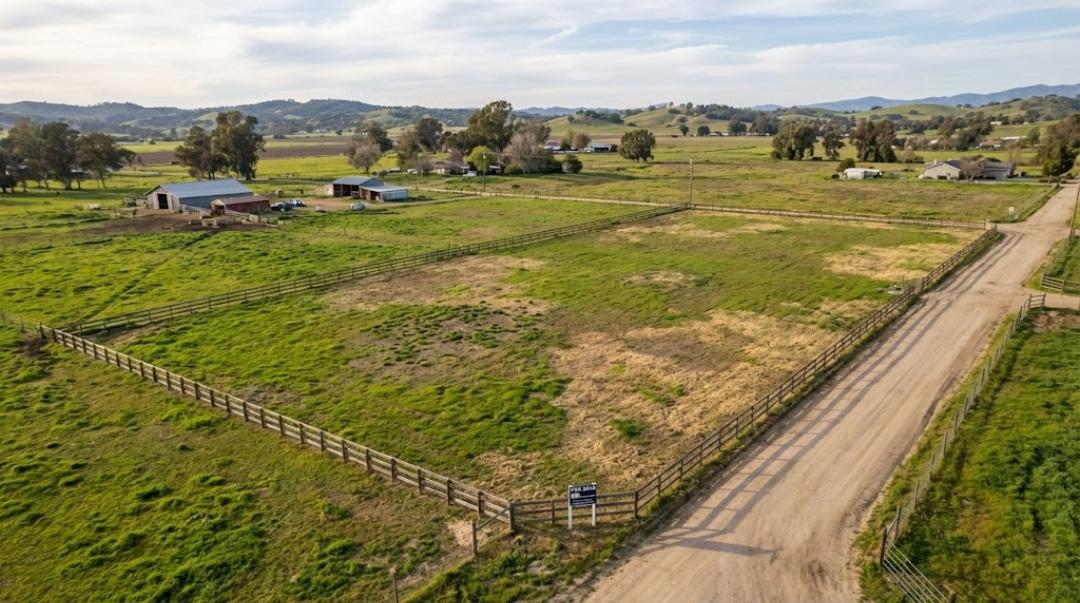
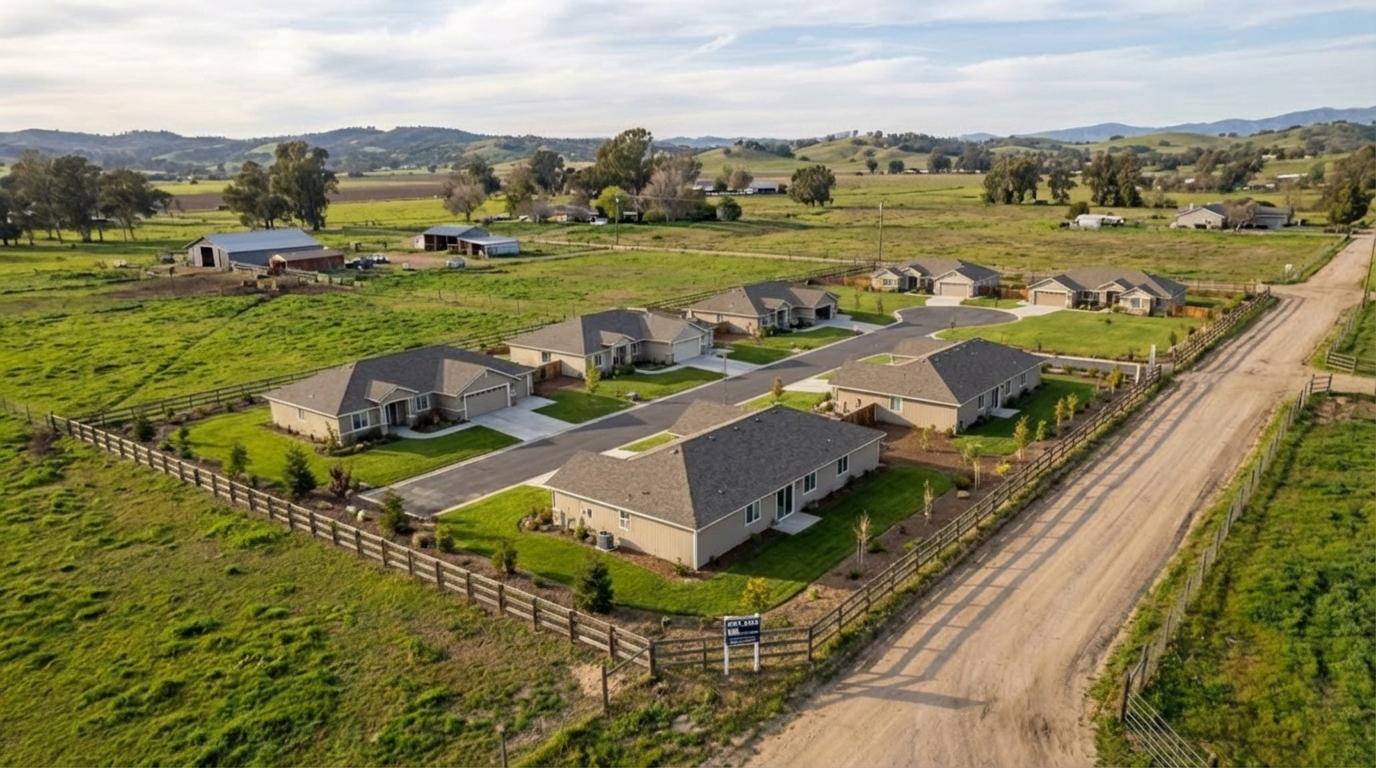
Land photos need to answer buyer questions, not just look pretty. The buyer is trying to decide:
- Can I access it easily?
- Where would I build or camp?
- What does the terrain really look like?
- What is around it (neighbors, roads, views)?
- What is the potential?
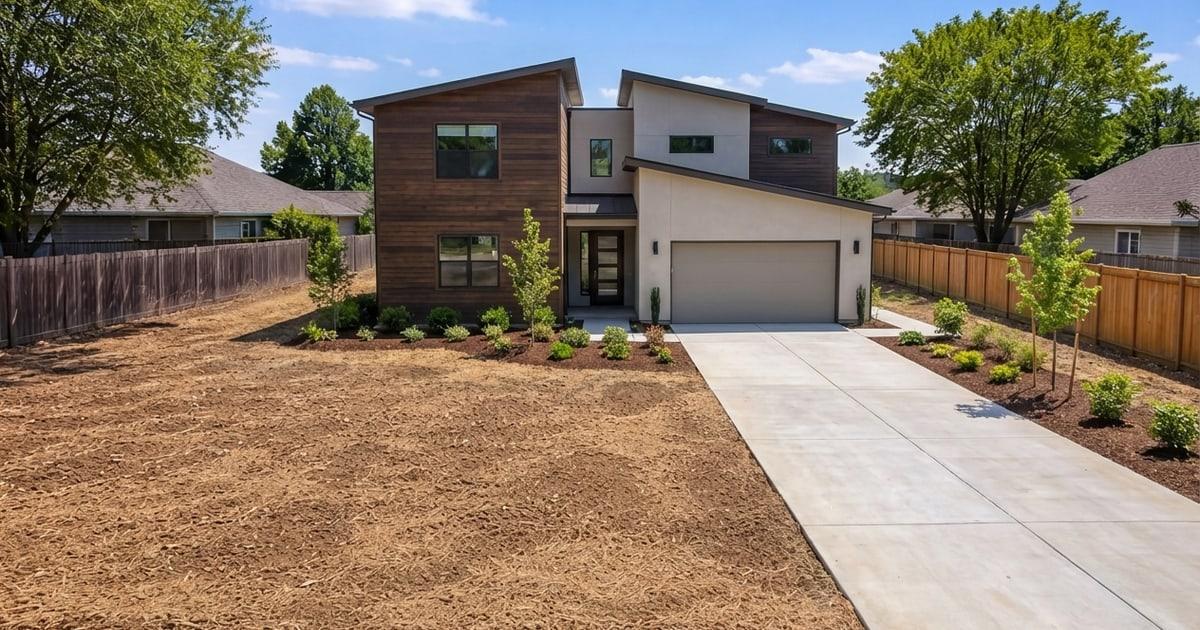
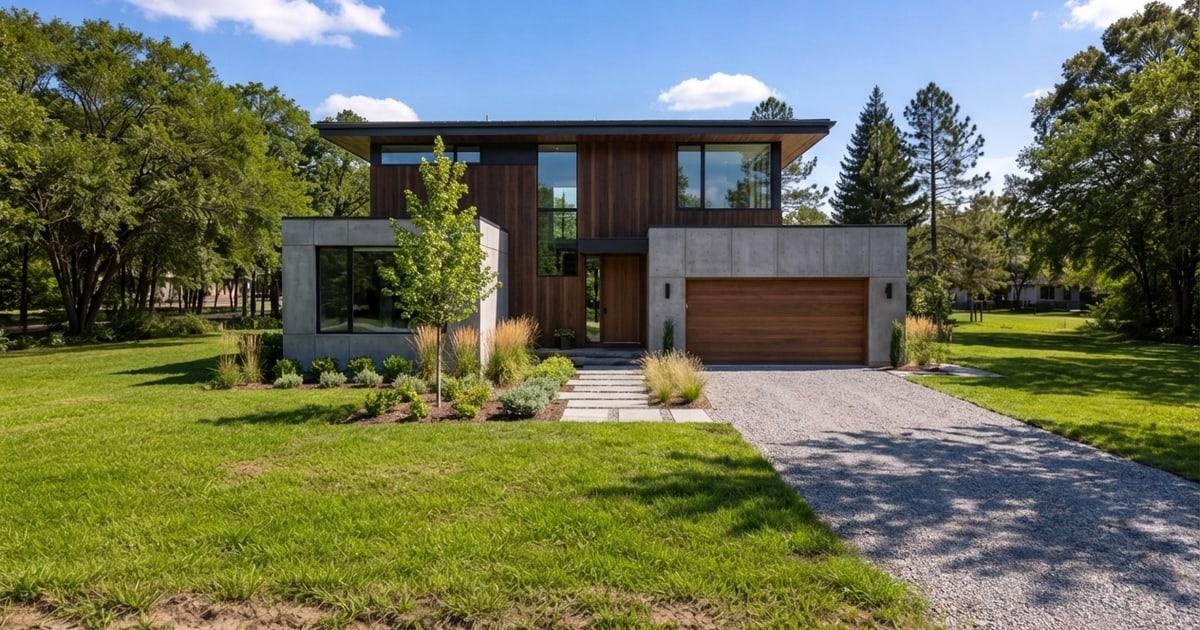
This guide gives you a practical shot list and a repeatable media stack. If you want a single high-impact upgrade, add a photoreal concept visual that shows a plausible best use on the real photo. Listing Wand can generate that in minutes; see Demo or Try it on your land photo — free.
The Land Photo Rules (Simple And Effective)
- Shoot for clarity first: access, terrain, and context.
- Mix wide shots and proof shots (driveway, power pole, slope).
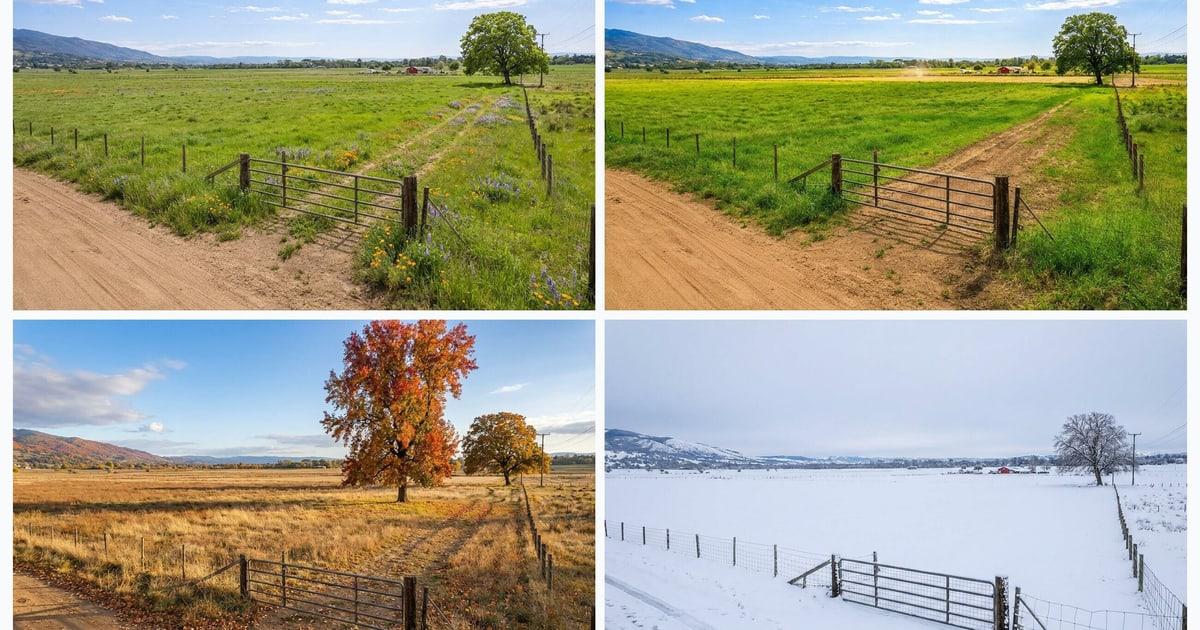
- Use consistent orientation and lighting.
- Do not over-edit. Buyers hate surprises.
Ground Shot List (Copy This)
- The road approach (both directions)
- The entrance/driveway (close and wide)
- The best build pad or clearing (multiple angles)
- A slope proof shot (stand on it and show the grade)
- Power, water, or utility markers (if visible)
- Views from the best spot
- Boundary-adjacent context (neighbors, fence lines, tree lines)
- Any improvements: culvert, gravel, gate, trails
- Any constraints: wet area, wash, steep ravine
If you do nothing else, get great access photos. Many land buyers decide yes/no based on access and usability.
Drone Photos (Optional, But Often Worth It)
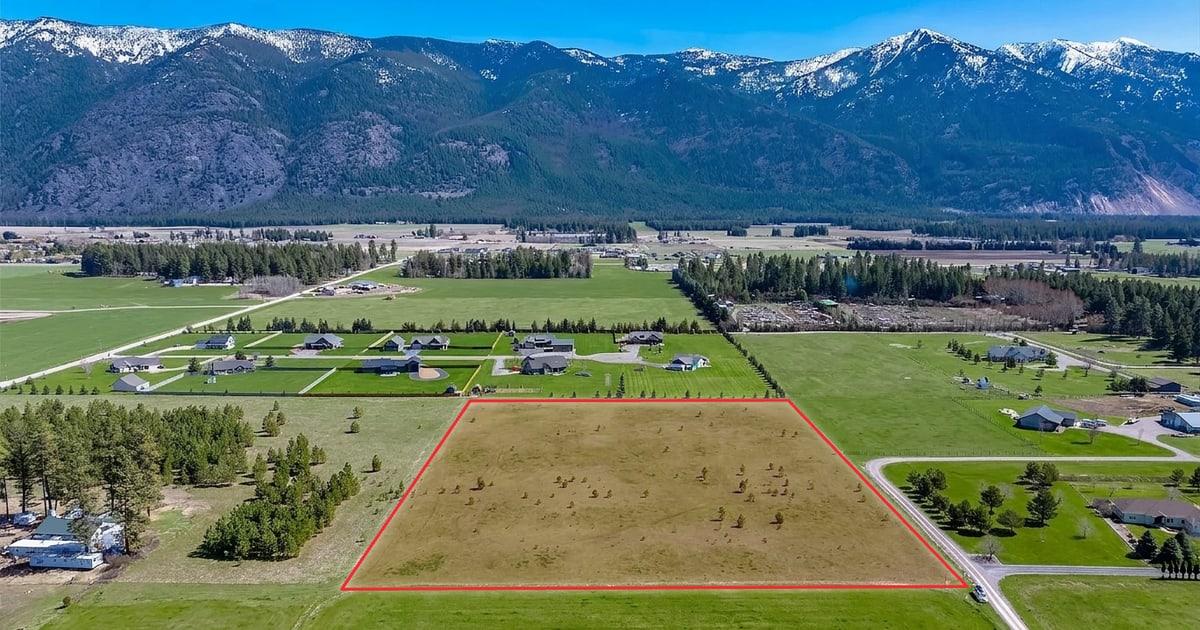
Drone photos help buyers understand:
- Parcel shape
- Terrain patterns
- Proximity to roads, water, and neighbors
- Potential homesite placement
Tips:
- Shoot a straight-down map-style view.
- Shoot a low-angle oblique view to show terrain and tree cover.
- Include one shot that shows the road connection clearly.
Maps Every Land Listing Should Include
- Location map (simple and buyer-friendly)
- Boundary map (county GIS screenshot is fine)
- Optional topo map (when terrain matters)
Already have a survey, plat, or county GIS reference? Use the free property line overlay tool to draw the approximate boundary on an aerial or drone photo, then download a clean listing image.
A strong listing is photos plus maps plus a clear description. If you want to make potential pop, add one concept visual. Listing Wand can place a structure concept onto your real land photo. See Features and the workflow on How To.
The Media Stack That Converts
Aim for:
- 15-30 ground photos
- 3-8 drone photos (if available)
- 2-3 maps
- 1 concept visual (optional, but high leverage)
- 1 short video walk (phone is fine)
A concept visual is marketing, not a promise. Label it clearly as an artist rendering and follow local MLS rules. Listing Wand supports optional watermarking; see Features. For wording, labels, QR text, and original-photo workflow guidance, use the Virtual Staging Disclosure Generator.
If your listing also includes a house, cabin, or interior room photo, use realistic AI virtual staging to stage rooms while keeping fixed property details intact.
Common Land Photo Mistakes
- Only shooting pretty sunsets and tree lines (no access proof)
- Hiding slopes or wet areas (buyers find out anyway)
- Over-saturating greens and sky
- Not showing what is around the parcel
- Leaving buyers to guess where the homesite could be
Quick Upgrade: Add One Vision Image
If your photos are solid but the property still feels abstract, add one photoreal concept visual:
- Watch the workflow on Demo.
- Run the guided version by trying it on your land photo — free.
- Build it into your process with Plans.
Next: use Land Listing Description Template to write faster and answer objections upfront.