Land listing marketing
Need to sell vacant land faster?
Prefer done-for-you? Get 3 free concept visuals
- Made for land sellers
- One photo to many concepts
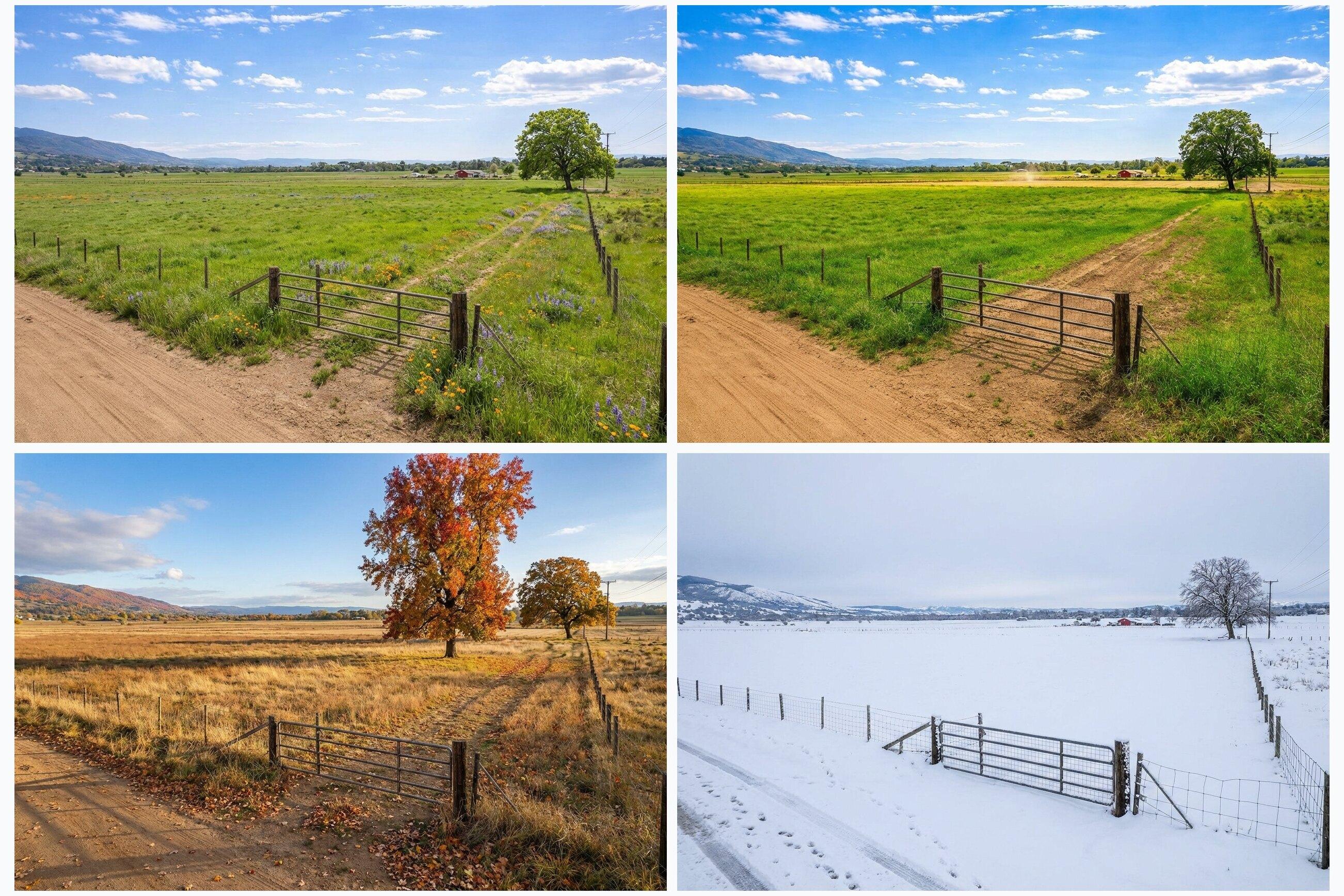
- All four seasons
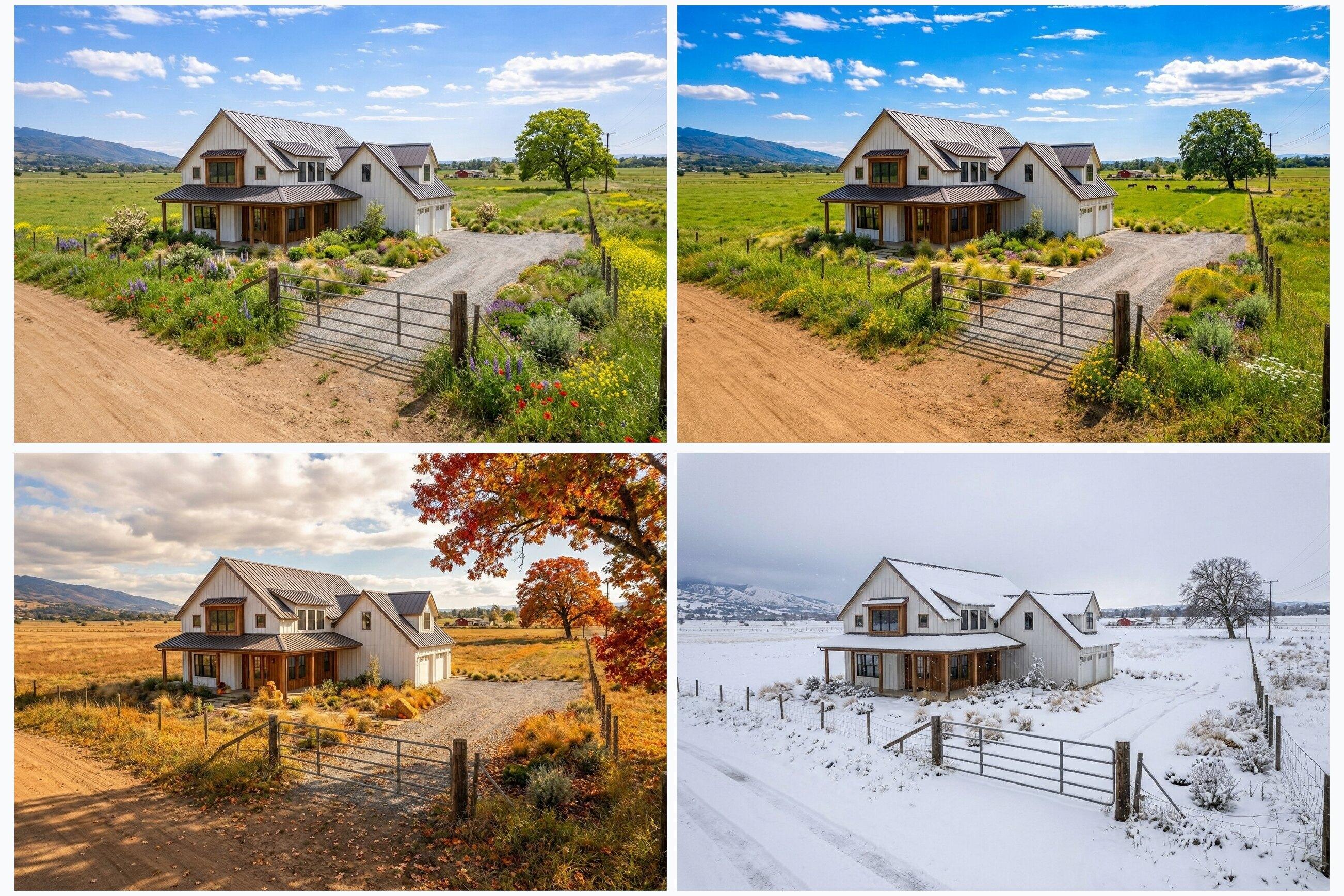 After
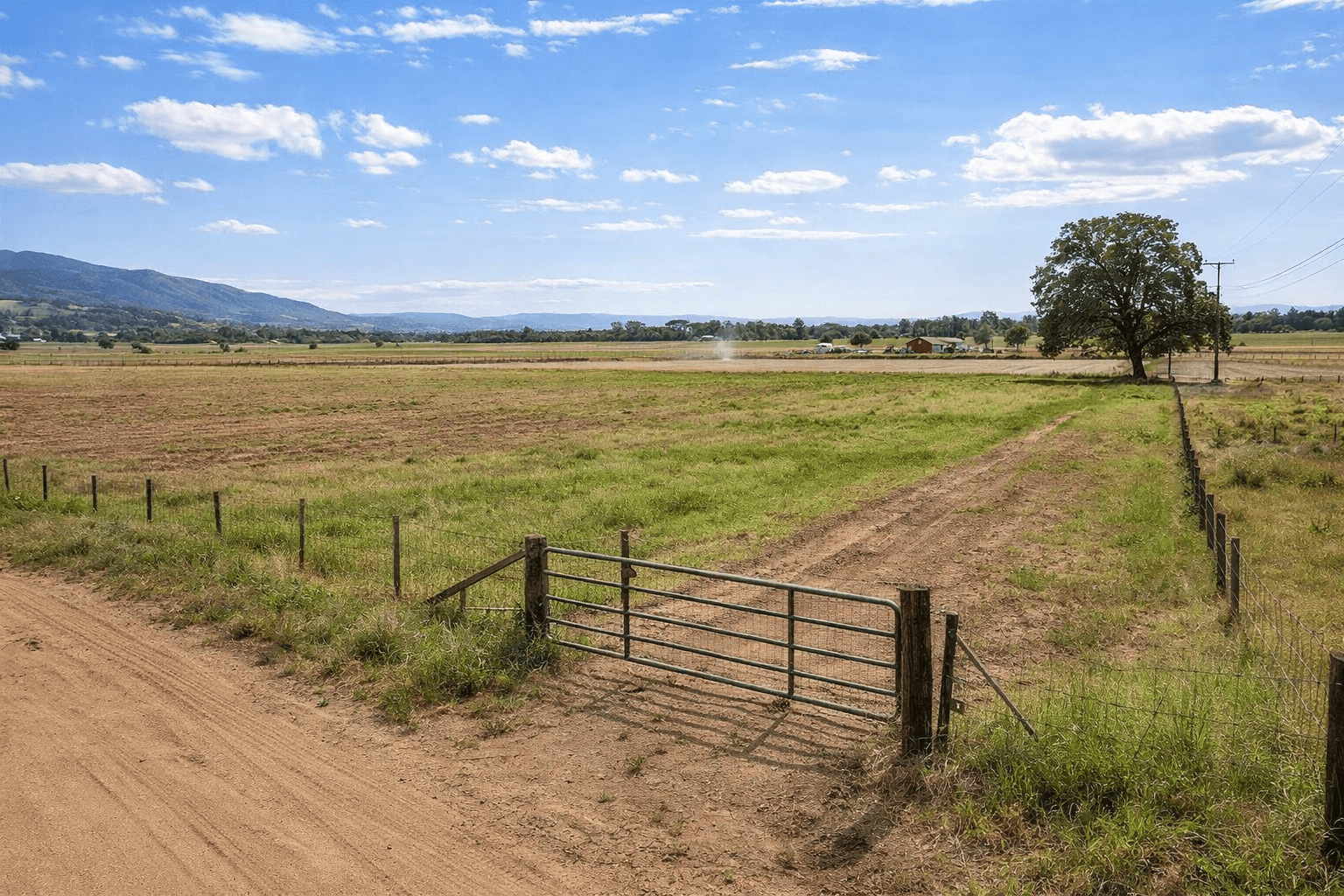 Before
The original land photo, then a home concept on the same land in all four seasons.
Why land listings stall
- Raw land photos can look flat and hard to evaluate.
- Buyers struggle to picture what could actually be built.
- Agents spend weeks explaining the same vision over and over.
What Listing Wand changes
- Add realistic structure concepts directly onto the actual listing photo.
- Generate spring, summer, fall, and winter variants from one image.
- Use clear visuals in MLS listings, email, and social ads with proper disclosure.
01Examples
Real before/after examples
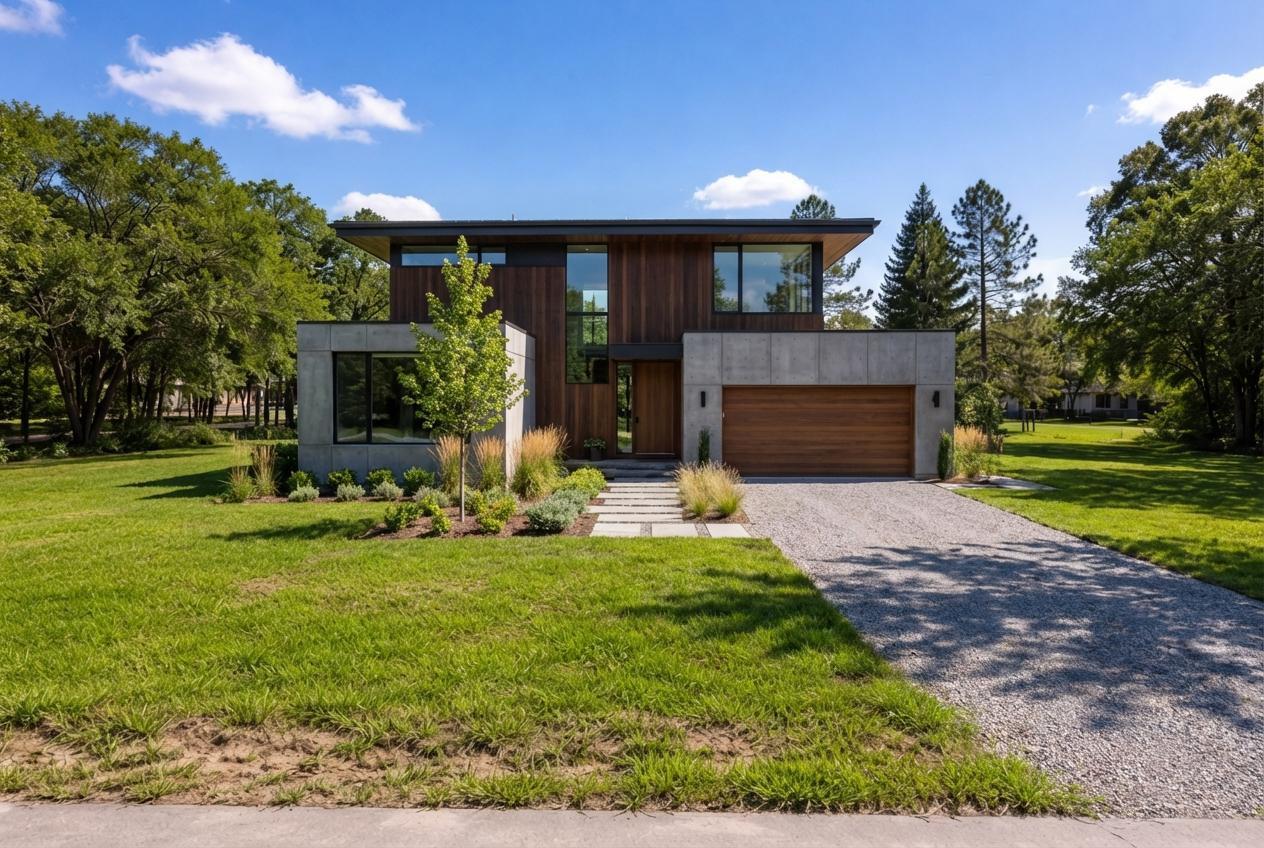 BeforeAfter
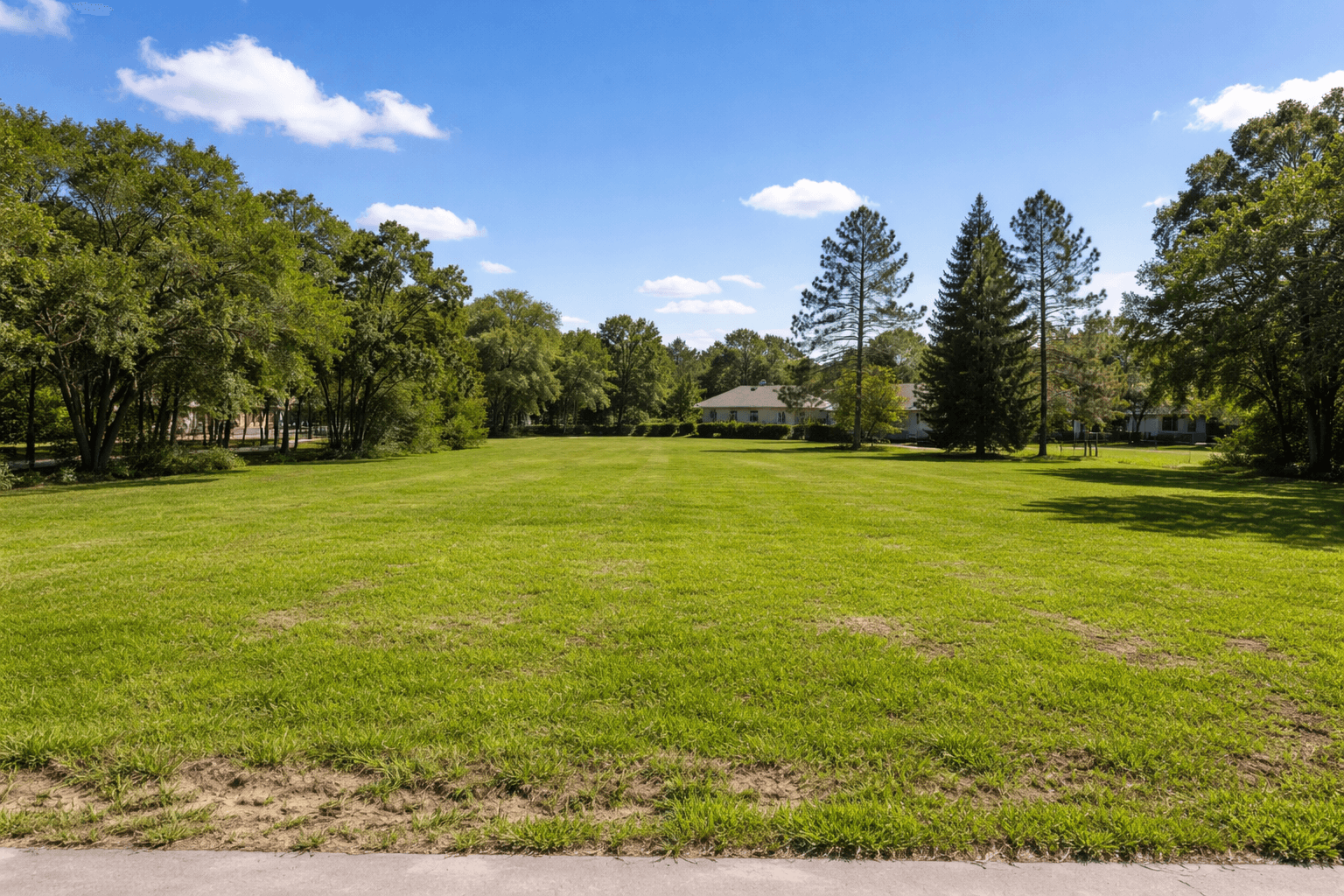
Modern home on a suburban lot
Land concept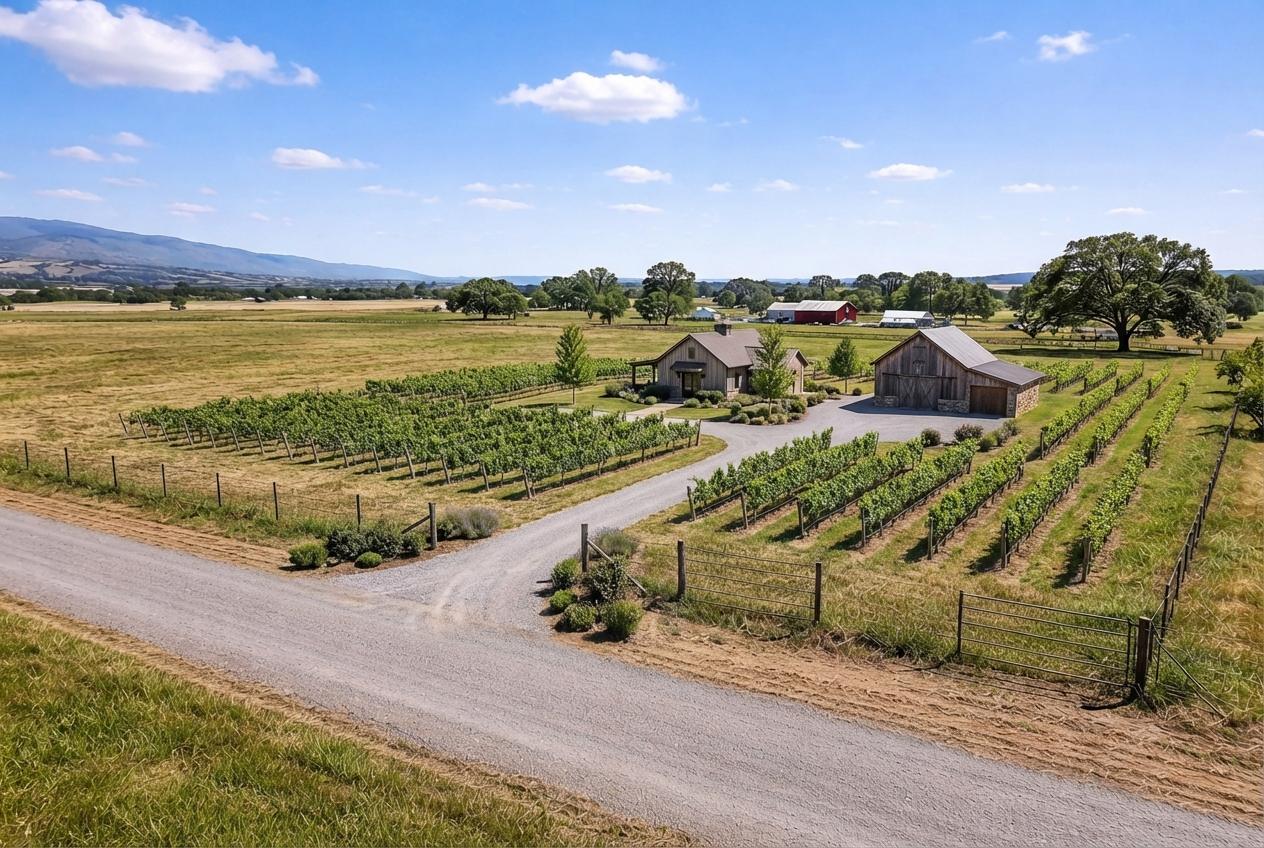 BeforeAfter
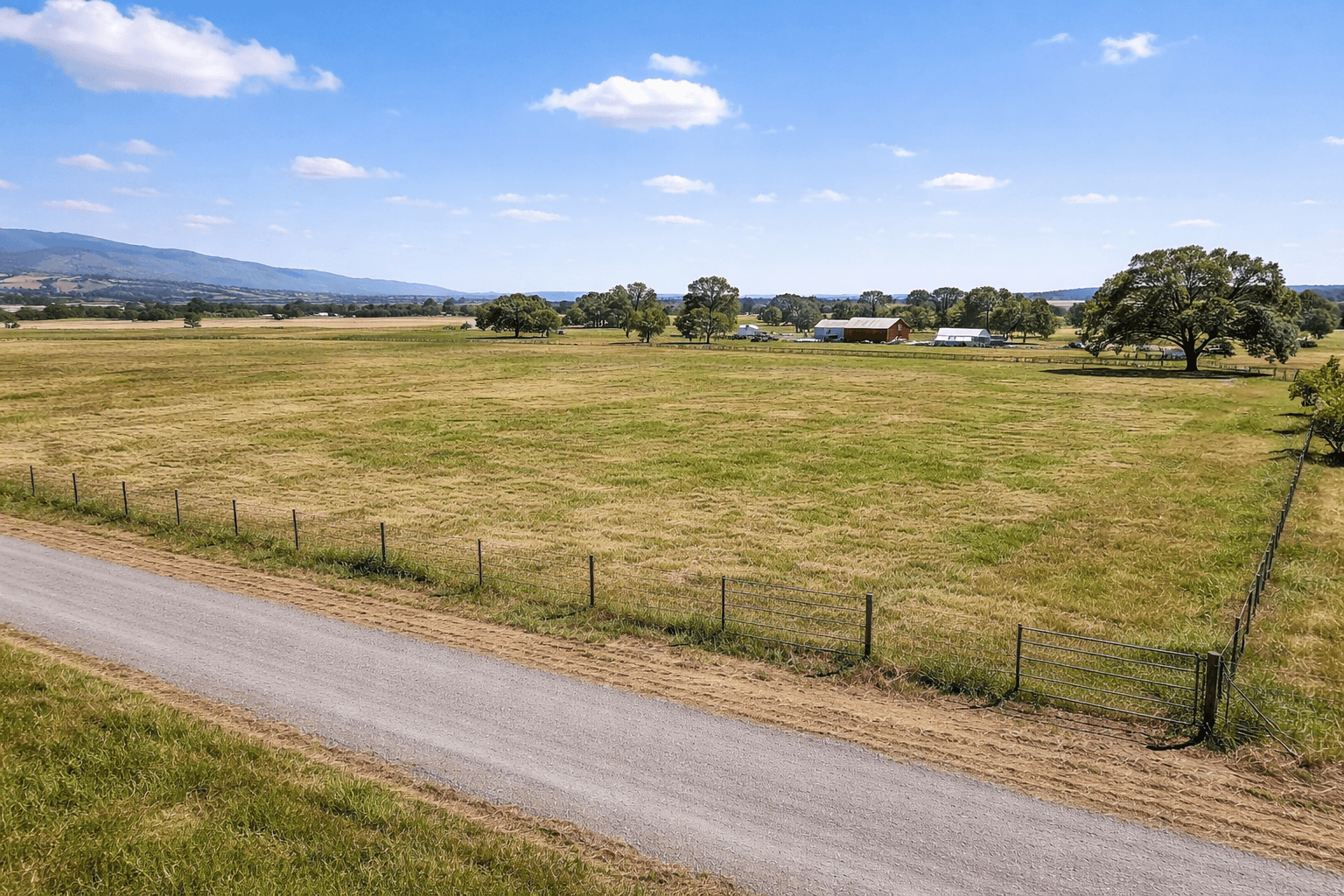
Homestead on a roadside farm field
Land concept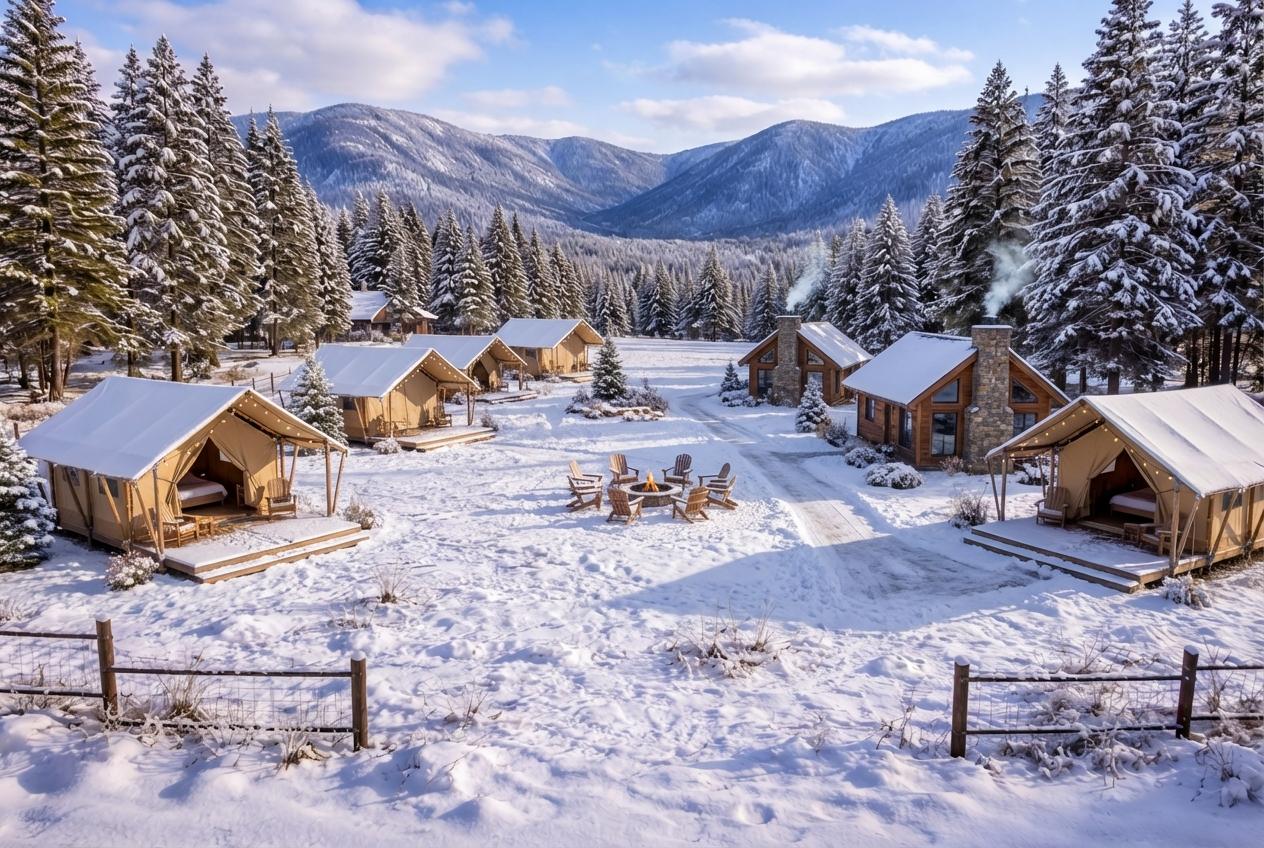 BeforeAfter
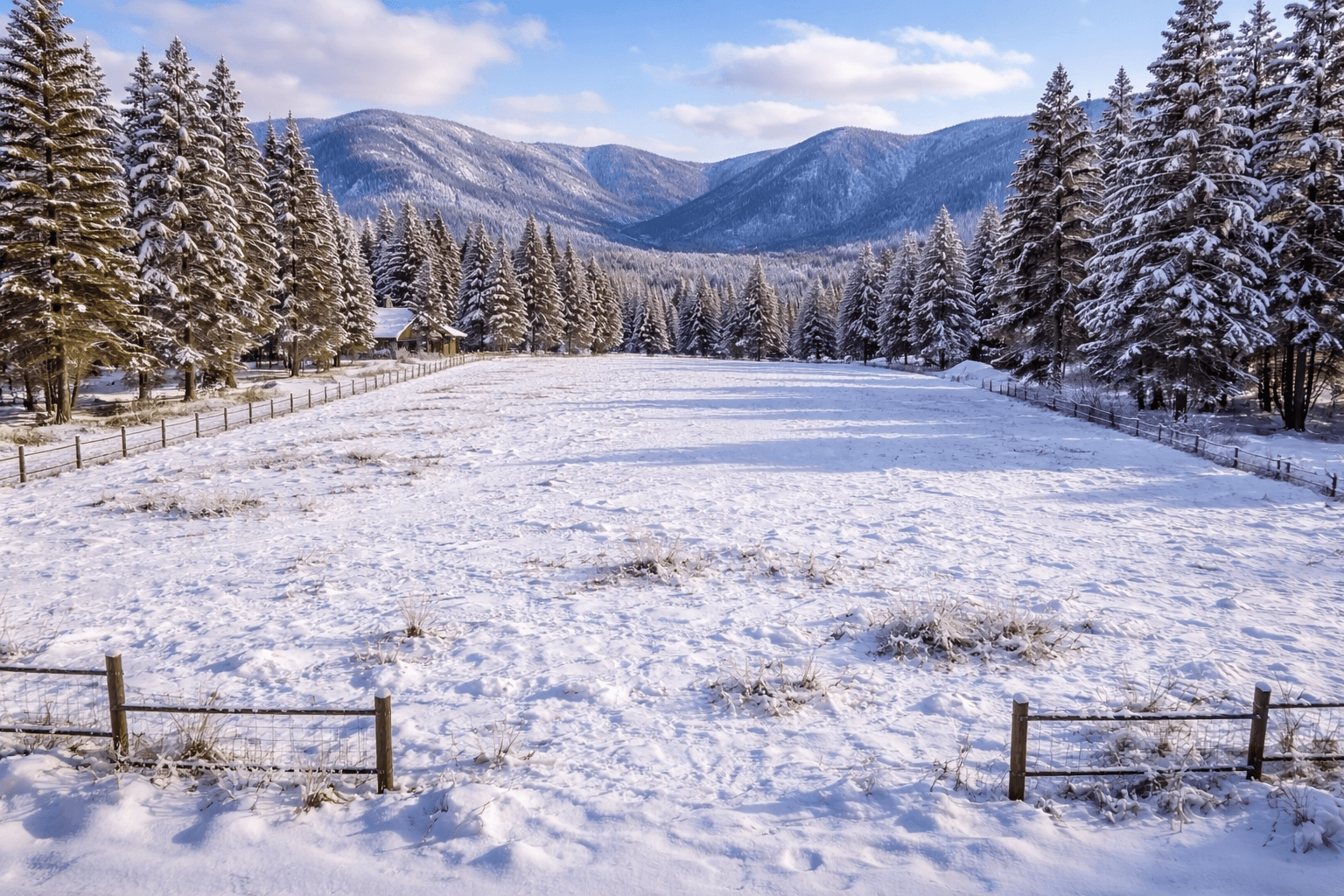
Glamping village on a mountain clearing
Land concept
All four seasons
Generate spring, summer, fall, and winter variants from one image, so buyers can see the land year-round.
02Workflow
How to use it on your next listing
- Step 01
Upload one land photo
Start with a clean listing photo from your phone, drone, or camera.
- Step 02
Pick a concept
Choose a structure style (home, cabin, glamping, subdivision concept, and more).
- Step 03
Generate options
Create up to 4 variants in one run and choose the strongest image.
- Step 04
Publish with confidence
Download and use your best visuals in listings, brochures, and ads.
03FAQ
Frequently asked questions
Something else? Contact support
Is this for vacant land, lots, and acreage?
Can I try it before buying?
Do I need design skills?
Can your team create the visuals for me?
Are these engineering or permit-ready plans?
04Related tools
More listing photo tools
Ready to create better land listing visuals?
Start with 10 free AI concept visuals, see how your own listing can look, and choose a credit pack whenever you need more. If you prefer a done-for-you workflow, use a full-service package instead.