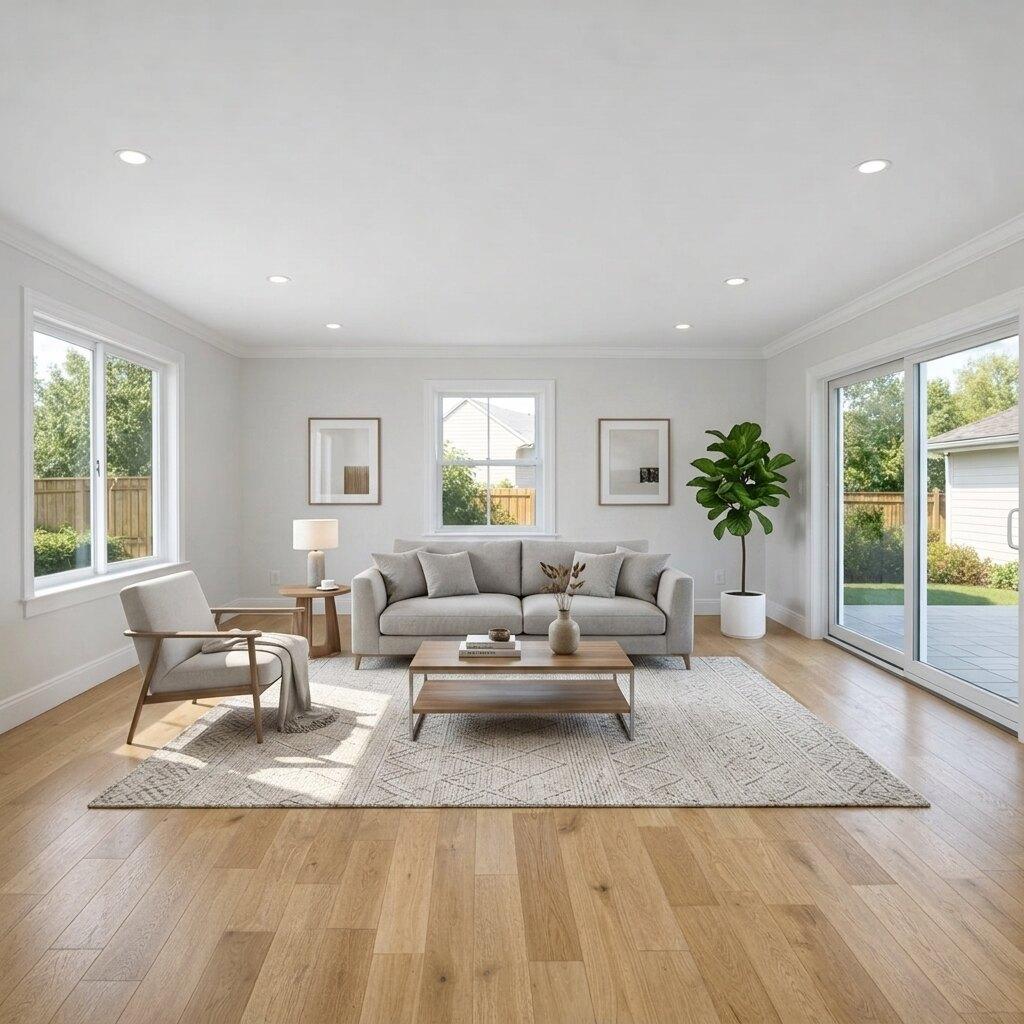
Virtual Staging
AI Virtual Staging for an Empty Living Room
See how AI virtual staging can turn an empty living room photo into a clearer furnished listing visual.
- Virtual Staging
- Room Staging
- Empty Living Room
Cleanup and decluttering
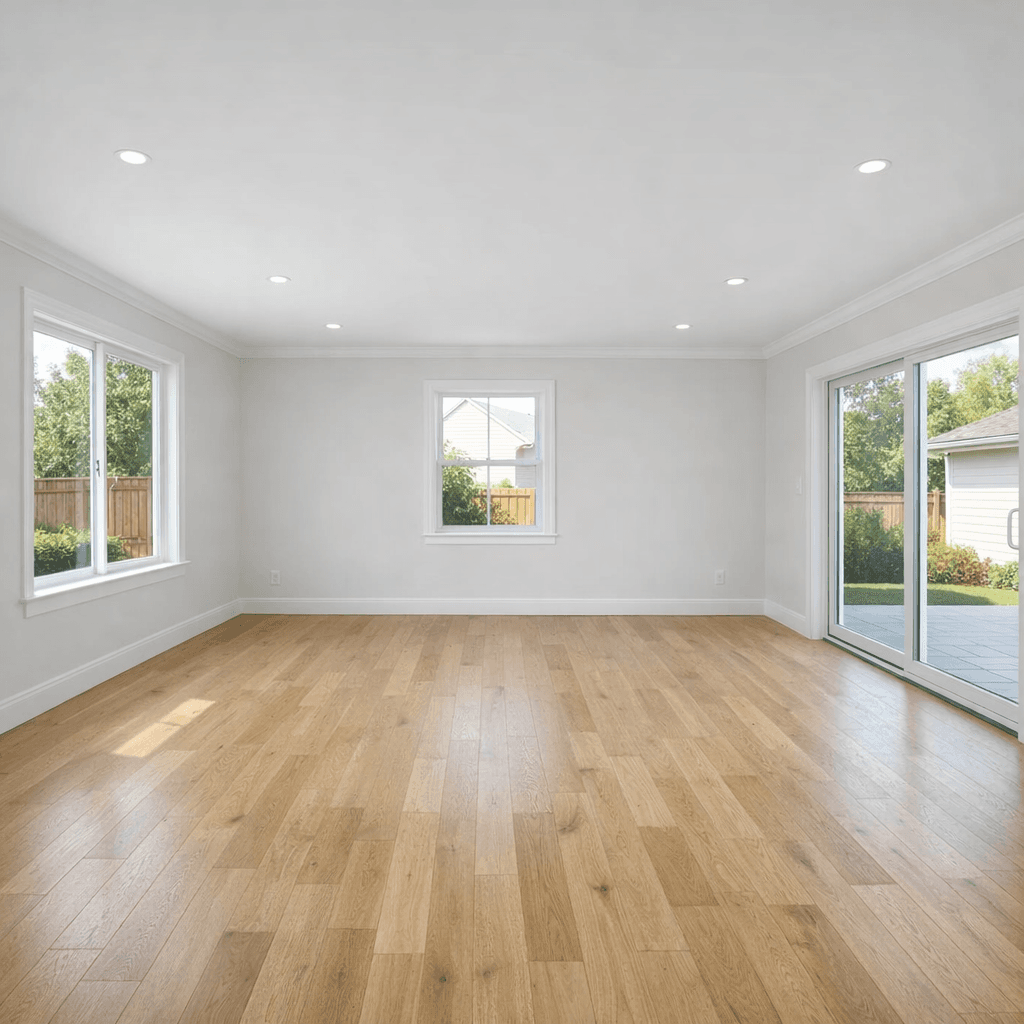
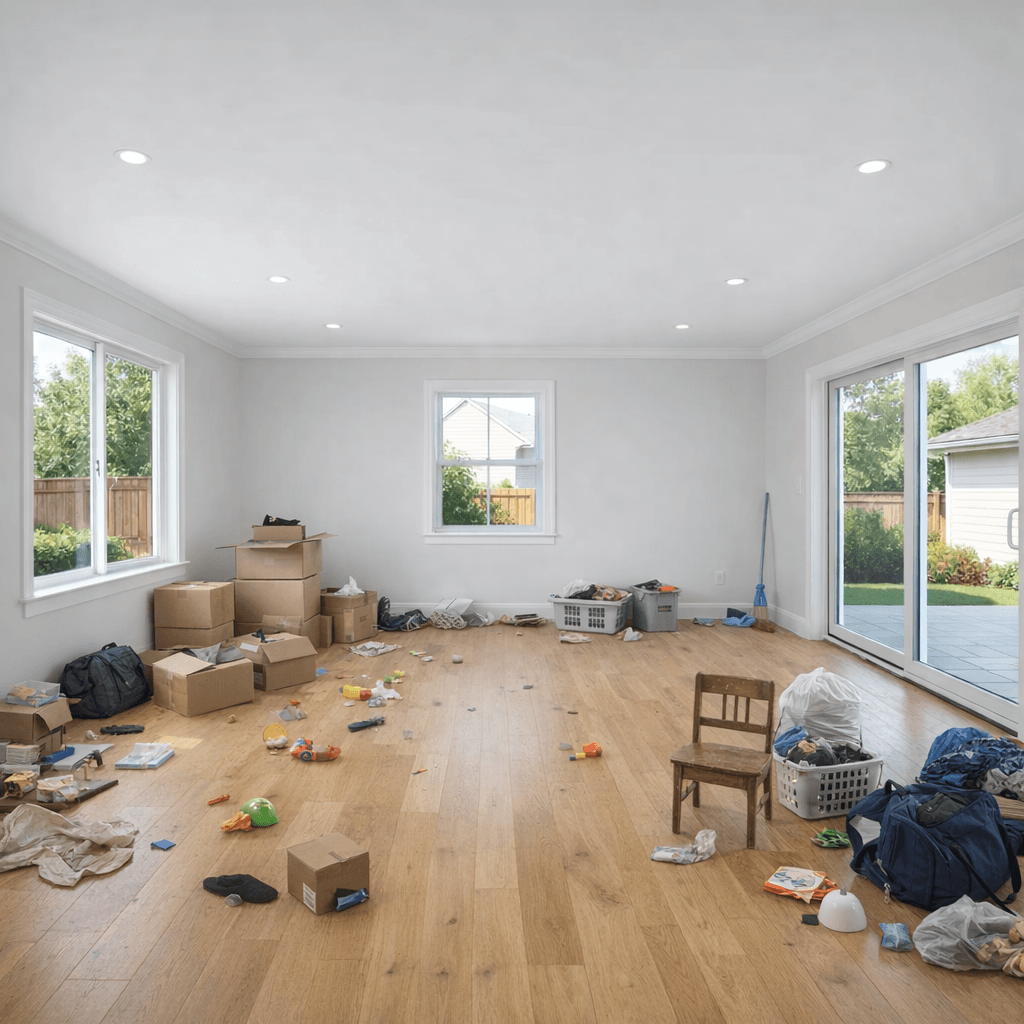
Messy or distracting photos can make it harder for buyers to evaluate a room. This example shows how AI cleanup can simplify an interior image so the space is easier to understand.
What changed
Why it helps
A cleaner listing photo can help buyers focus on the space instead of temporary distractions. Cleanup edits work best when they stay focused on visual noise and presentation.
Keep browsing
See how AI virtual staging can turn an empty living room photo into a clearer furnished listing visual.
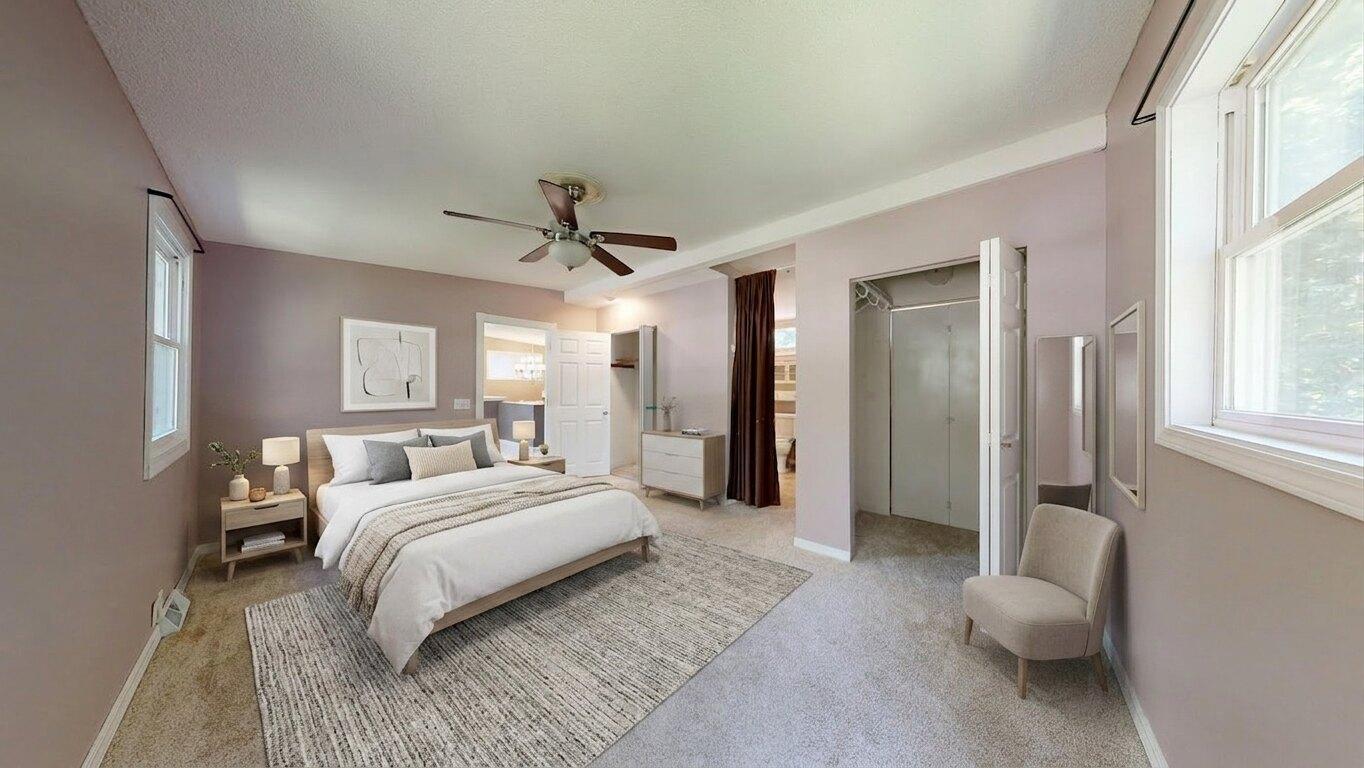
See an empty bedroom before-and-after example using AI virtual staging for a clearer real estate listing visual.

See a real estate sky replacement example that turns an overcast property photo into a cleaner listing visual.
Use Listing Wand to create concept visuals, staging examples, cleanup edits, and listing photo improvements.